
Deactivating User
To deactivate an account, go to the SimpleRFID web portal and click Users. 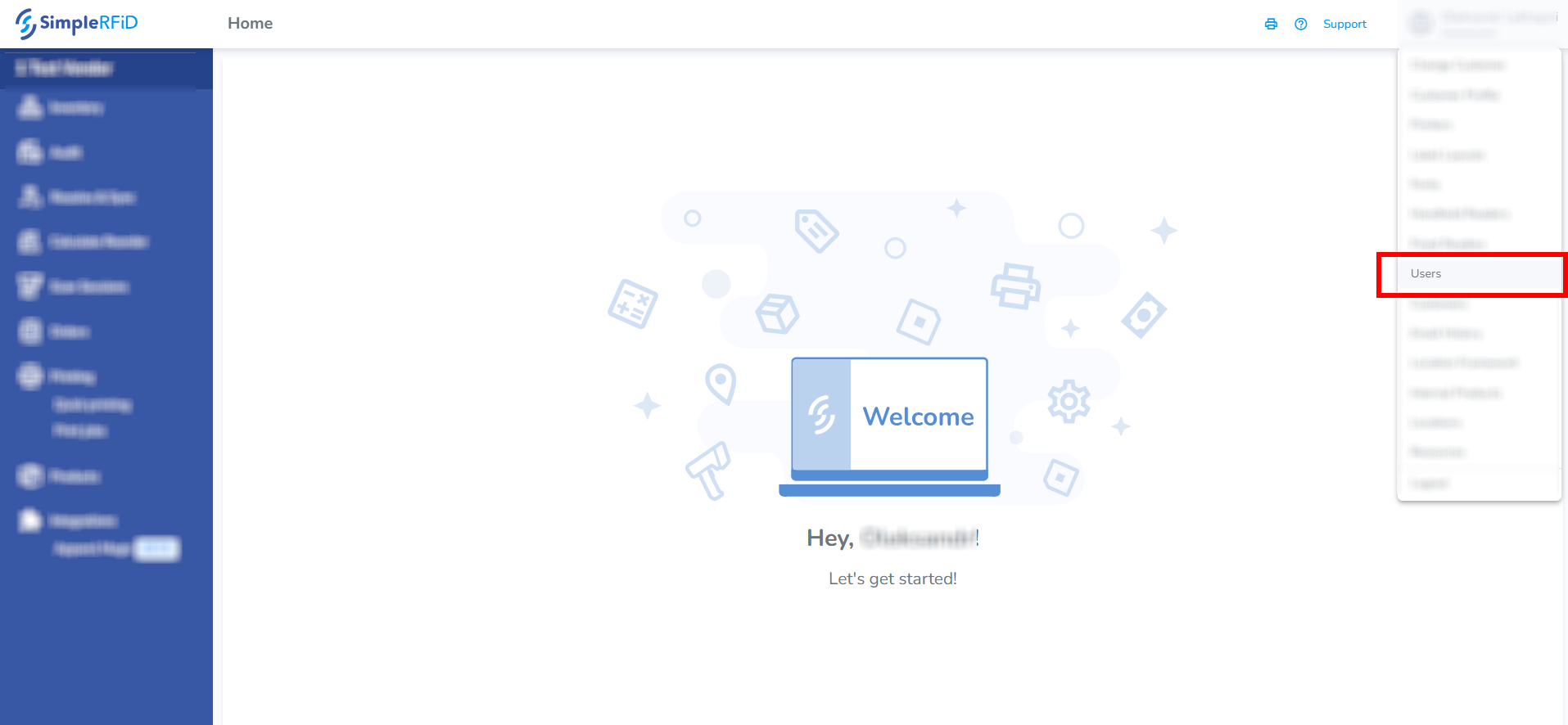
You need to have the Manager role in the SimpleRFID web portal.
Find the account by typing the name in the search box. Click on the account that appears in the search results.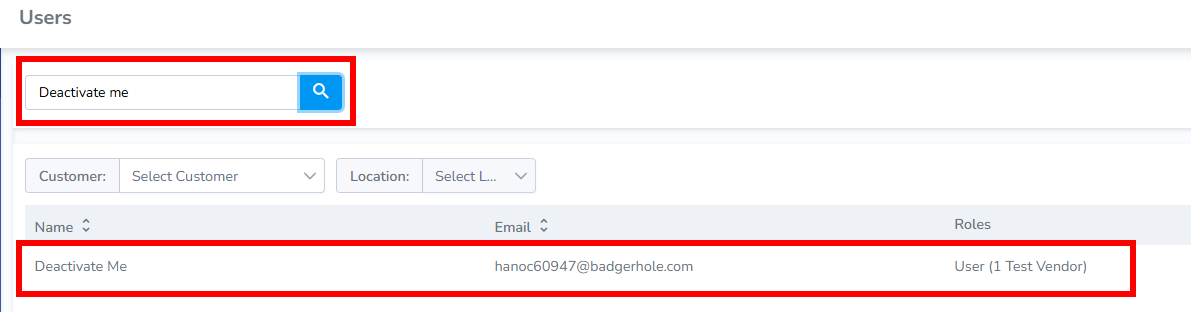
Click Deactivate user.
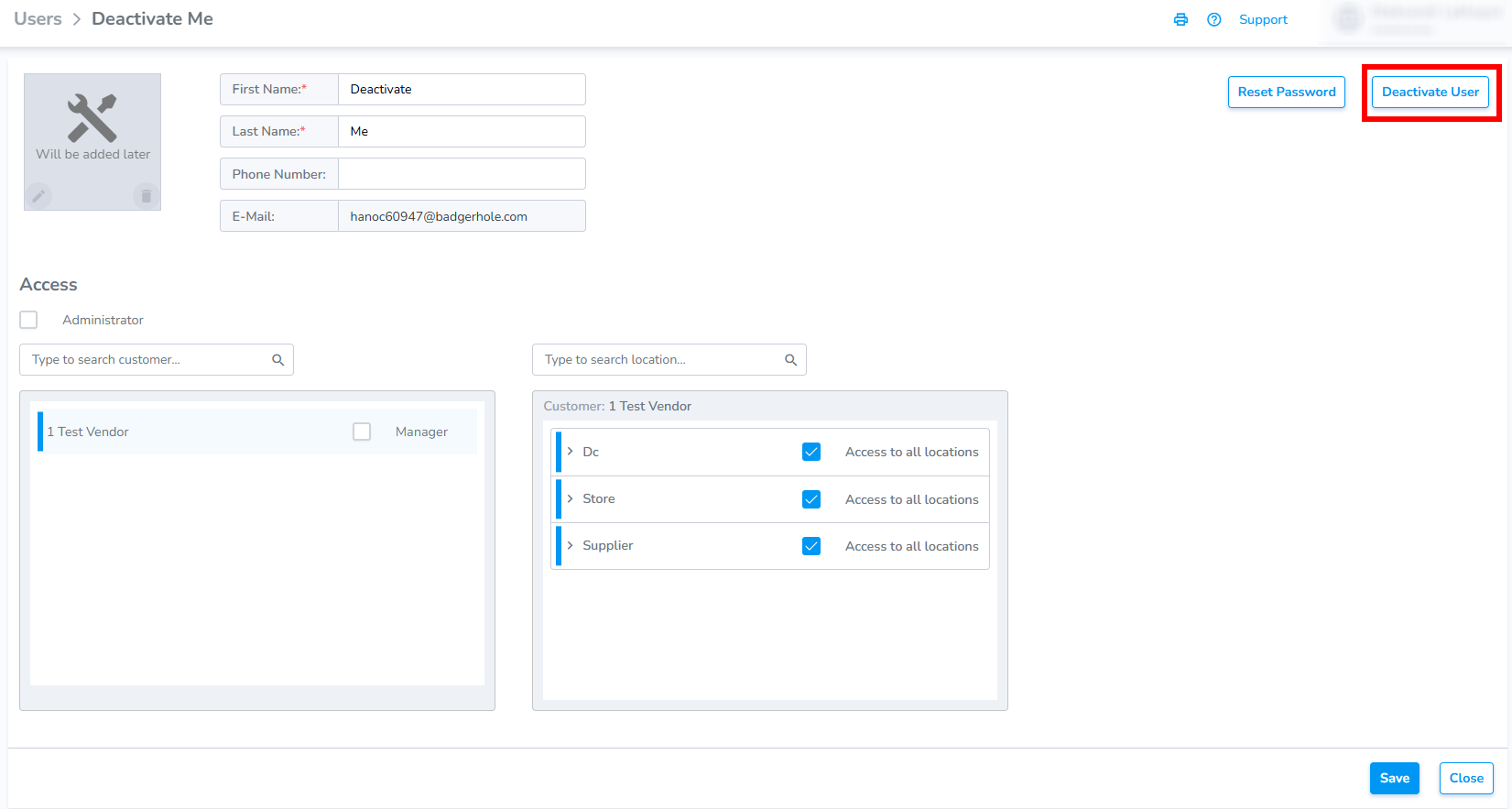
Now, we can see that the account is deactivated.
