
Repair Print Client - Windows
Repairing the print client will download and run the installer in order to write over any parts of it that may have been damaged. This is particularly useful if the Refresh Print Client option throws an error.
Please make sure you are using the latest version of the Support Tool; previous versions will reset your station pairing, meaning you will need to contact support to re-attach your station if you use the Repair function on those older versions.
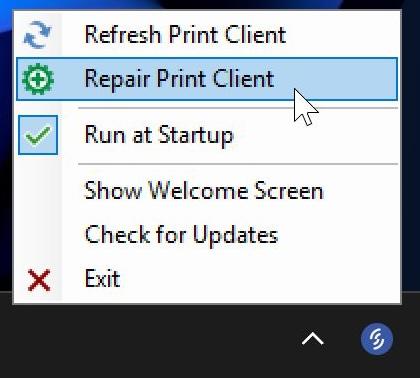
Wait a few minutes after the repair process completes for your station to come online. If you continue to face issues, please contact support.