
Repair Print Client - Mac
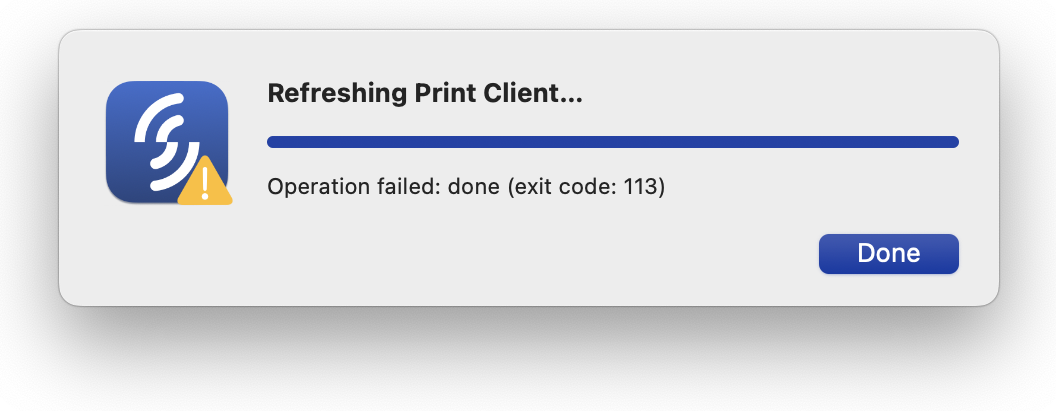
If the Print Client can't be refreshed, it often indicates an error with the installation. You can use the Repair Print Client option to resolve this issue.
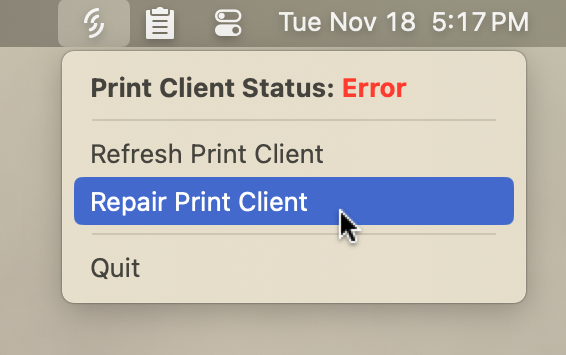
Open the Support Tool on your menu bar, and select the Repair Print Client option:
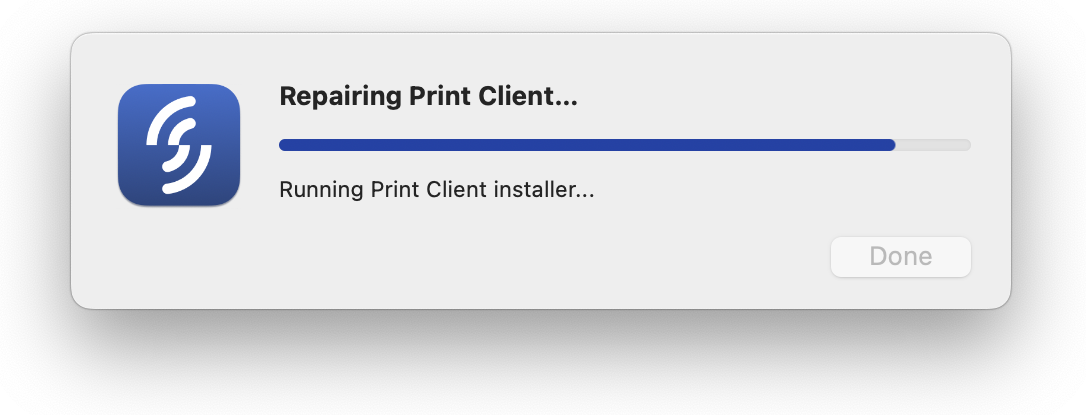
You'll see a progress window with the steps the repair function is completing. Note that depending on your computer's internet speed and performance, the "Downloading installer..." and "Running Print Client installer..." steps may take a couple of minutes.
When the repair is complete, the progress window will indicate success:
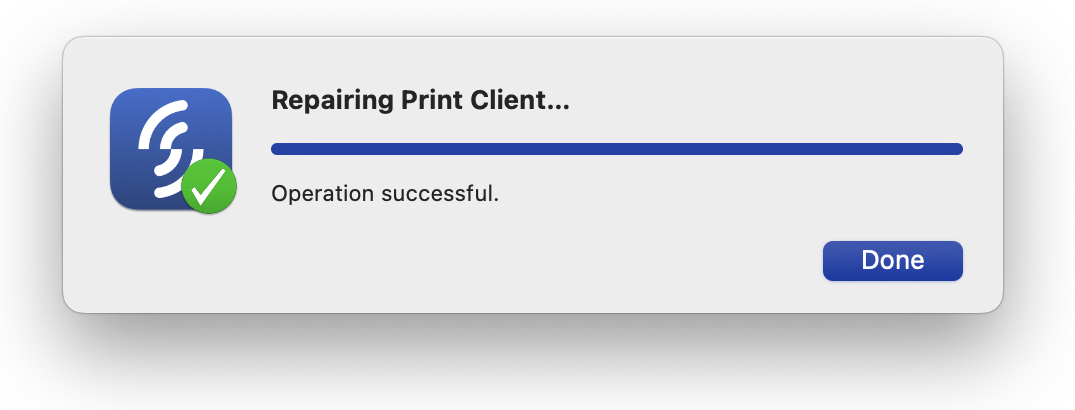
The Print Client should be online and ready to print.