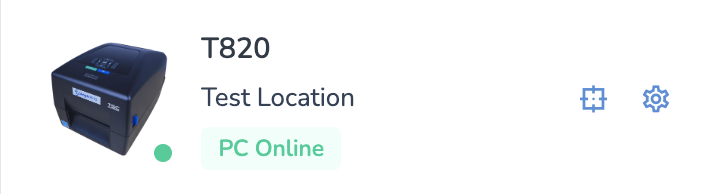
Refresh Print Client - Mac
If you find that your printer disconnects and goes offline you will want to install the Support Tool which will help you get back up and running.
Installation instructions can be found here: Support Tool: Installation
Restarting the Printer using the Refresh Tool
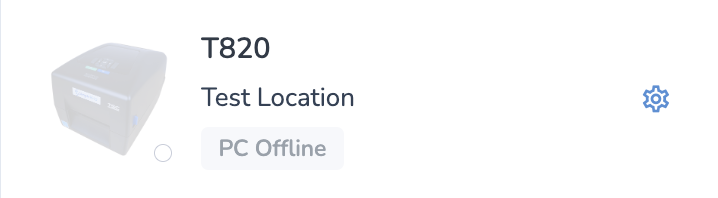
With the Support Tool installed, anytime you find your print client offline (indicated by "PC Offline"):
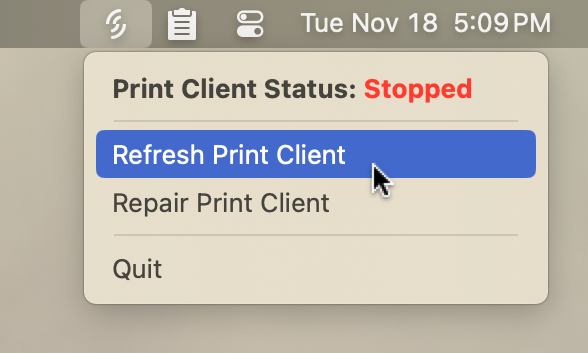
Simply click on the Support Tool icon in your menu bar, then click Refresh Print Client.
You'll see a progress window which will notify you when the refresh is complete:
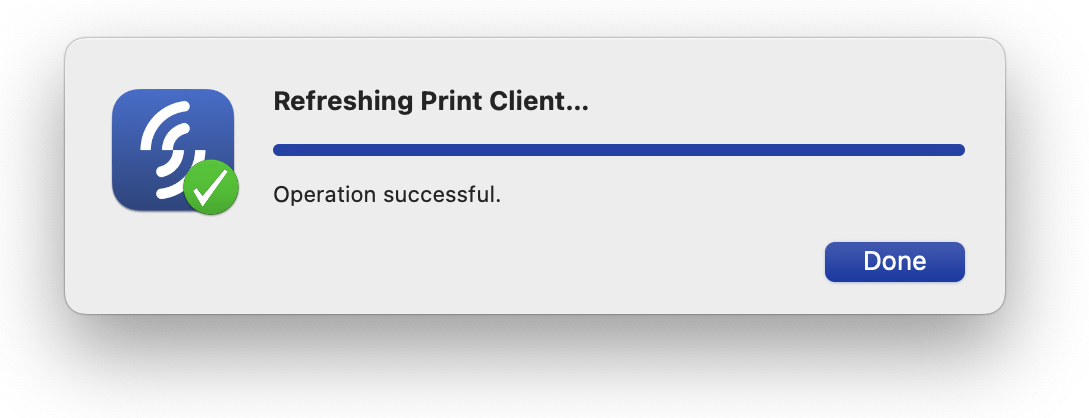
Press Done to close this window, then wait up to 30 seconds and your printer should reconnect.