Import Inventory to Jonas
Download Simple RFID Inventory Report
Login to Simple RFID
Navigate to the Simple RFID web portal. Enter your credentials to log in to your account
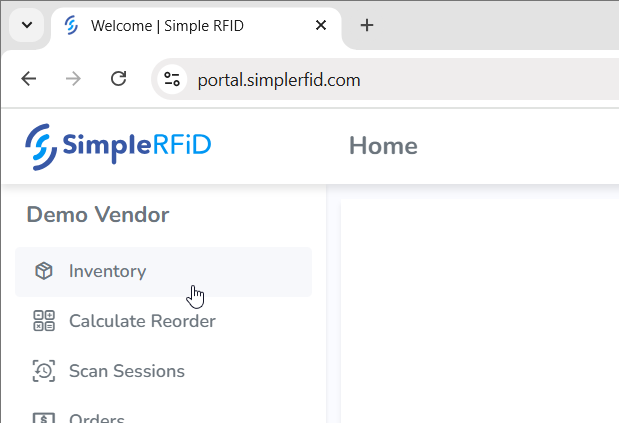
Navigate to Inventory
Once logged in, click on the Inventory link in the main navigation menu to access your inventory data
Open the Reports View
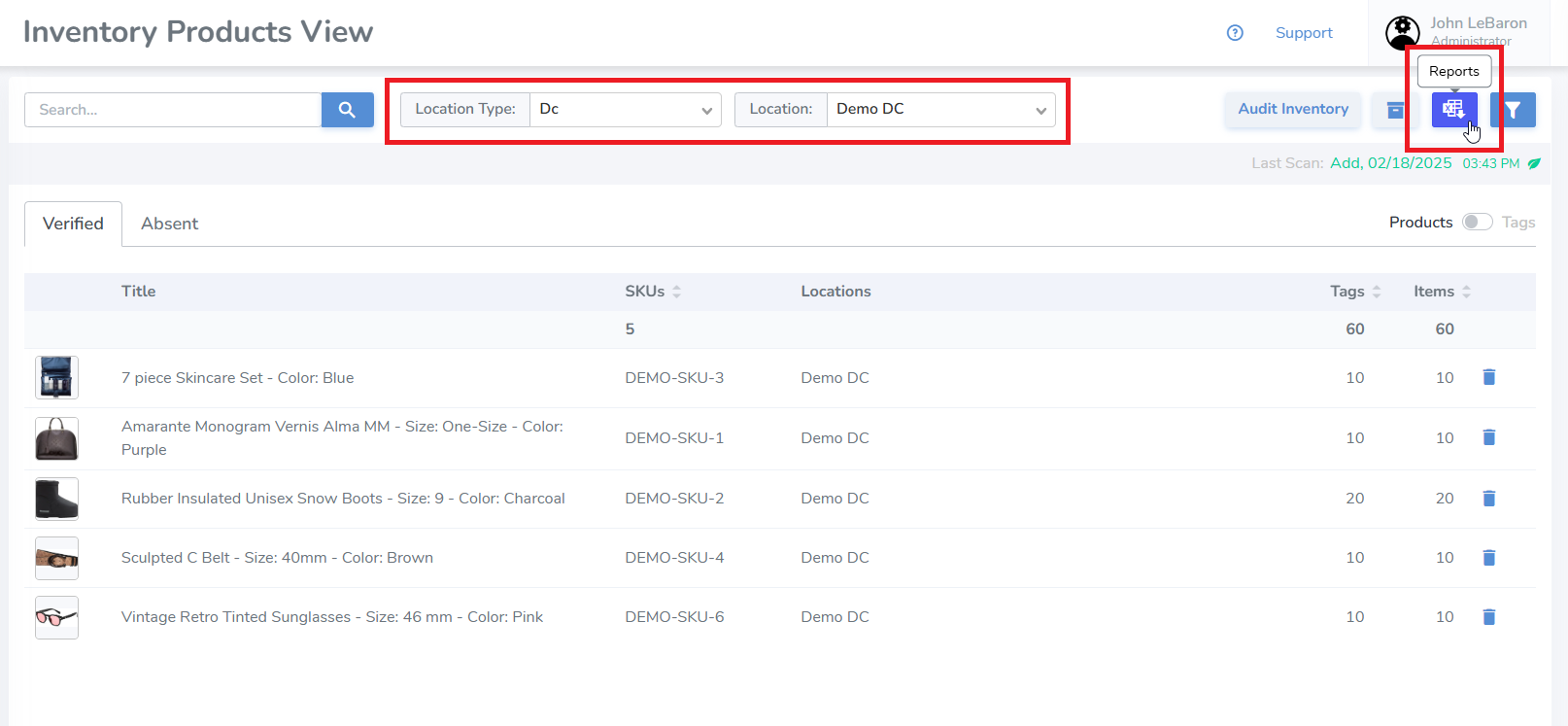
Select the Location Type and then the Location that you would like to export. Then click on the Reports button near the top right of the page
Make sure you only select one location, not All
Download the Report
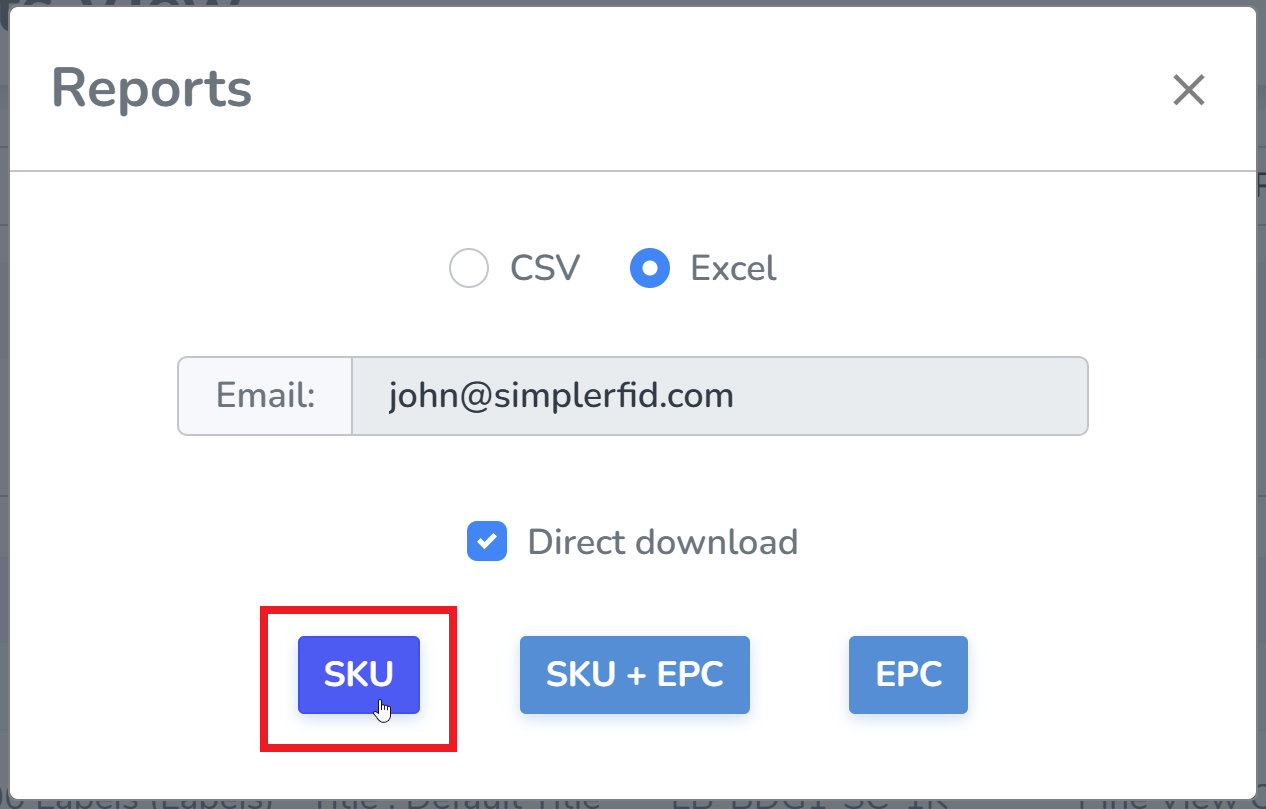
Click the SKU button to download the inventory report. The report will be saved to your default download location, based on your browser settings
Convert Report
Navigate to Simple RFID Inventory Converter
Input your Report
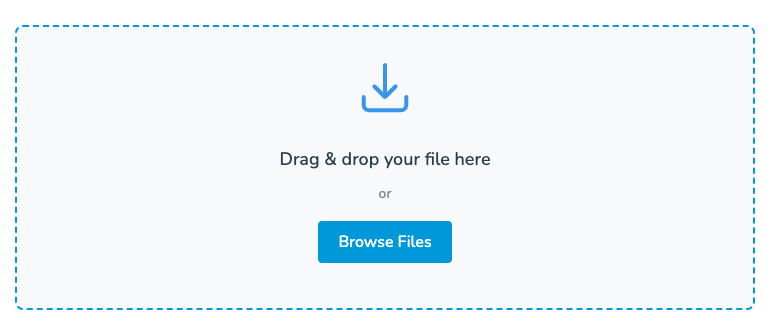
Drop the report file, or select it from the file explorer
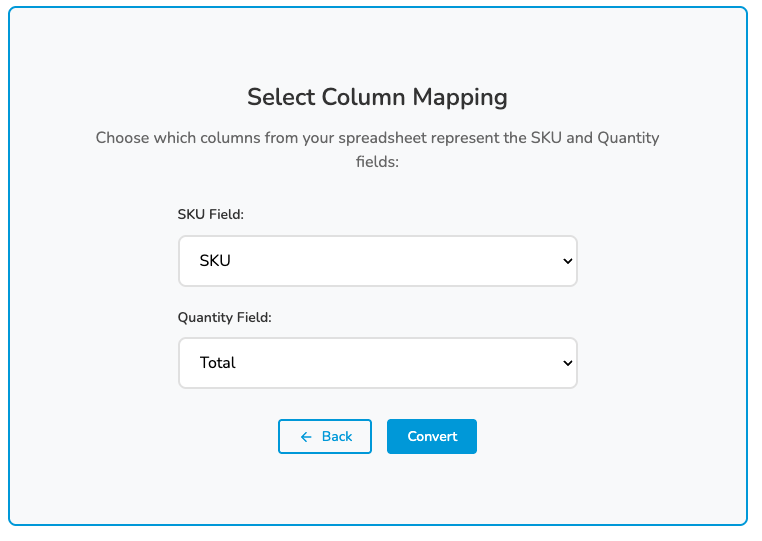
Select Column Mapping
In the SKU Field, use the unique identifier for products (i.e. SKU, Barcode, etc.)
In the Quantity Field, select Total
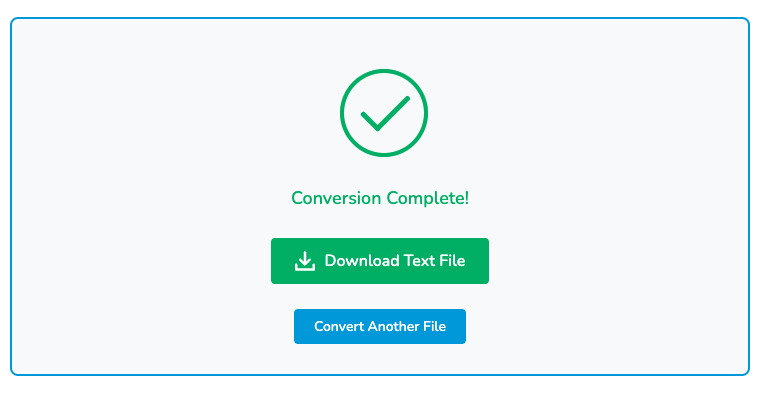
Download Text File
Select Download Text File. The new report will be saved to your default download location, based on your browser settings as a text file