ApparelMagic: Setting up the integration
To connect Simple RFID to ApparelMagic, you'll need your account ID and an API Key from ApparelMagic.
1. Determine your Account ID
When logged into ApparelMagic, your Account ID makes up the first part of the URL as shown here:

2. Generate an API Key
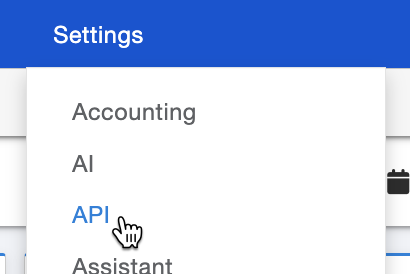
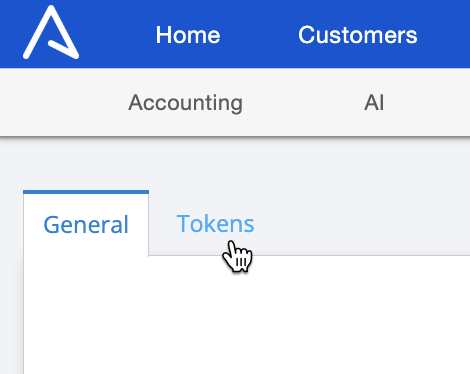
In the top-left of the page, open the Tokens tab, then press + New at the bottom-left:

Give the token a description, like "Simple RFID". Make a note of the Token (you'll enter this in Simple RFID) then press OK.
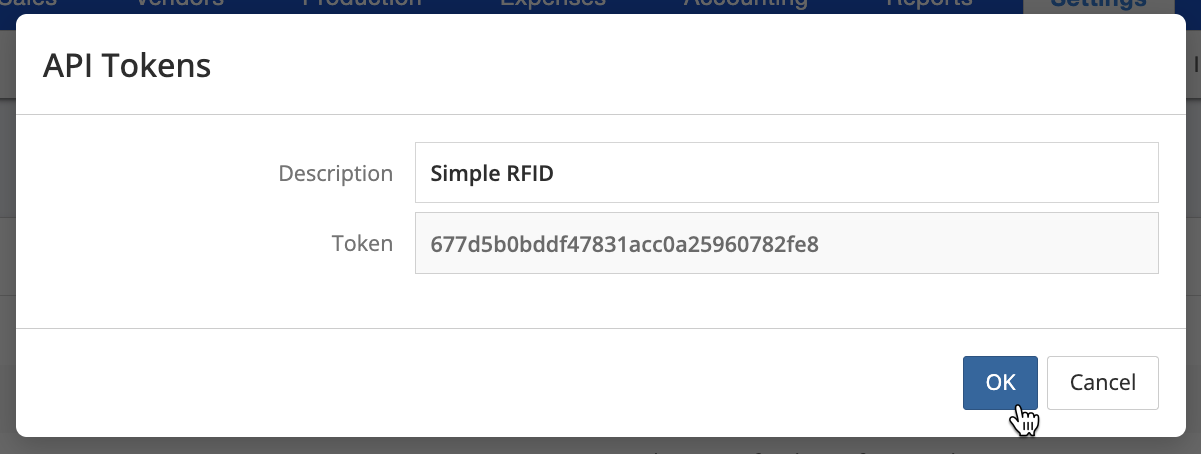
Last, make sure to press Save at the bottom-right of the page.

3. Enter your Account ID and API Key
With this information collected, enter your ApparelMagic Account ID and API key in the Customer Profile page in Simple RFID, then press Save:
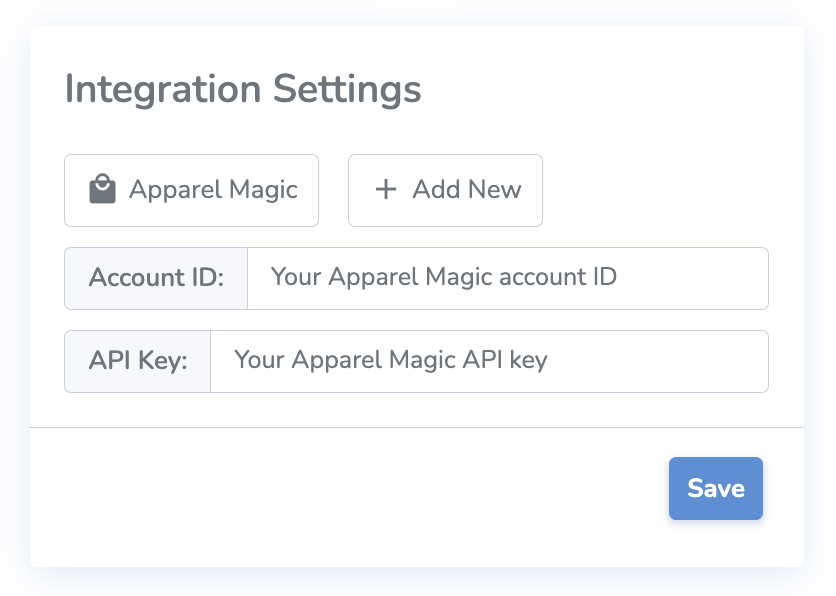
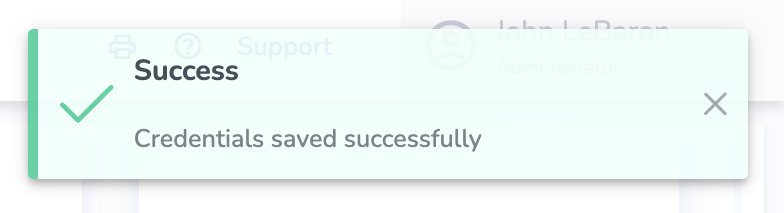
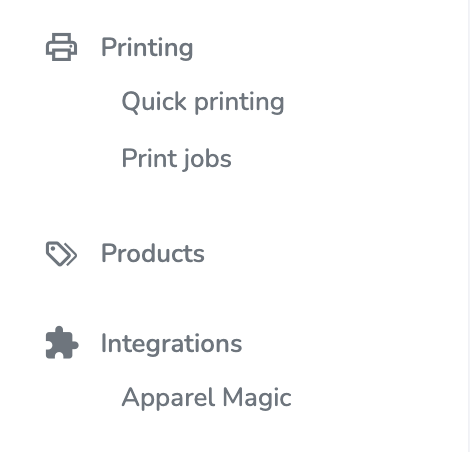
You should see a message that the credentials saved successfully, then you will see the ApparelMagic page appear under Integrations in the side navigation.