Shopify: Import Sales orders
Importing orders from Shopify to Simple RFID
Currently orders must be "submitted" to the mobile app for review. This limitation will be resolved in the near future.
After creating an order, go to Simple RFID app on Shopify and click Orders & Returns.
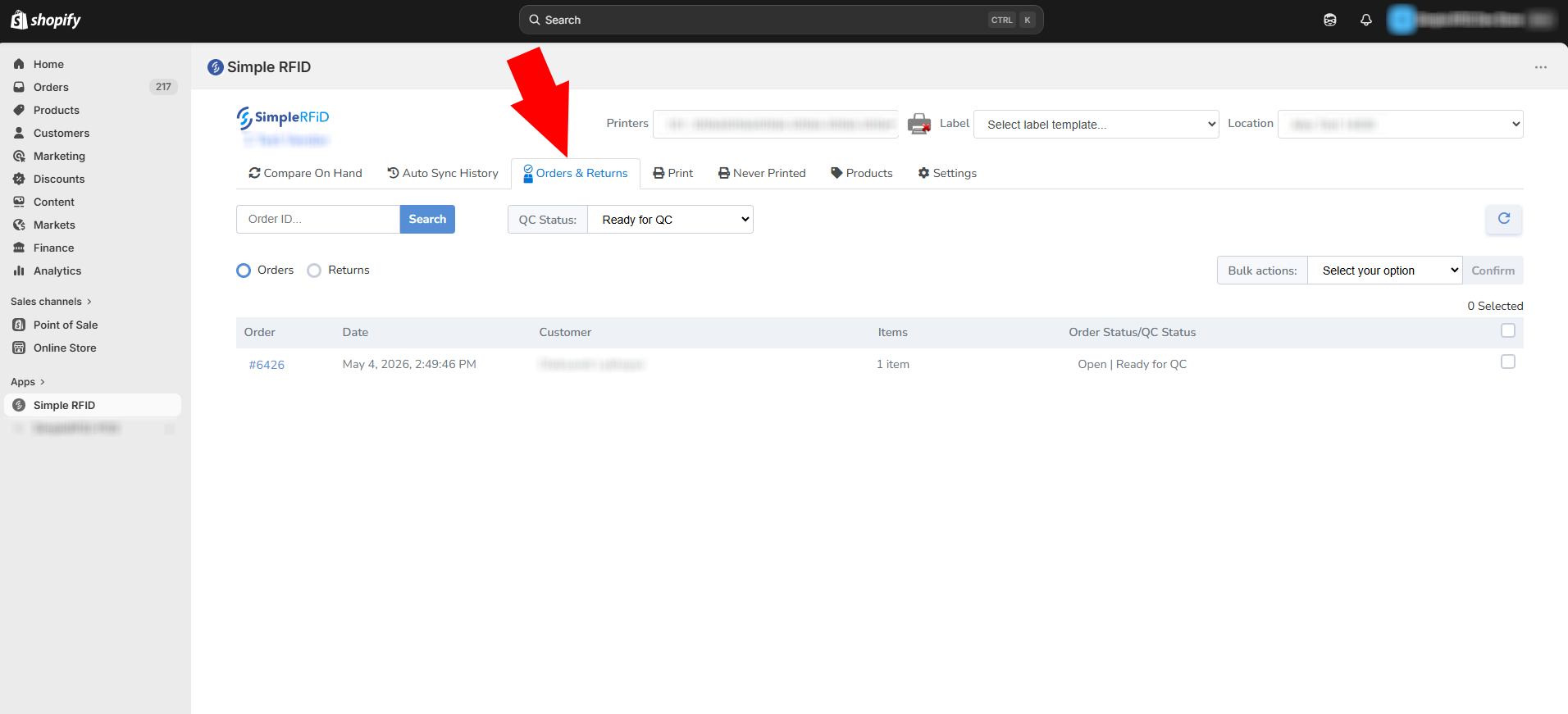
Select orders that need to be imported.
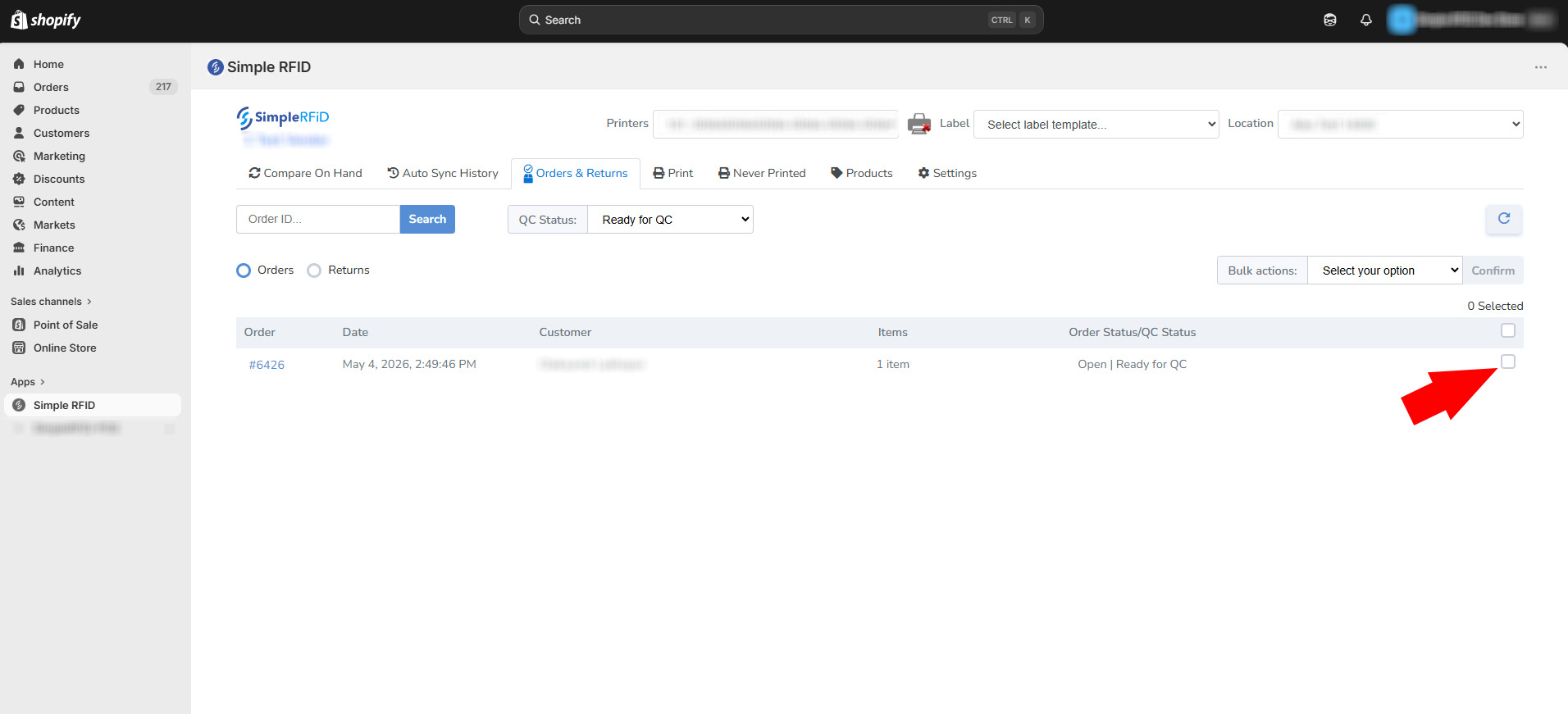
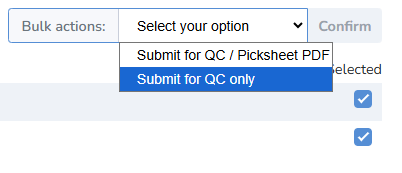
Select "Bulk Action" that is more suitable for your import process.
Submit for QC / Picksheet PDF will create a spreadsheet file that lists all the products included in the order.
Submit for QC only will simply submit the order to the review process.
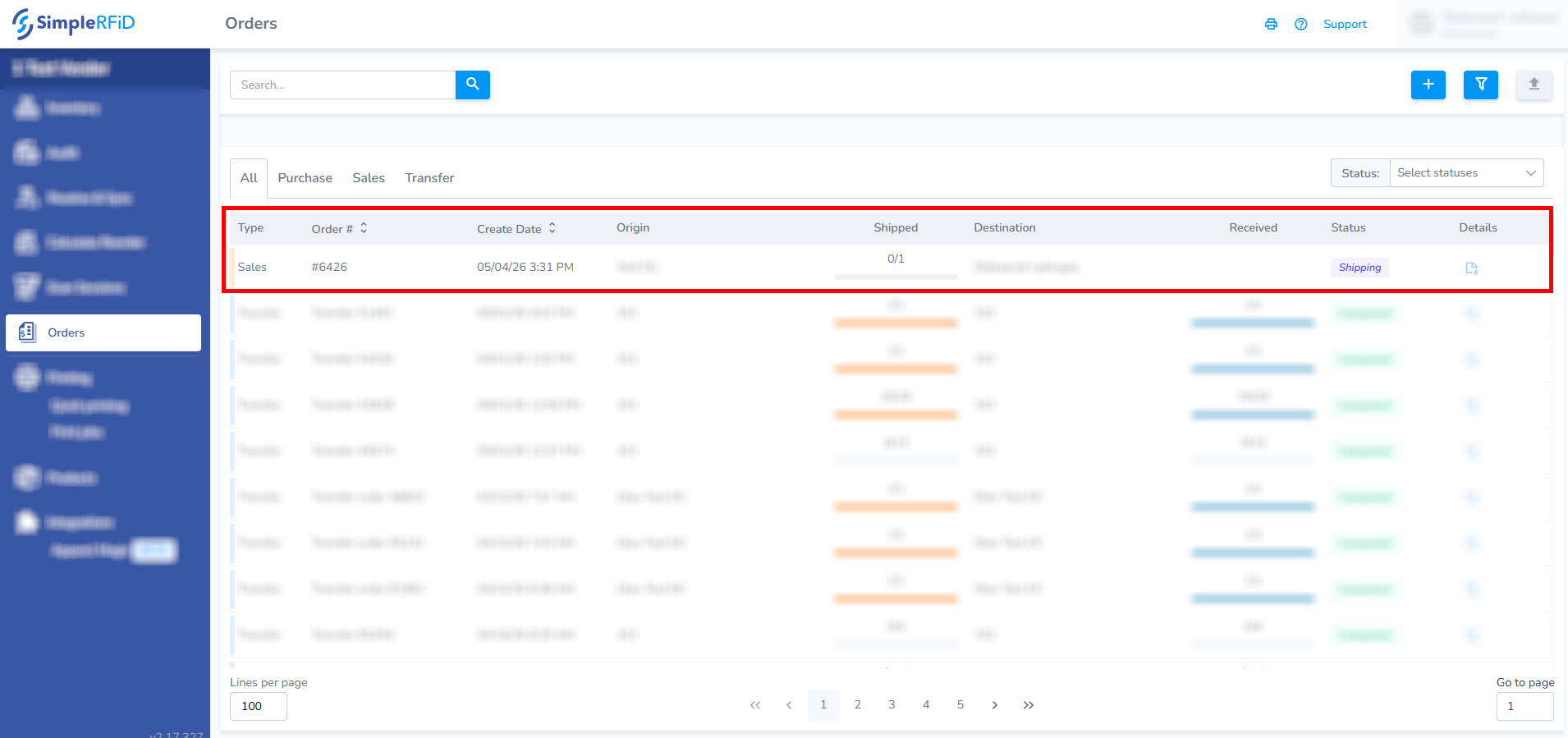
Web Portal Sales Orders
Go to the web portal to see the new order under Orders tab.