
Scan
- From the Home screen click Scan

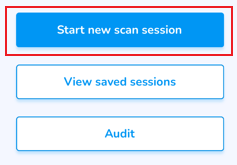
- Tap the Start new scan session option
ScanTobyinitiateeither:the Scan:
1.
OR
2.

The total number of tags will appear atin the topScan of theSummary screen, and below the items and their totals.
Understand the Scan Summary & Statuses, and how each affects your inventory
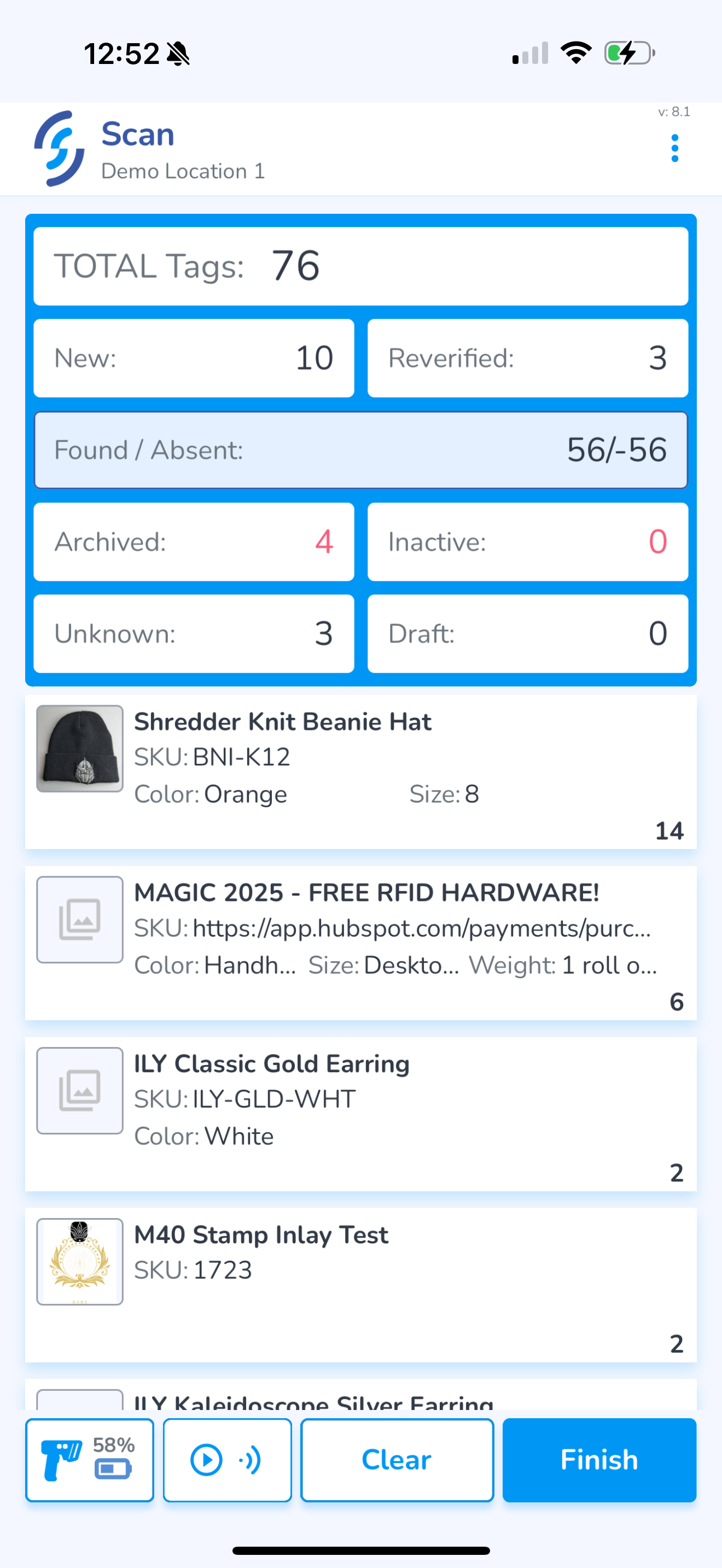
To complete the scan and upload, first click Finish
Choose what you wish to include in the upload
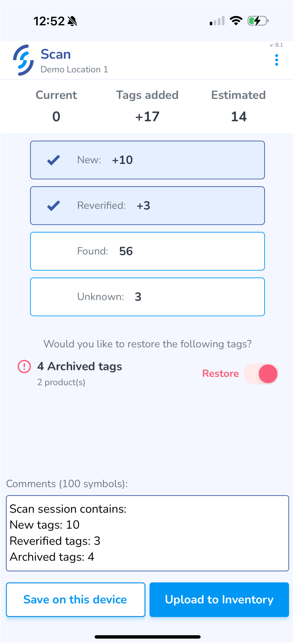
If you wish to add a note to the upload, click into the Comments window and type it in
Finally, click Upload to Inventory
If you are unable to upload due to poor internet connectivity, you can Save Scans for later upload