Account Settings
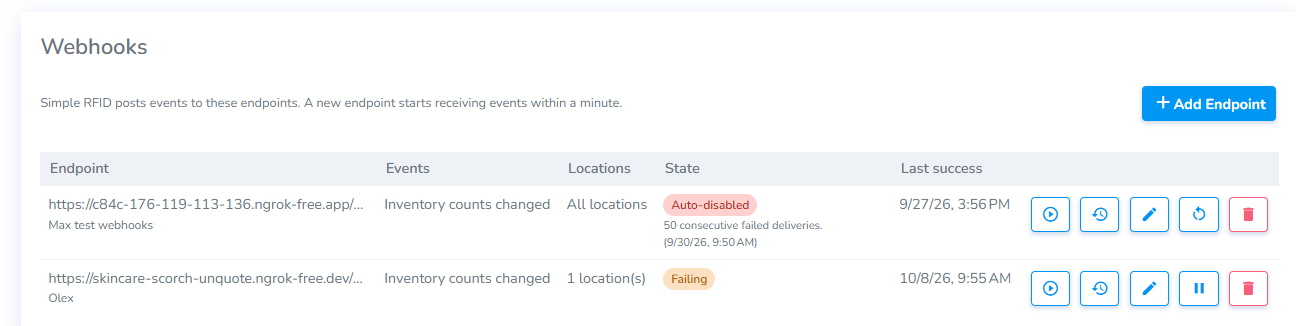
This page provides an overview of the account including:
- Account Name
- Abbreviation - This must be a two letter abbreviation. Example 'DM'
- Email address where you wish to have general notifications sent
- 'Package' indicates the your plan such as "Trial" or "Standard"
- Brand Magic - Automatically resolve unknown GS1 products. Scanned unknown tags are converted it into a Draft products
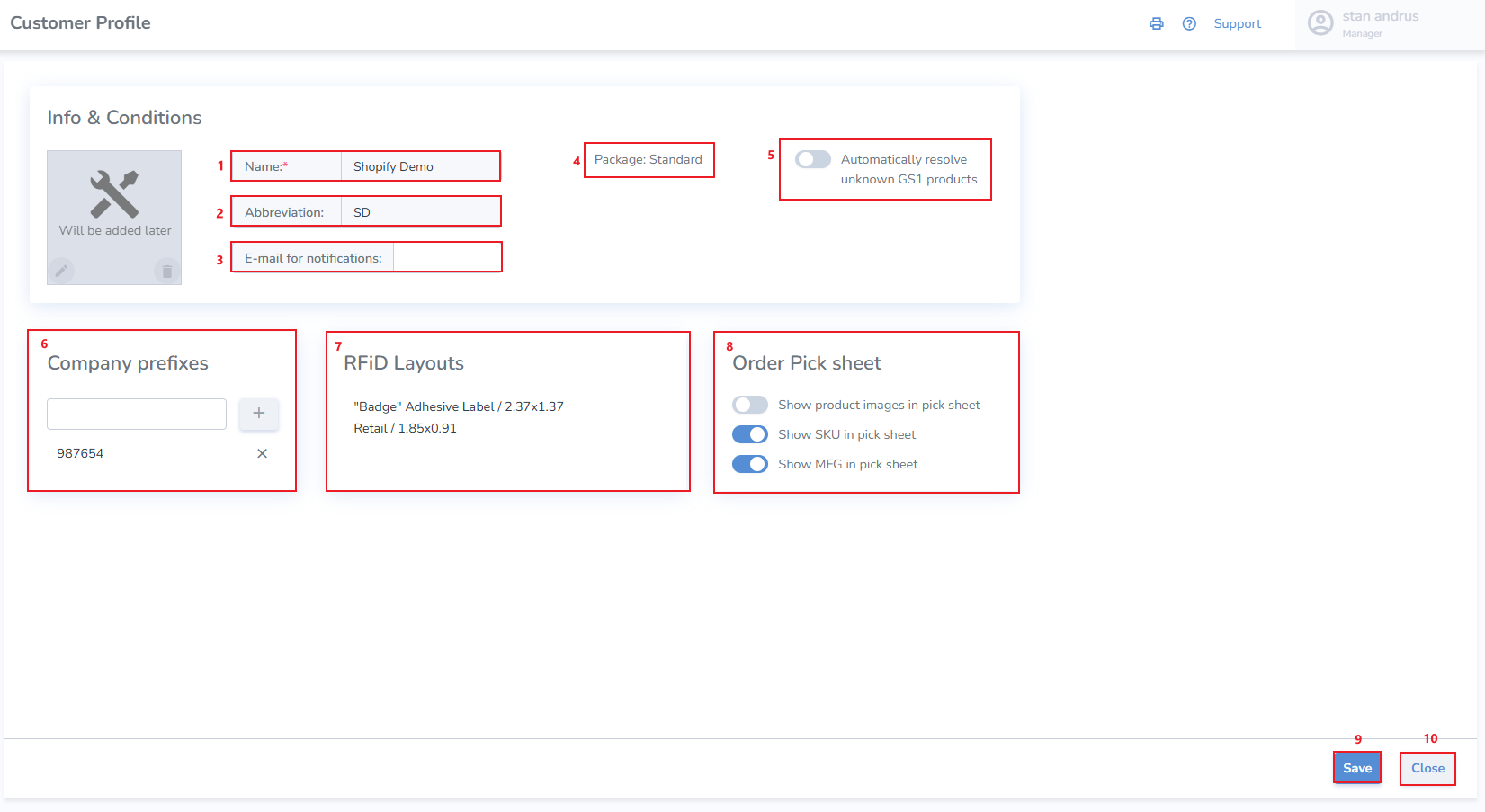
- Company Prefixes - Enter a company prefix to print and scan tags using the SGTIN schema
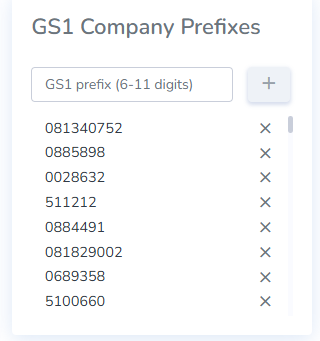
- RFID Layouts - These are the label sizes which are available in your Label Designer
- Order Pick Sheet - These are controls for the order pick sheet to add or hide elements
- Apparel Magic
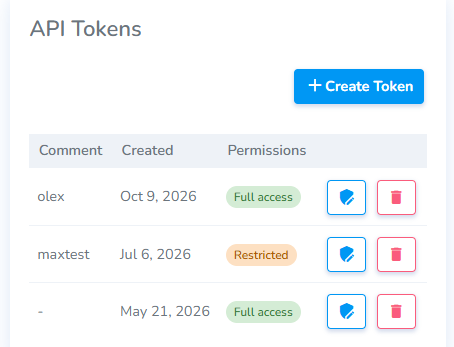
- Tokens
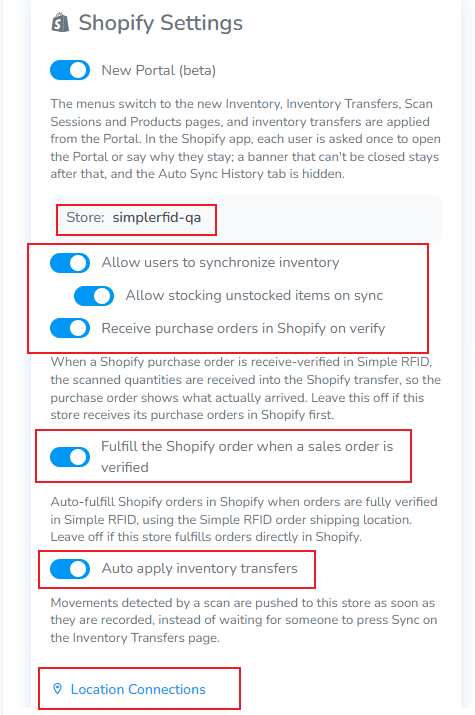
- Shopify Settings
- Webhooks -
- Save - saves changes
- Cancel - cancels operation and navigates away from the Customer Profile page
If you don't see your label size available in the RFID Layouts list, please request that it be added via our support
GS1 Company Prefixes
Label Sizes
Add new label sizes to be used by the Label Designer.
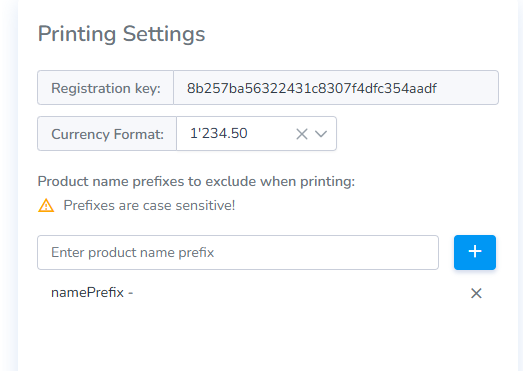
Printing Settings
Registration key - The printing settings section contains your Registration key. This key is used to connect your printer to your account.
Currency Format - This section provides the ability to set your currency format.
Product name prefixes to exclude when printing - This section allows for eliminating designated products to be hidden from view.
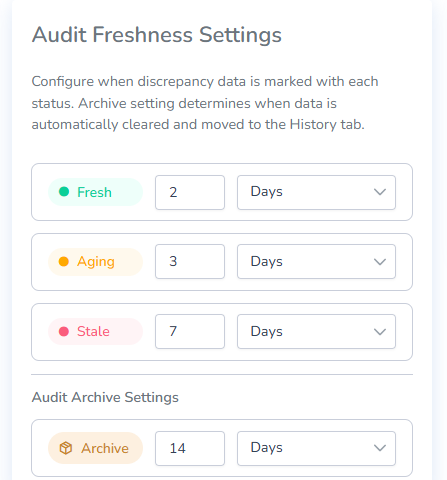
Audit Freshness Settings
These settings allow users to set the parameters of what constitutes Fresh, Aging, Stale, as well as Archived.
API Tokens
Shopify Settings
Webhooks