
Mobile App: Restoring Archived Tags
Previously Archived tags can always be restored from the SimpleRFID app.
To restore archived tags, start a new Scan session.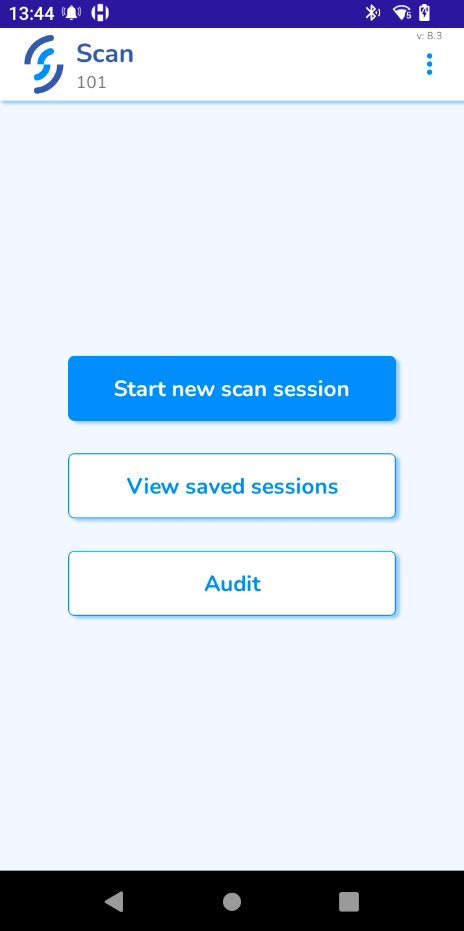
Start scanning the tags. You should now see Archived tags appear.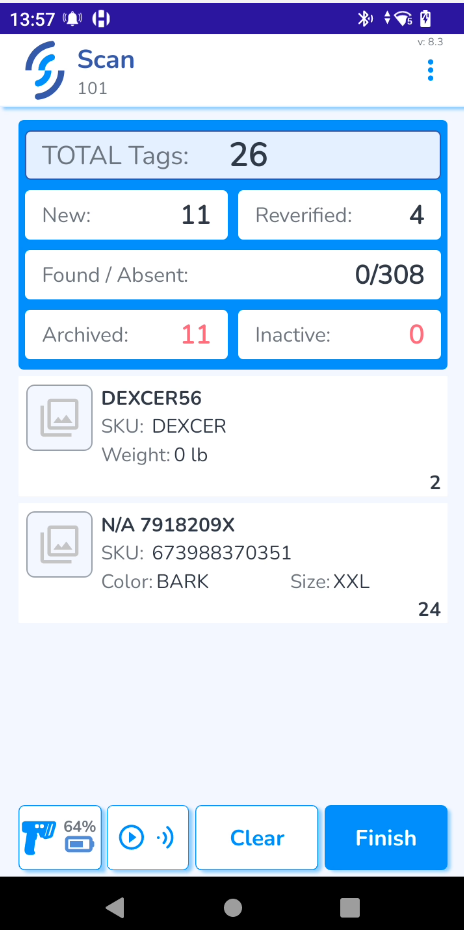
Click Finish. It will take you to the final screen, where the Archived tags can be restored.
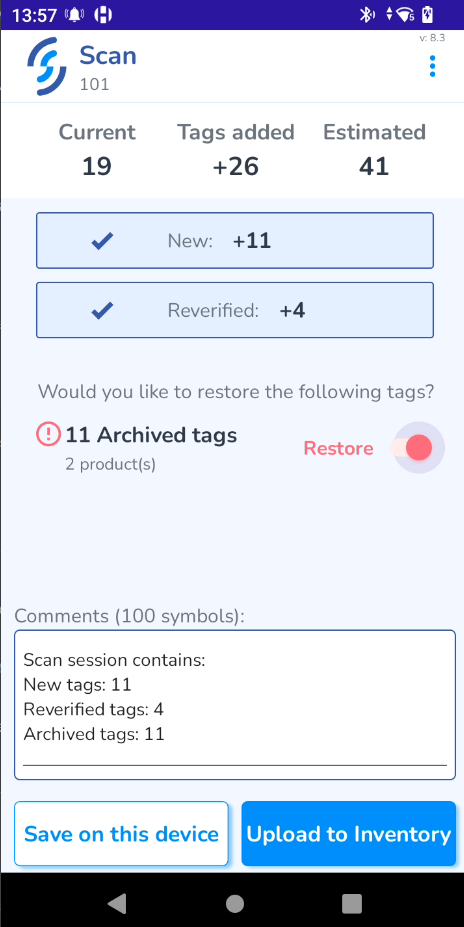
Click Upload to Inventory and then OK.
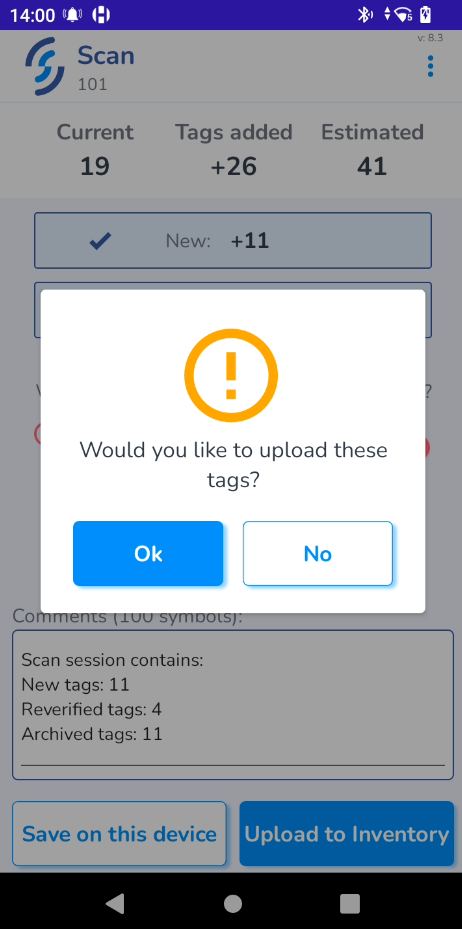
Archived tags should now be restored and added to your inventory.