
Using the Point of Sale Interface
Access the Point of Sale interface here: beta.pos.simplerfid.com
The Point of Sale interface is currently in beta. Currently, the only function of this interface is to archive tags which are read by a connected scanner in HID mode, such as a Keonn AdvanPay.
Further integration with third-party point of sale software, such as Shopify and Square, is planned but not implemented yet.
Logging in
Log in using the same credentials you use for the Simple RFID web portal and mobile app.
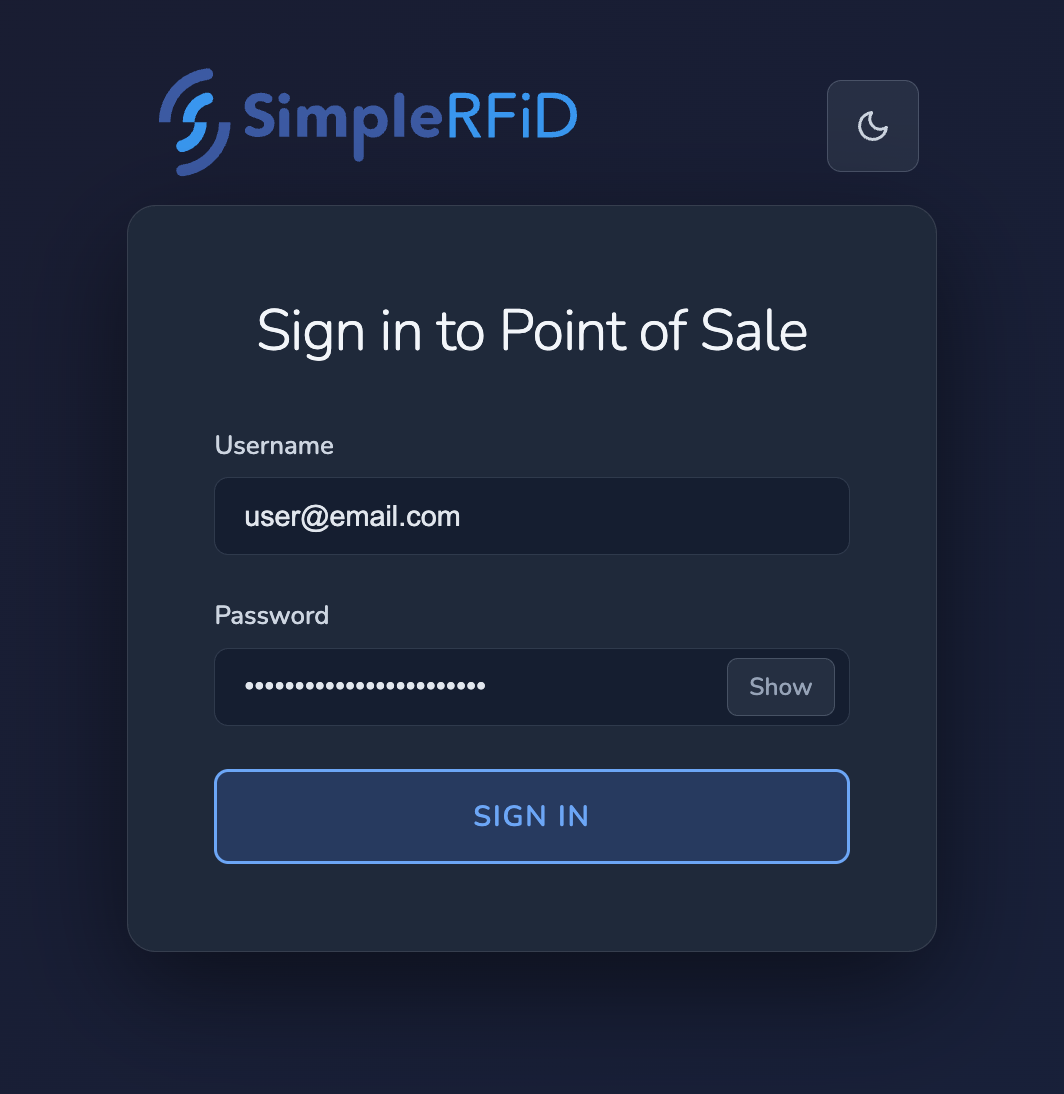
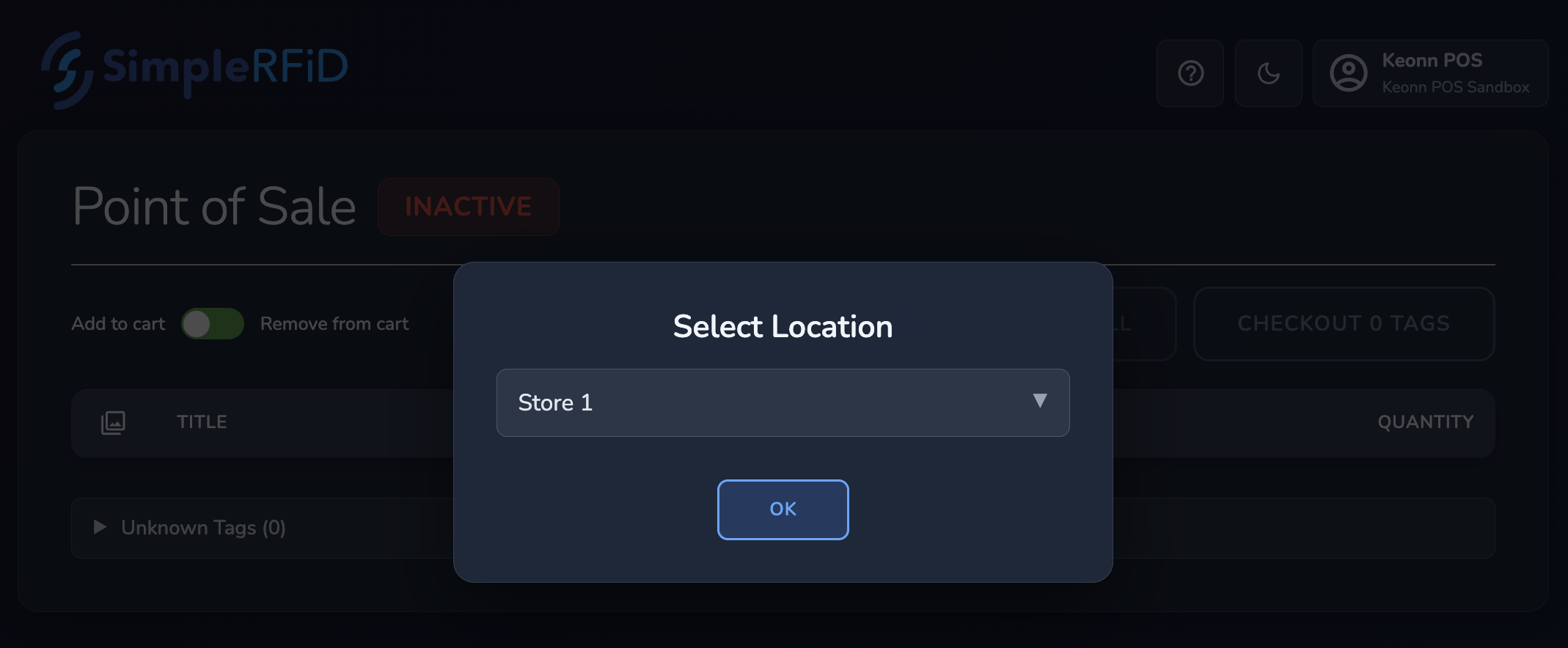
When you first log in, you'll be asked to select a location. Select the location where the scanner should be removing tags from.
Overview
The app captures keystrokes from a connected HID (Human Interface Device). The scanner, in HID mode, will send keystrokes as if it was a keyboard. As you scan tags, they will be added to the list. Then, the Checkout button will archive the tags (remove them from your active inventory.
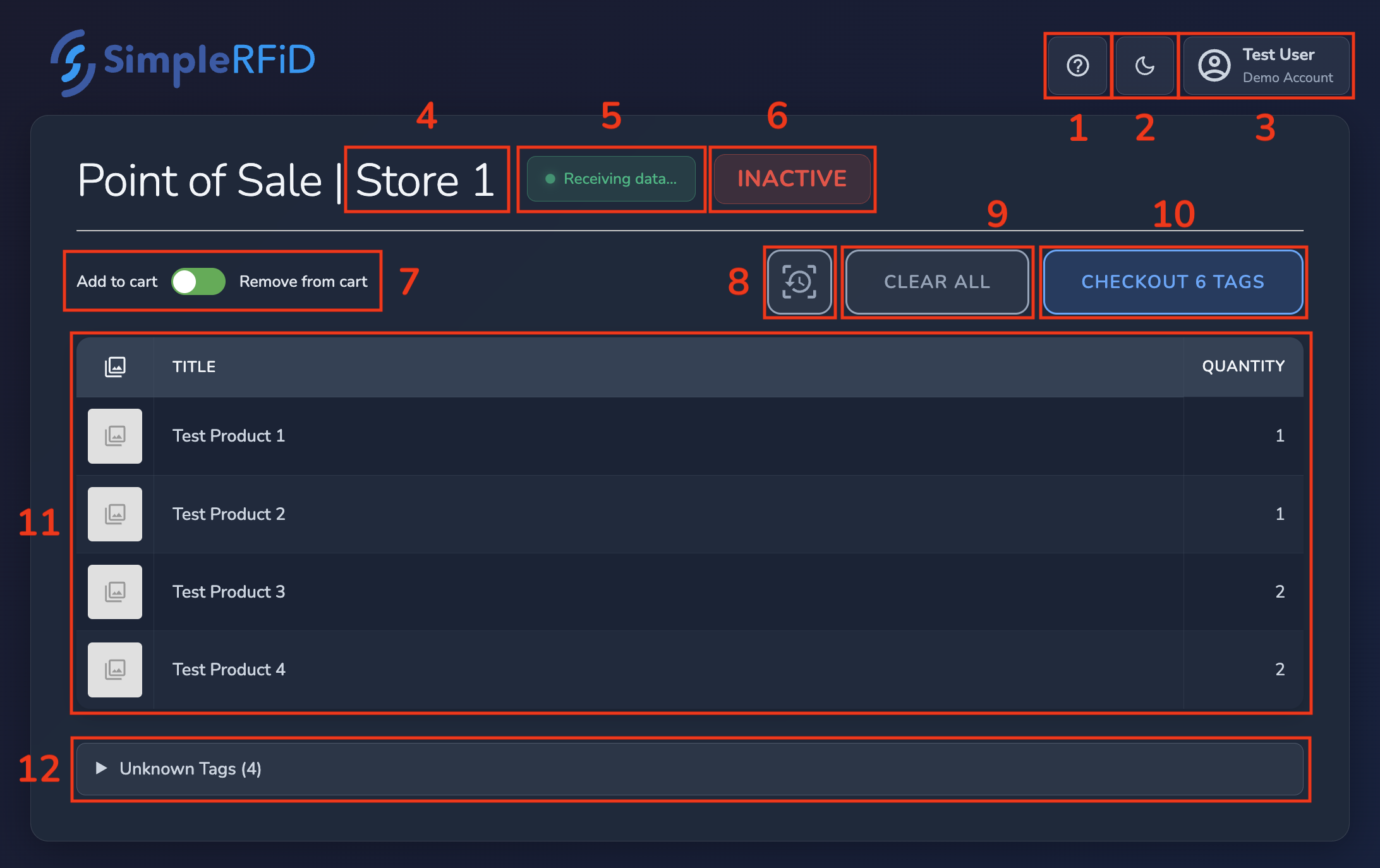
1. Help button
2. Theme switcher
3. User menu
- Change location: switch between locations. If you move the scanner between inventory locations, use this option. Otherwise, the location should remain the same.
- Log out: log out of your Simple RFID account. Note: you may choose to use a dedicated user account for the point of sale.
4. Location indicator
Appearing as part of the title, this simply indicates which location is currently selected, and where the tags will be archived in Simple RFID.