
ApparelMagic: Products
If you haven't connected ApparelMagic with Simple RFID yet, follow the instructions here: ApparelMagic: Setting up the integration
Overview
Access the ApparelMagic integration from the navigation sidebar:

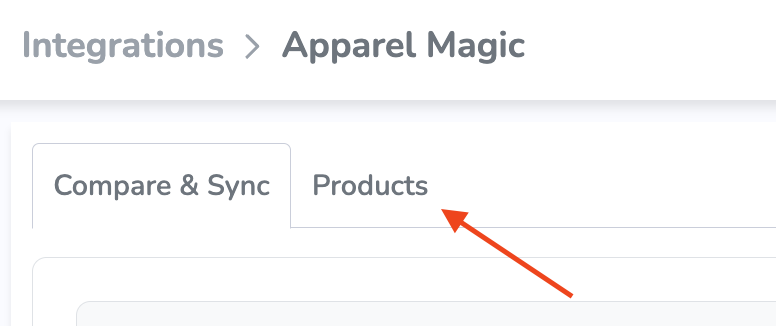
By default, you'll see the Compare & Sync view. To import products, open the Products tab at the top of the page:
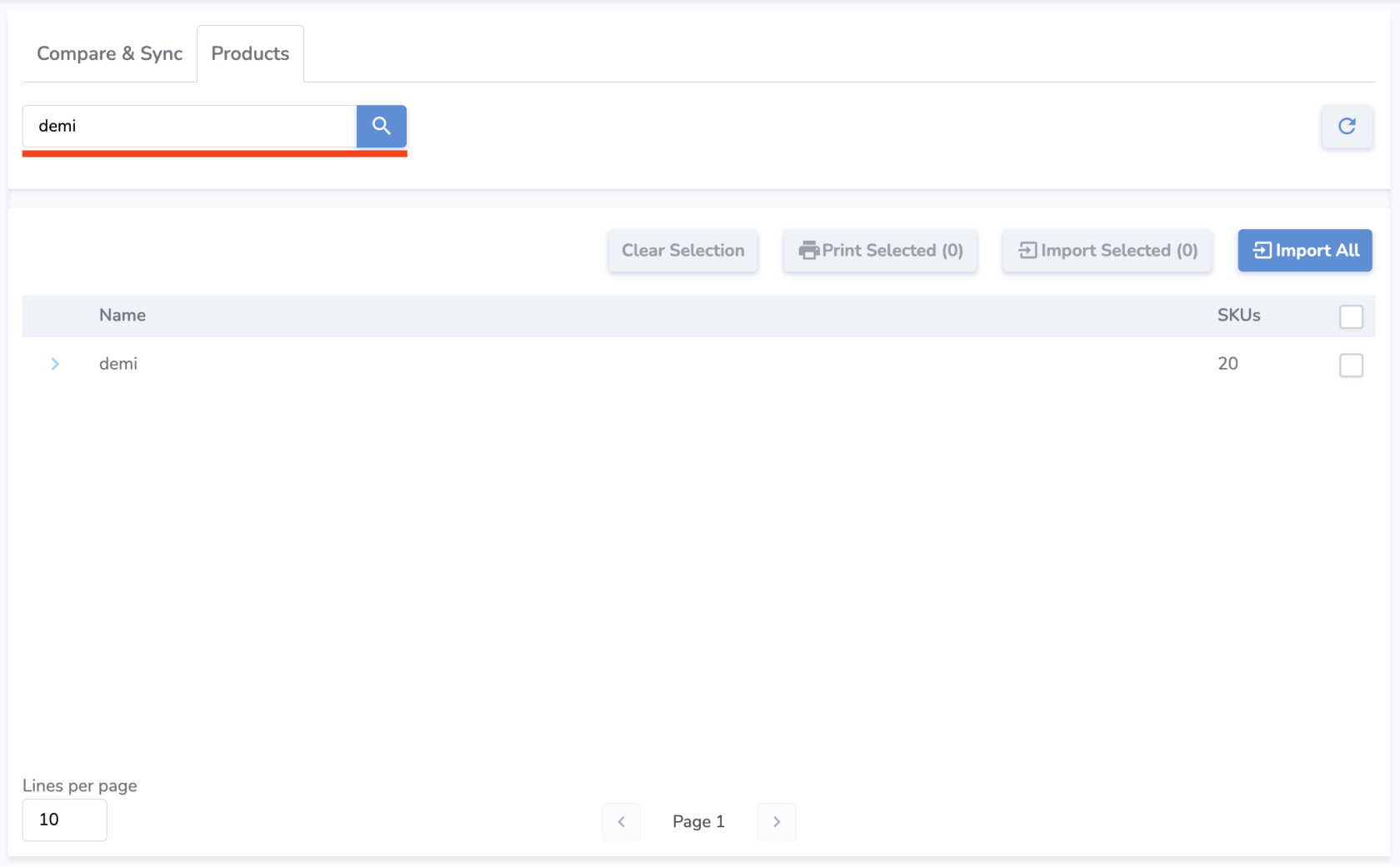
In the Products tab, you'll see your ApparelMagic products listed. From here, you can search by name or SKU to find specific products:
Parent SKUs can be expanded to show variants, and relevant information such as SKU, Name, Color, Size, Price, and Sync Status.
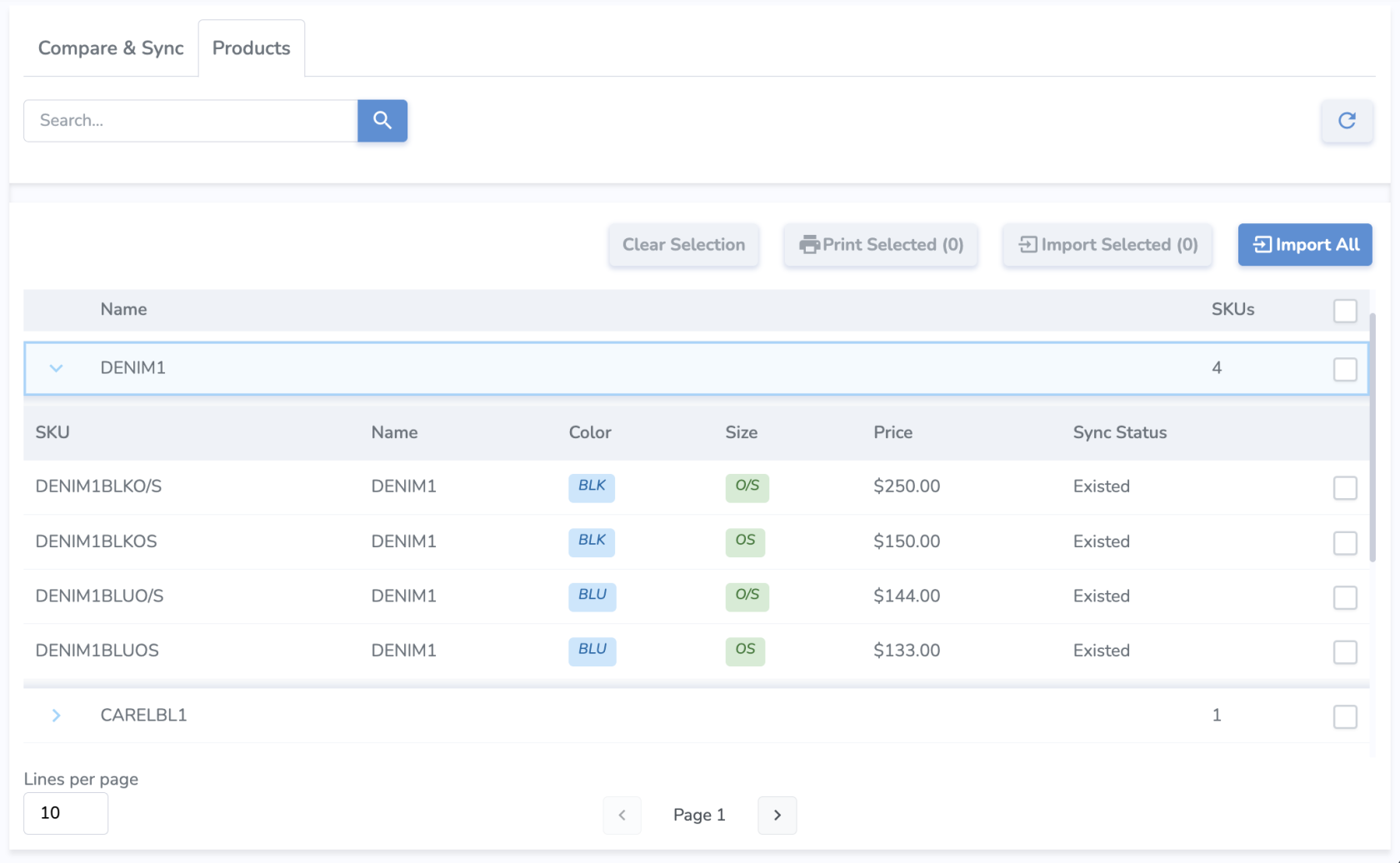
Sync Status describes the import status of each variant.
- New means the variant has not been imported yet.
- Existed means the variant already exists and is up to date in Simple RFID, so there's no need to import.
- NeedUpdate means that some product information has changed, so the product needs to be imported again with the new info.
Importing Products
There are a few different approaches you can take to import products.
Import All
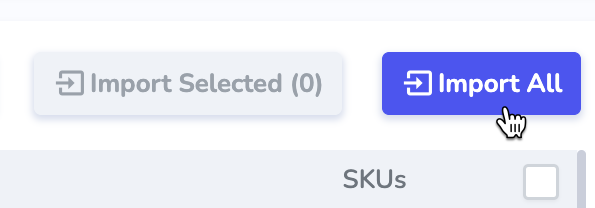
Using the Import All button will attempt to import all of your products from ApparelMagic to Simple RFID. This is generally recommended when first setting up the integration rather than copying products individually.