ApparelMagic: Compare and Sync
If you haven't connected ApparelMagic with Simple RFID yet, follow the instructions here: ApparelMagic: Setting up the integration
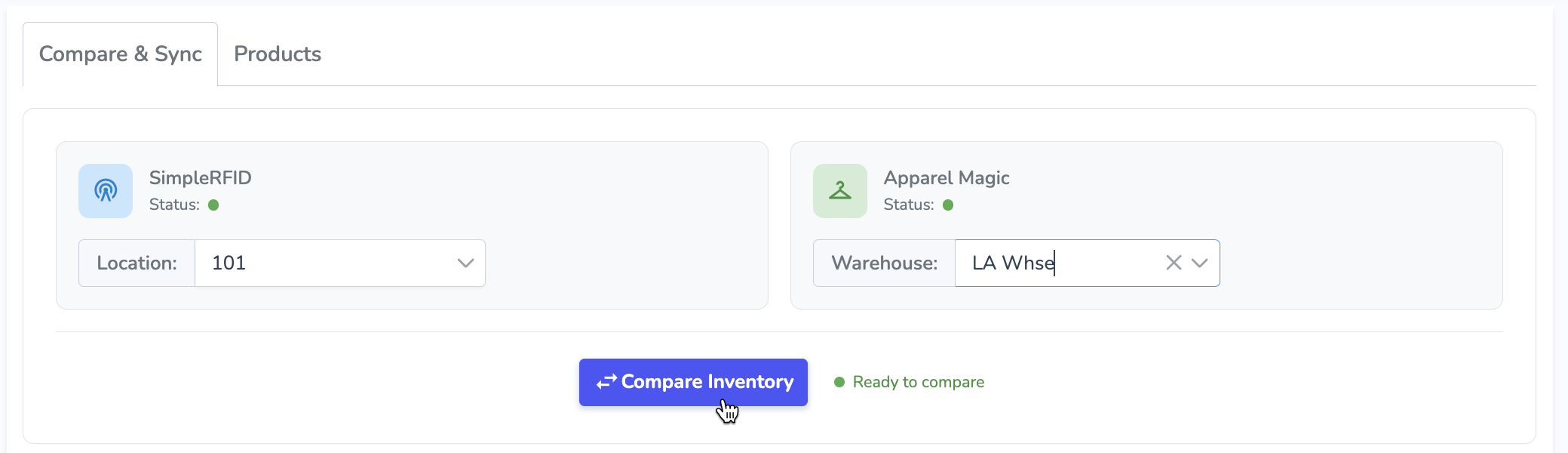
The Compare and Sync page allows you to sync your Simple RFID inventory counts to ApparelMagic.
First, select the locations you want to compare: your Simple RFID location on the left, and your ApparelMagic warehouse on the right. Then, press Compare Inventory to load inventory counts from both systems and populate the comparison.