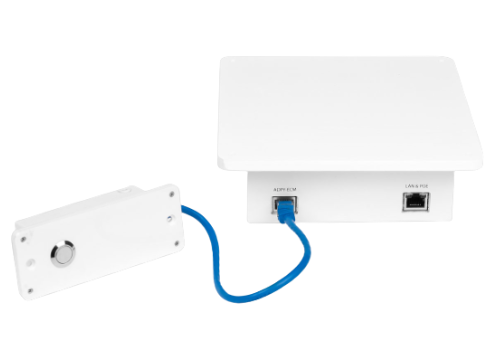
Desktop POS Readers
We offer 3 models for Point of Sale which include: Desktop, Recessed, and Under-table.
Desktop
This version allows anyone to begin using the POS scanner without any modification or installation. Simply place the reader on the desktop near the checkout terminal. This reader contains a button which when pressed switches the readers scan mode (add, remove, scan and view).
Recessed
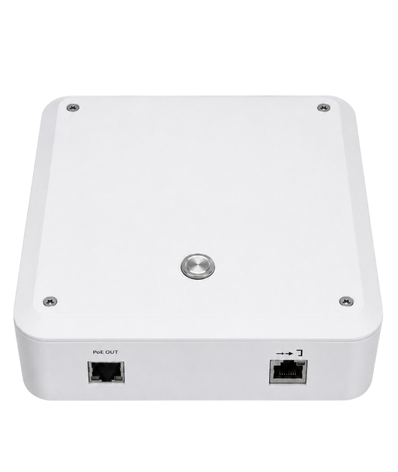
This option allows you to cut-out a section of your POS counter and place the reader flush with the counter space. This approach allows the reader to be exposed, but not stick up on the desk, allowing for a smooth counter space. This reader contains a button which when pressed switches the readers scan mode (add, remove, scan and view).
Under-table (with remote control)
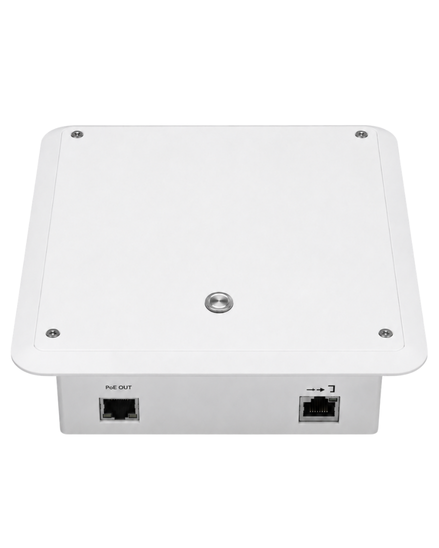
This option allows for discreet installation. You must consider when choosing this option what the construction of the counter is made of. If the POS counter contains any properties which can block the signal, or reduces the signal, this may invalidate this option. It's important to test prior to installing. The Under-table option includes a remote control to switch modes (add, remove, scan and view).