
Transfer Order
Create Transfer Orders
Orders can be created manually, one by one, or in bulk via spreadsheet upload.
Create a Transfer Order manually

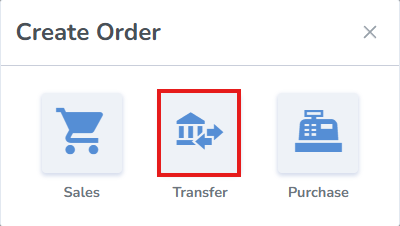
- From the pop-up window, select Transfer
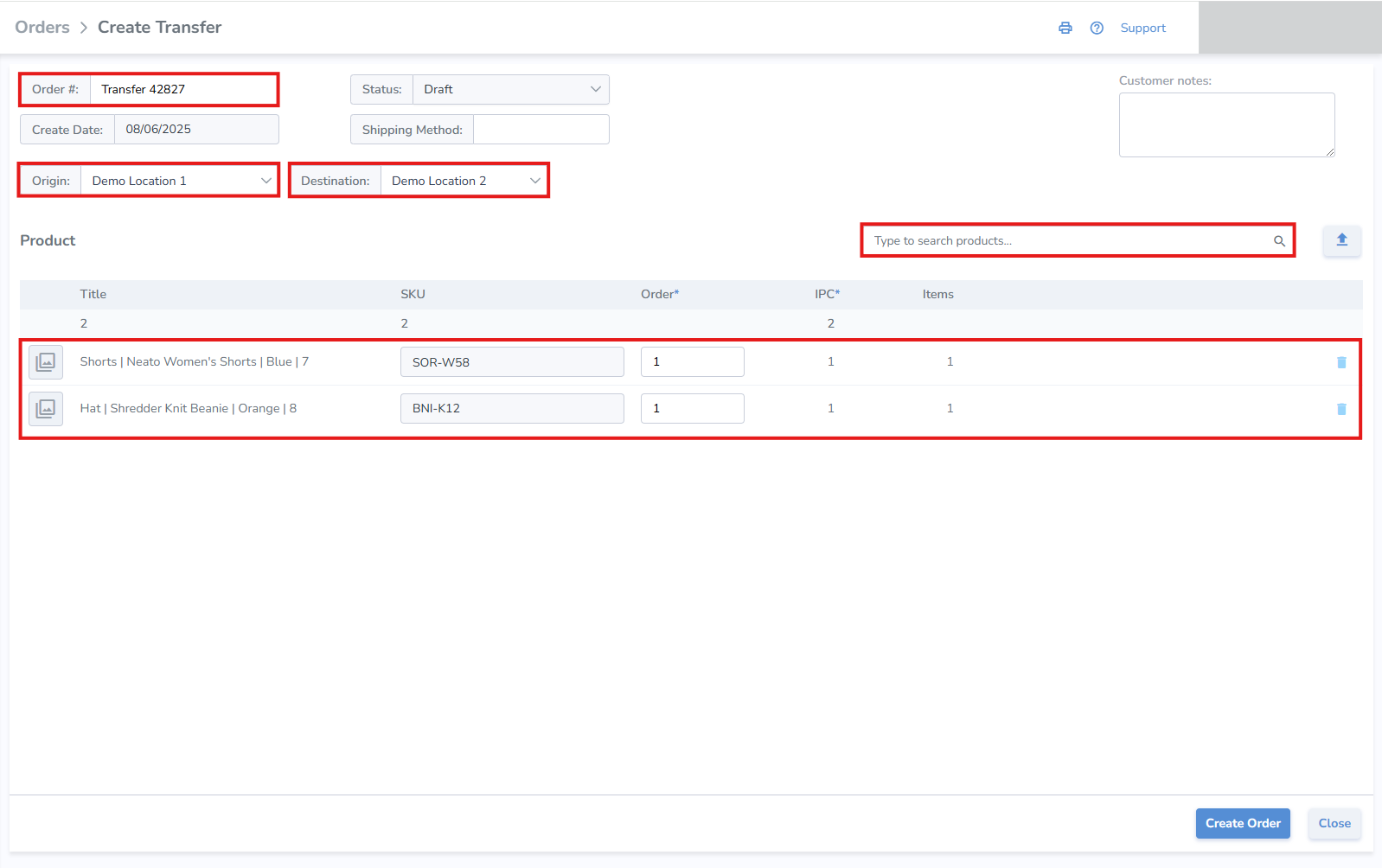
Create Transfer Order
- Order Number - the system generates an order number, or enter your own
- Origin - select the location where the order is being fulfilled
- Destination - select the location where the order will be received
- Add Products & Quantities - search and add products manually, or upload them via spreadsheet upload
- Click Save
- Once the Transfer order is updated to Shipping status, labels can be printed for the order
- The Transfer Order can also be verified for accuracy using mobile Ship and Receive
- Once the order has been verified on Ship or Receive, a corresponding progress bar will display the completeness of the order
