
Generating Print Jobs from an Order
Any order type (Sales, Transfers, Purchases) can be converted into a print job to quickly print RFID labels for the items
This article outlines how to convert each order type into a print job
Converting a Sales Order into a Print Job
- Update the order status to "Shipping"
- Click Save
- Open the order again
A "Print" button will appear in the top right corner of the Order
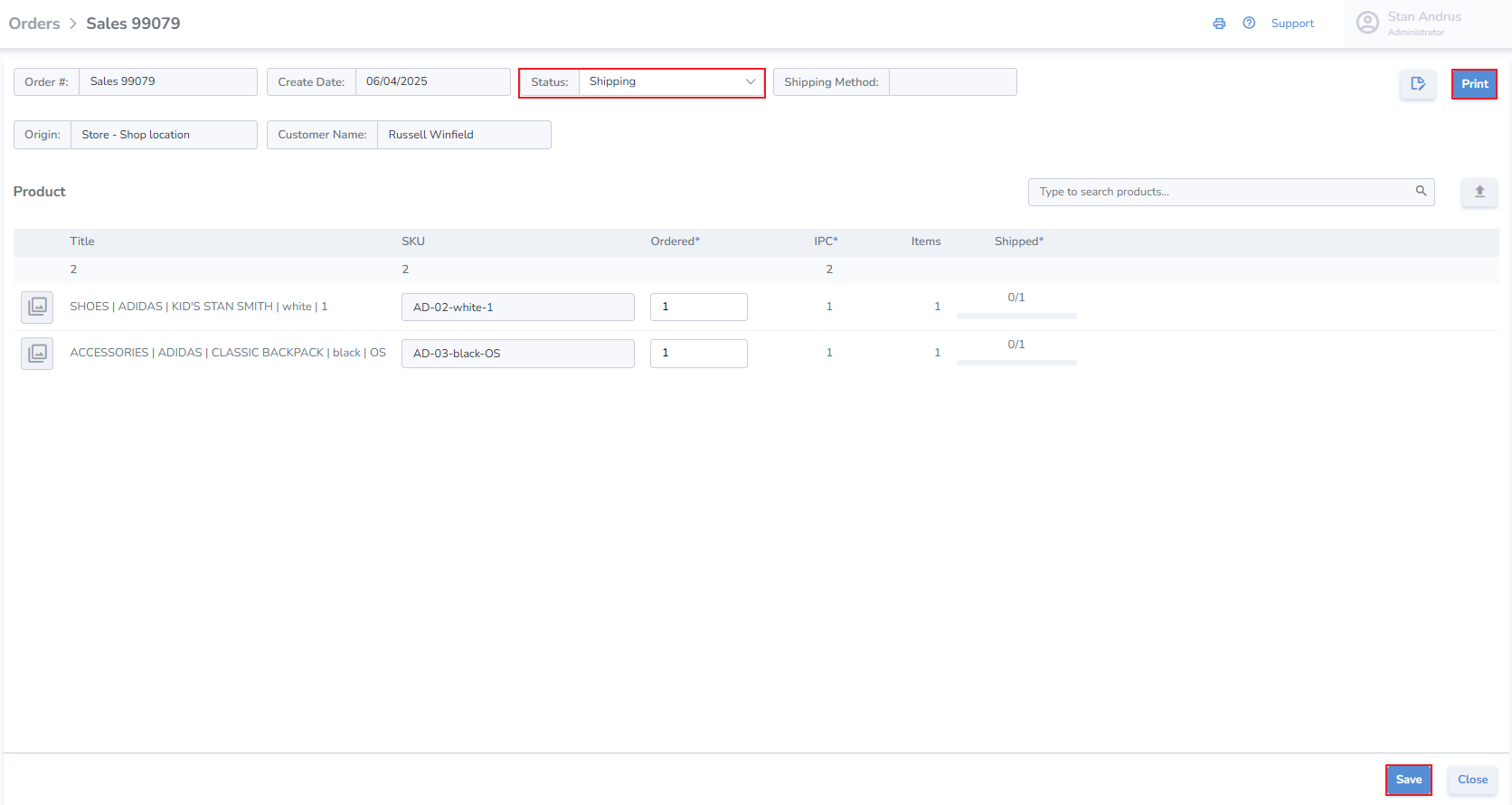
- Click Print
The order details are loaded into the print interface
- Choose the Printer
- Choose the Label design
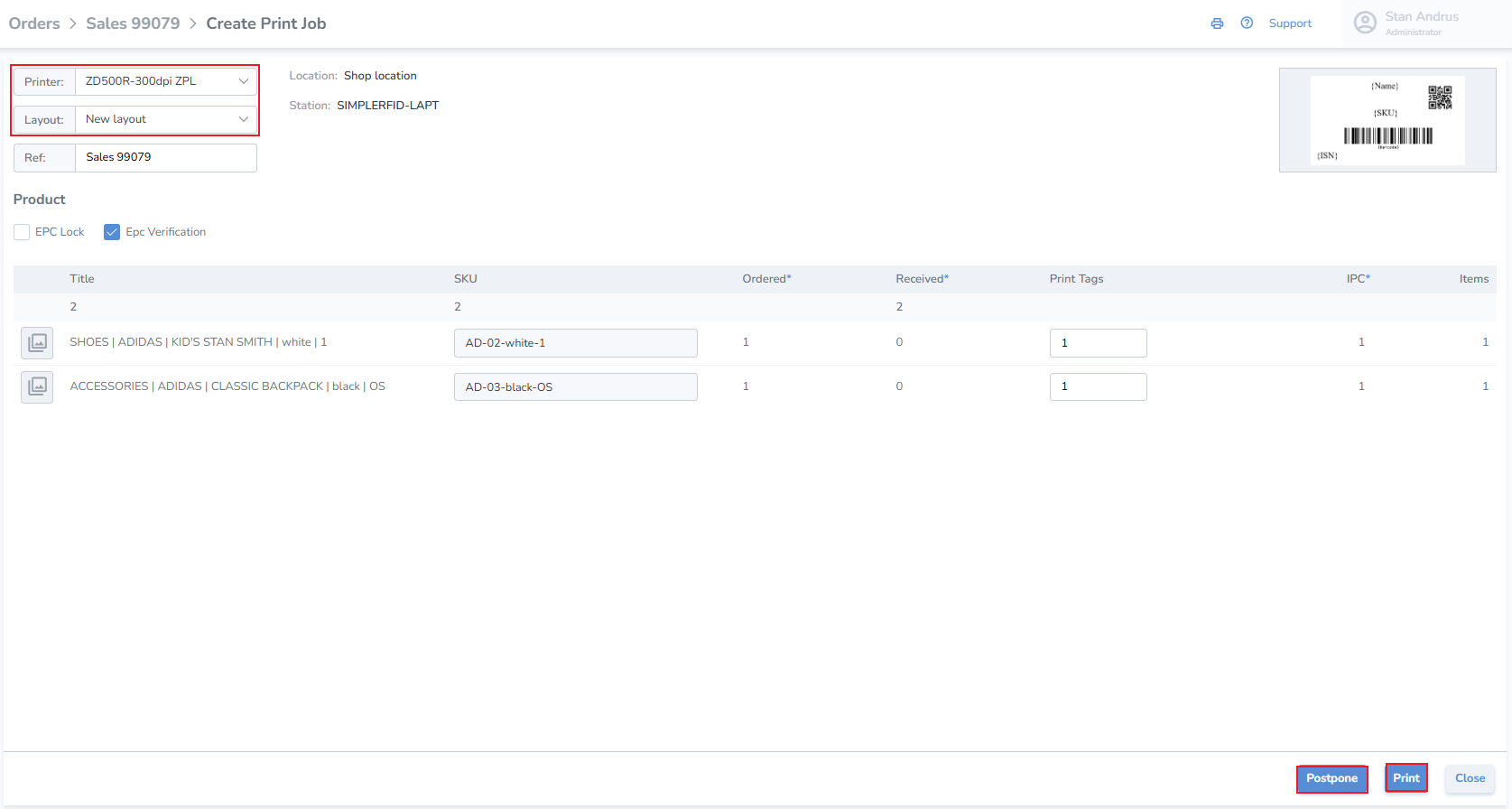
- Click Postpone to save the job
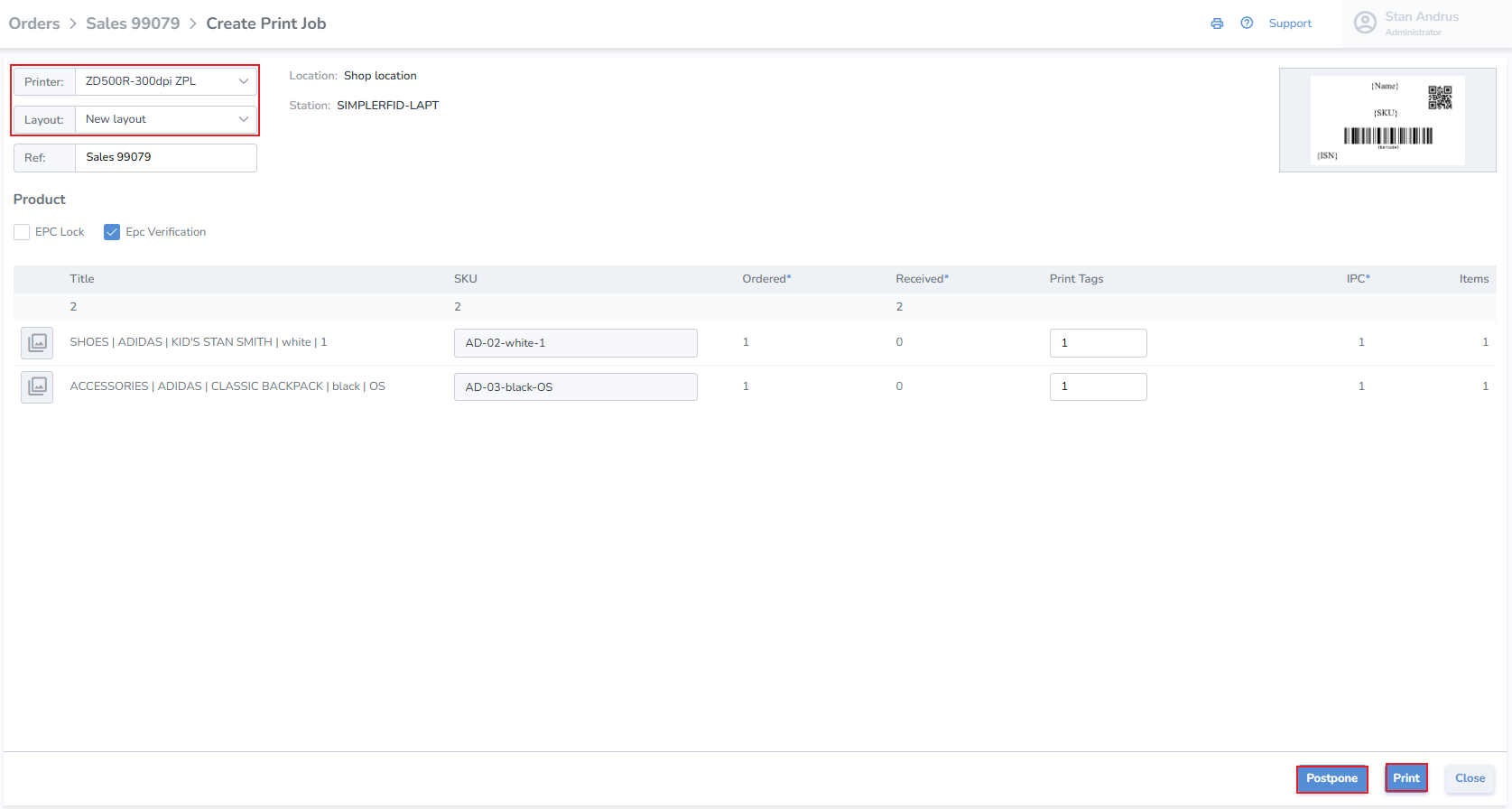
- Click Print to initiate the job immediately
Converting a Purchase Order into a Print Job
- Update to Receiving Status
- Click Print
Converting a Transfer Order into a Print Job
- Update to Shipping Status
- Click Print