
Shopify Sales Orders: Copy, Verify Accuracy, Update Shopify
In an effort to deprecate the Shopify plugin, we have moved the Sales Order import flow to the Portal. Here's how to submit Shopify Sales Orders to be verified by the mobile app.
To submit the order:
1. Choose the location you wish to fulfill the orders from
2. Click the checkbox(es) of the orders you wish to verify. Click the top checkbox to select all records.
3. Click QC
4. Click Apply

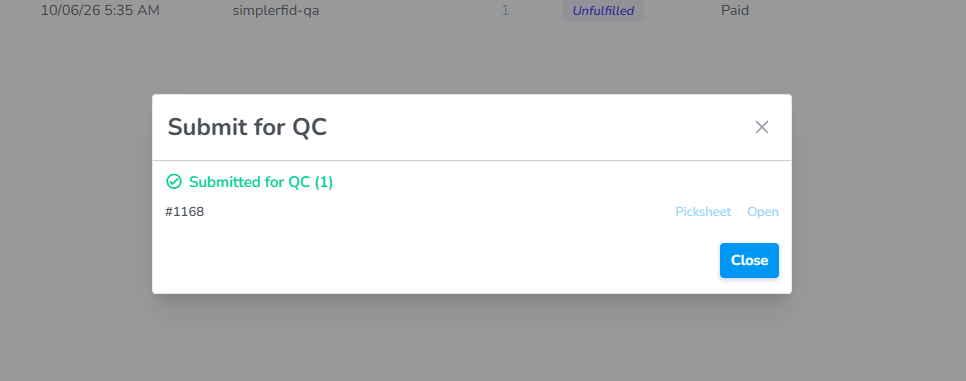
Result: The Sales Order will be imported and ready for QC verification from the mobile app / handheld reader.
ClickNext, Ship
Locatefollow the Ordersteps & click on it
Clickin the Productssales tab
Clickorder Verify
Scanverification Ordered Itemsworkflow.
If theyall matchitems theare contents ofscanned the order youstatus canis completeupdated thein verificationShopify processto Fulfilled.