Reimport Products
If your Shopify products fail to appear in your Simple RFID Products tabtab, you may need to reimport them.them manually. Here's how:
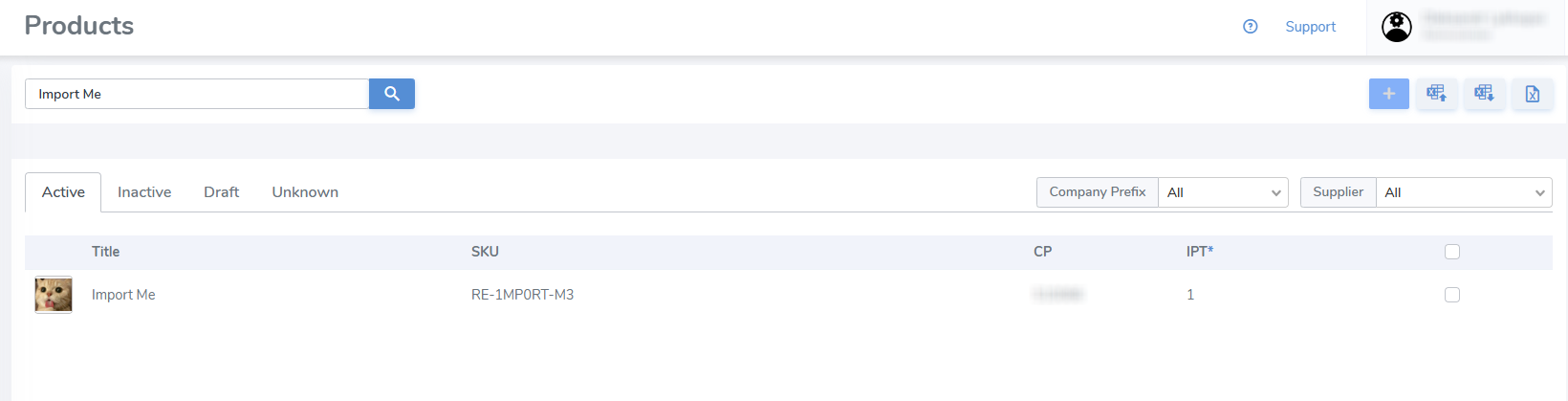
Go to the Products page in the SimpleRFID web portal and verify if the item can be found by its name or SKU.
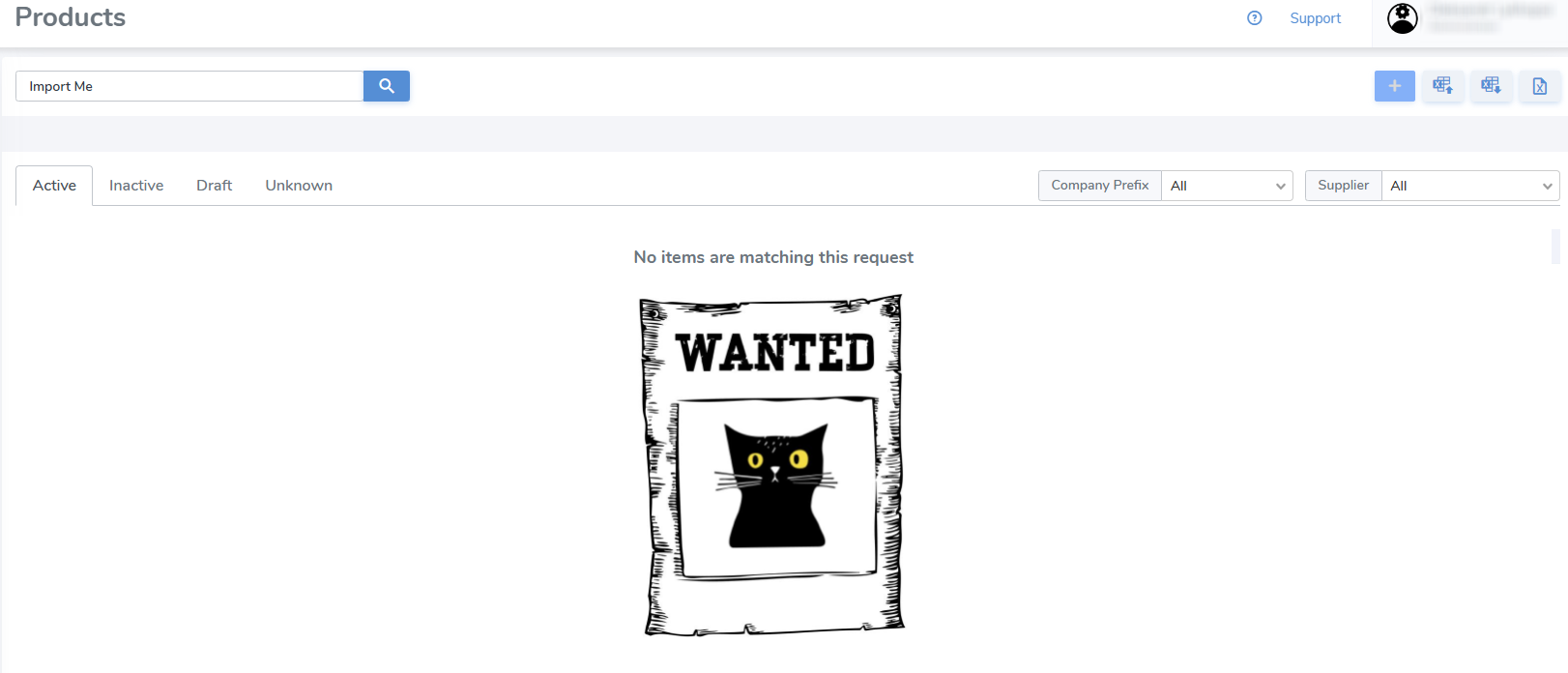
If a product wasn't found, go to the Products page under the SimpleRFID app in Shopify.
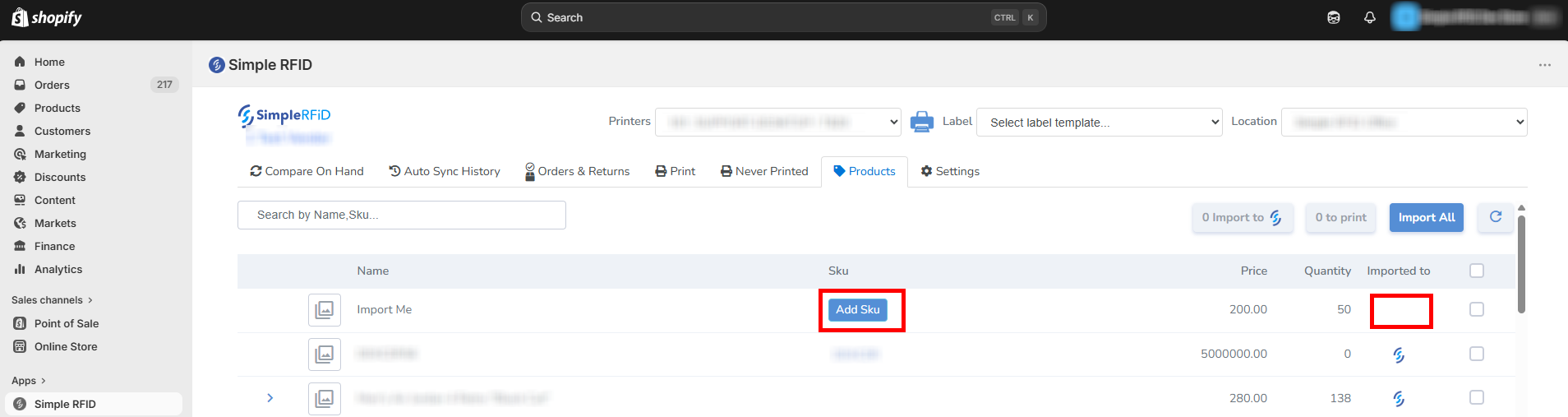
A product won't be imported, either manually or automatically, if a SKU is missing!
Click the Add Sku button. It will open the product properties.

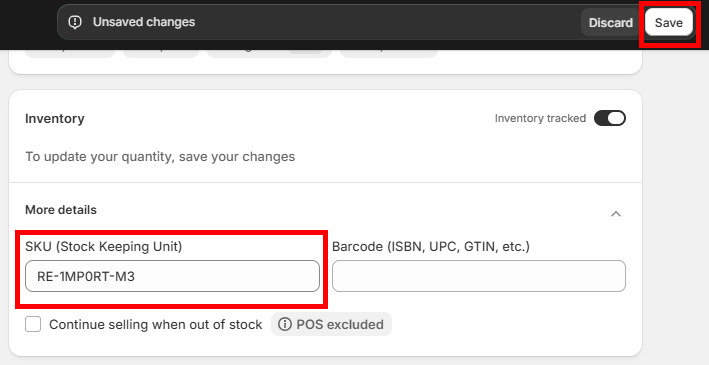
Scroll down to the Inventory tile and click SKU.
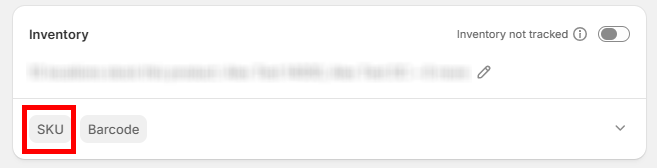
Type in the SKU and click Save.
Go back to the Products page under the SimpleRFID app in Shopify.
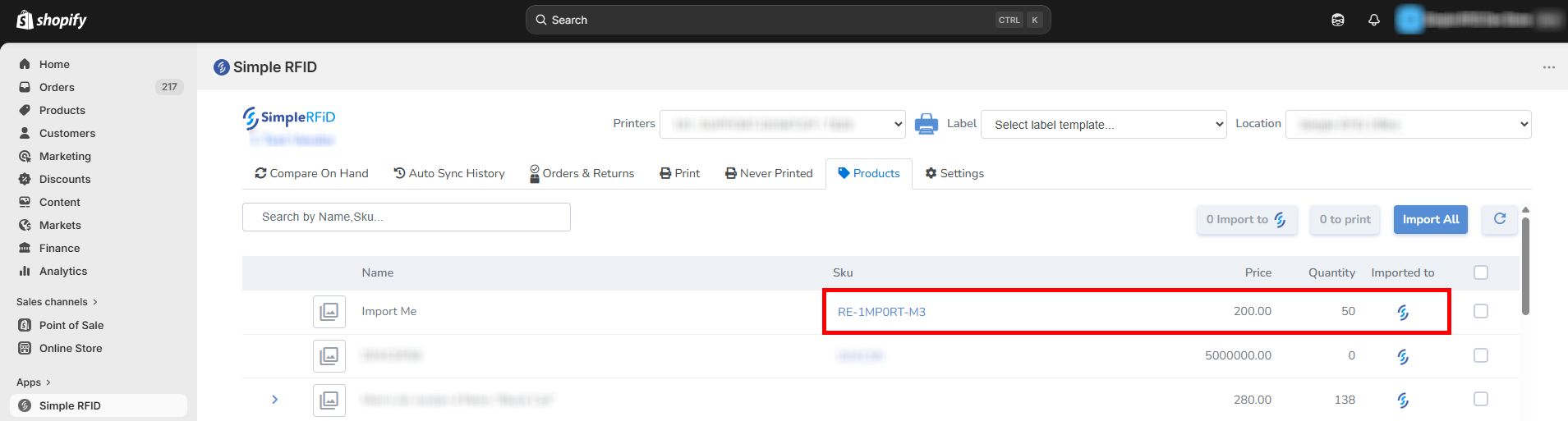
If a product has  icon in the Imported to column, it's now auto-imported
Products can still be imported manually. Select a product -> Import to SimpleRFID.
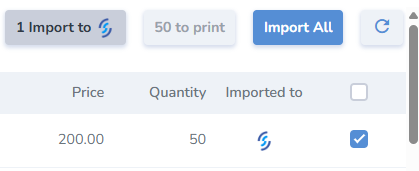
The product has been imported successfully!