Skip to main content
Manual Calibration: ZD500R
- Press the button under the HOME symbol.
- Use the left-right arrow keys to select TOOLS, then press ENTER.
- Use the left-right arrow keys to navigate to MANUAL CALIBRATION, then press START.
- The printer should now say LOAD BACKING, PRINTER PAUSED.
- Open the printer, remove labels from the first three inches of backing. Roll the labels back so that the empty backing is directly over the media sensor.
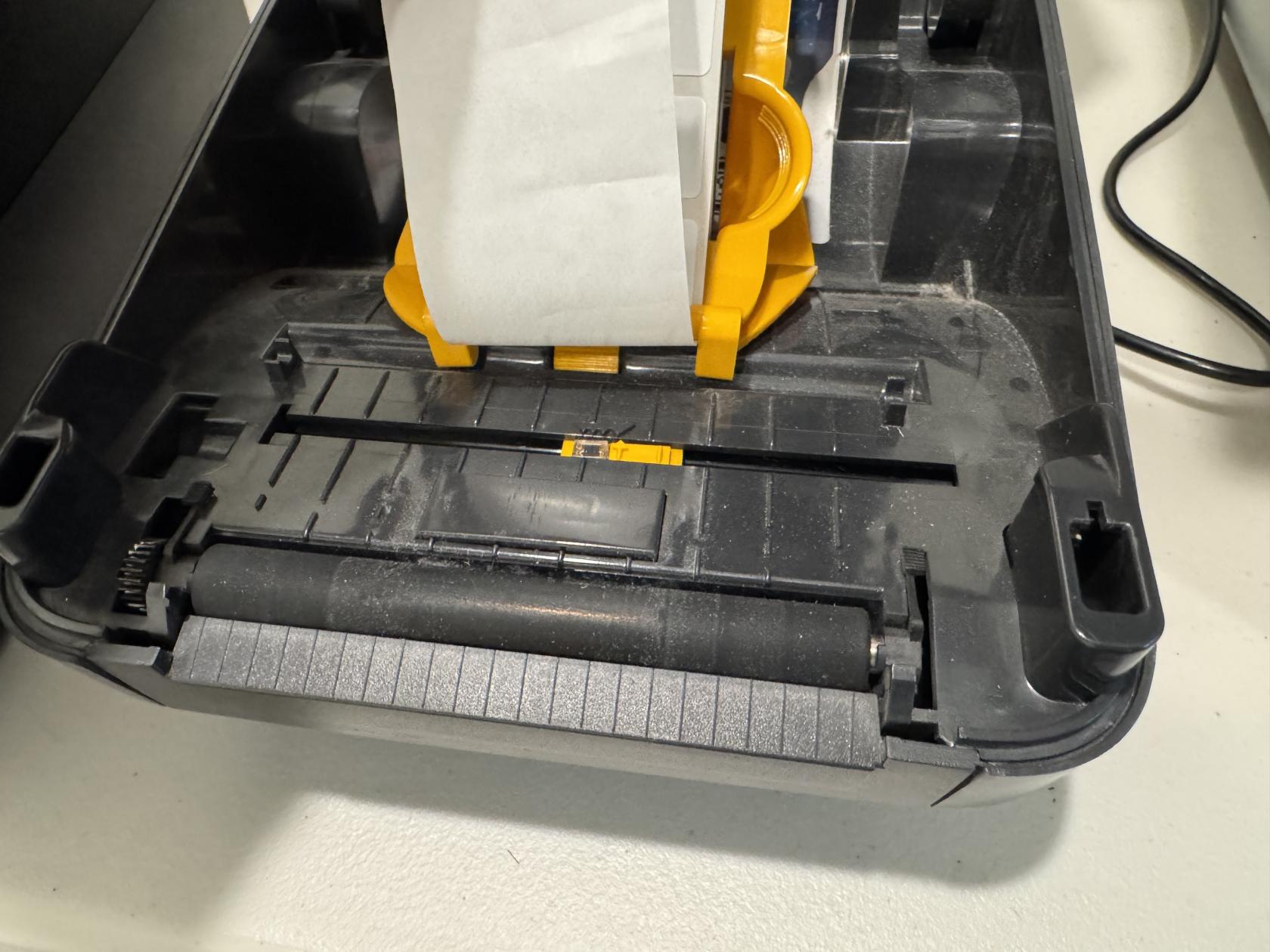
- Close the printer.
- Press the Pause button to begin the calibration.
- The printer will take a few seconds to measure the sensor through the empty backing.
- When the printer says RELOAD ALL, press Pause again.
- The printer will feed labels out until it identifies the gap successfully.
- After the calibration is complete,
