Zebra ZD621R: Adjust Darkness
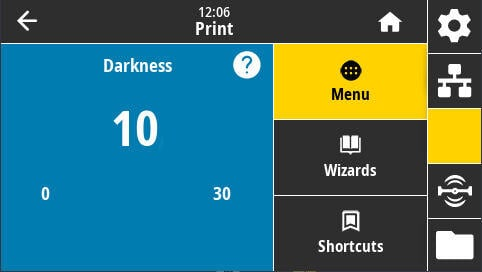
- Using your printer's touchscreen, navigate to Menu > Printer (icon) > Print Quality > Darkness:
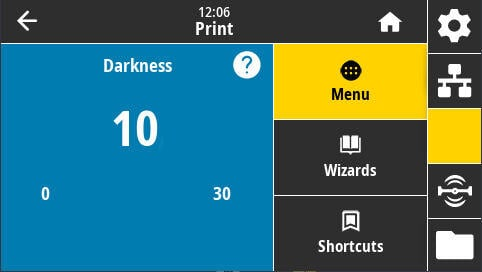
- Use the plus buttons, or slide the slider to increase or decrease the darkness setting.
- If you are using resin ribbon, and you usually use wax, you will need to increase this value by at least 10.
- The setting will be automatically applied; press the Home button to return to the Idle screen.