
ZD500R: Reset to Factory Defaults
AfterTurn starting the printer, use the touchscreen to click "Menu"
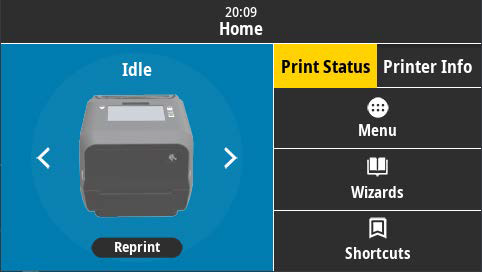
On the left side of the screen, click "Settings"
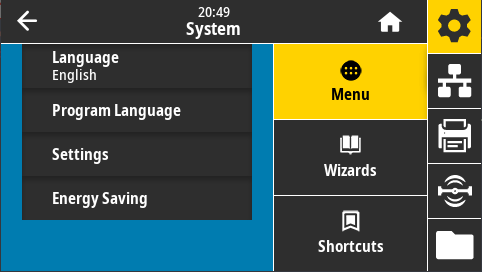
Scroll down and click "Restore Defaults"
Click on "Restore Printer" and accept the prompt
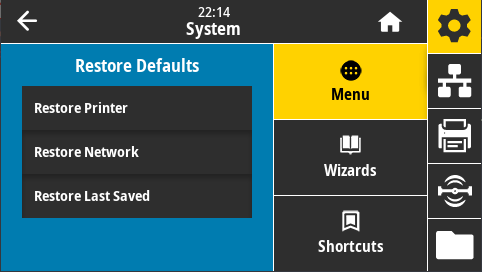
This will resetoff the printer using the switch on the back.
Press and hold FEED + PAUSE while turning on the printer.
Continue holding FEED + PAUSE until the first control panel light turns off.
The printer configuration is now reset to the factory defaults.default values.