
Set up MDM
This article describes the process of setting up the reader to get automatic updates.
This will completely reset the reader. If you are using the phone attached to the reader for anything other than Simple RFID, be aware that it will be deleted.
Hard Reset Device
- Open the Settings app
- Scroll down to the bottom and select System
- Scroll down and select Reset options
- Select Erase all data (factory reset)
- Select Erase all data
- Select Erase everything & Reboot

It will reset to the factory default settings. This may take a few minutes. After it is reset, you will see a screen that says Hi There
Do not select Start. If you do, set up the phone and reset again to get on this page.
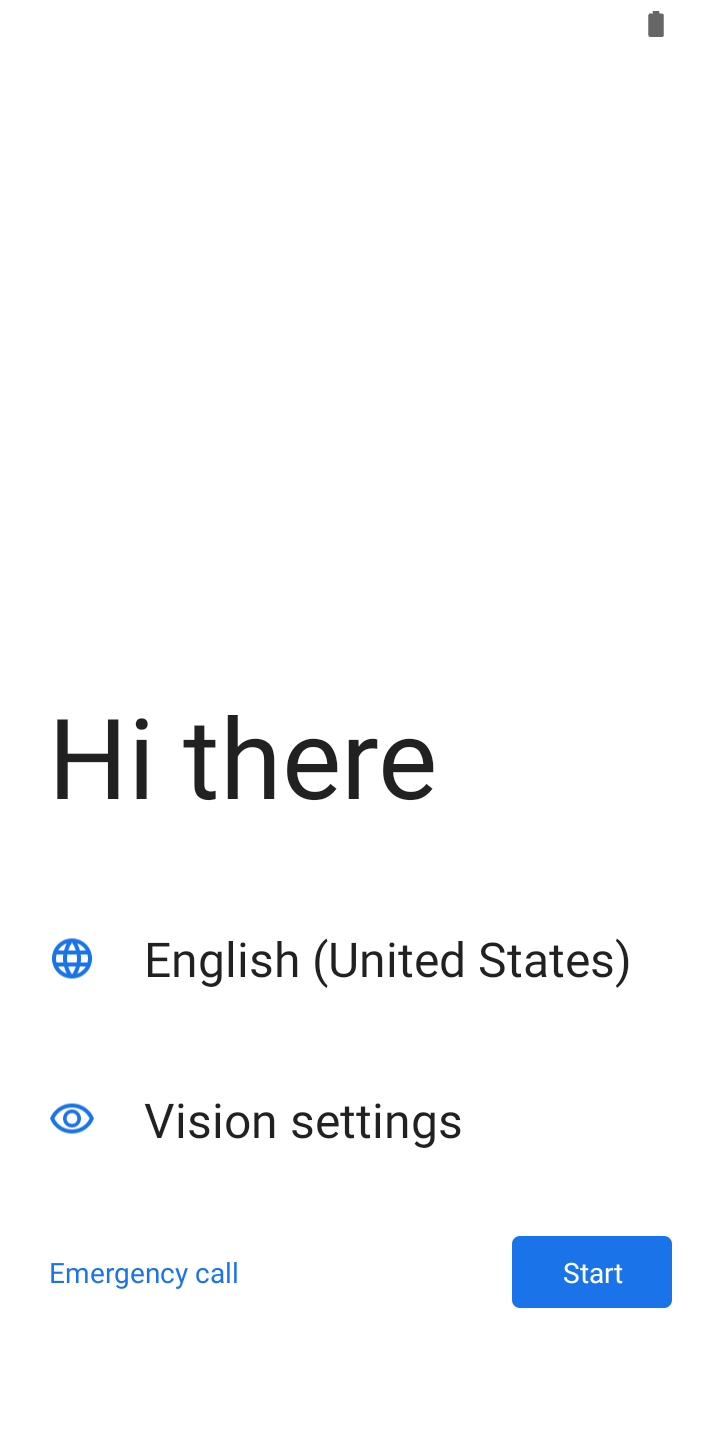
Tap the screen above the text 7 times in rapid succession. This will pull up a camera that is looking for a QR code. Scan this QR code:
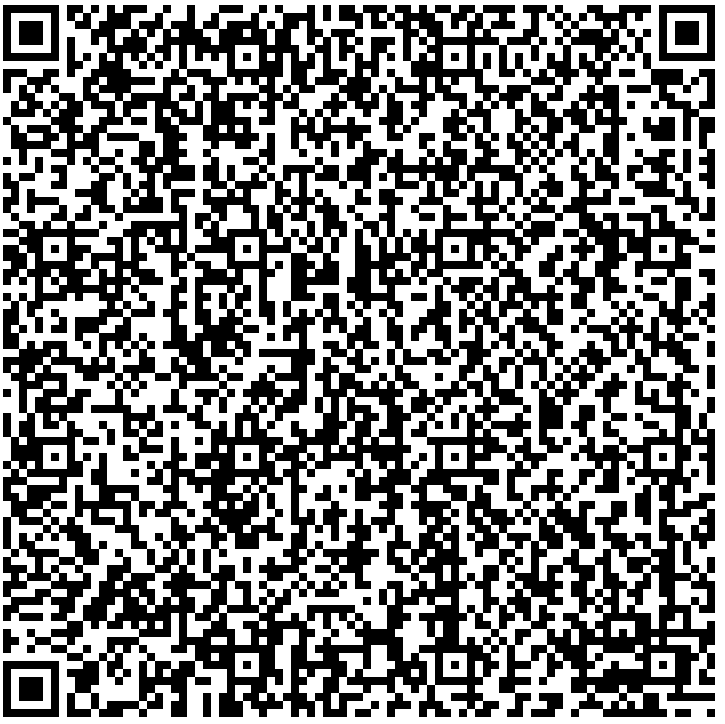
This will download our software, and allow us to keep track of the reader. Accept all of the prompts, and you are all set!