
DT50P All-In-One Reader
This article outlines the steps for preparing your DT50P All-in-One RFID reader.
Install Battery
The battery is included in the packaging along with the reader.
1. On the bottom backside of the reader, unlock the handle
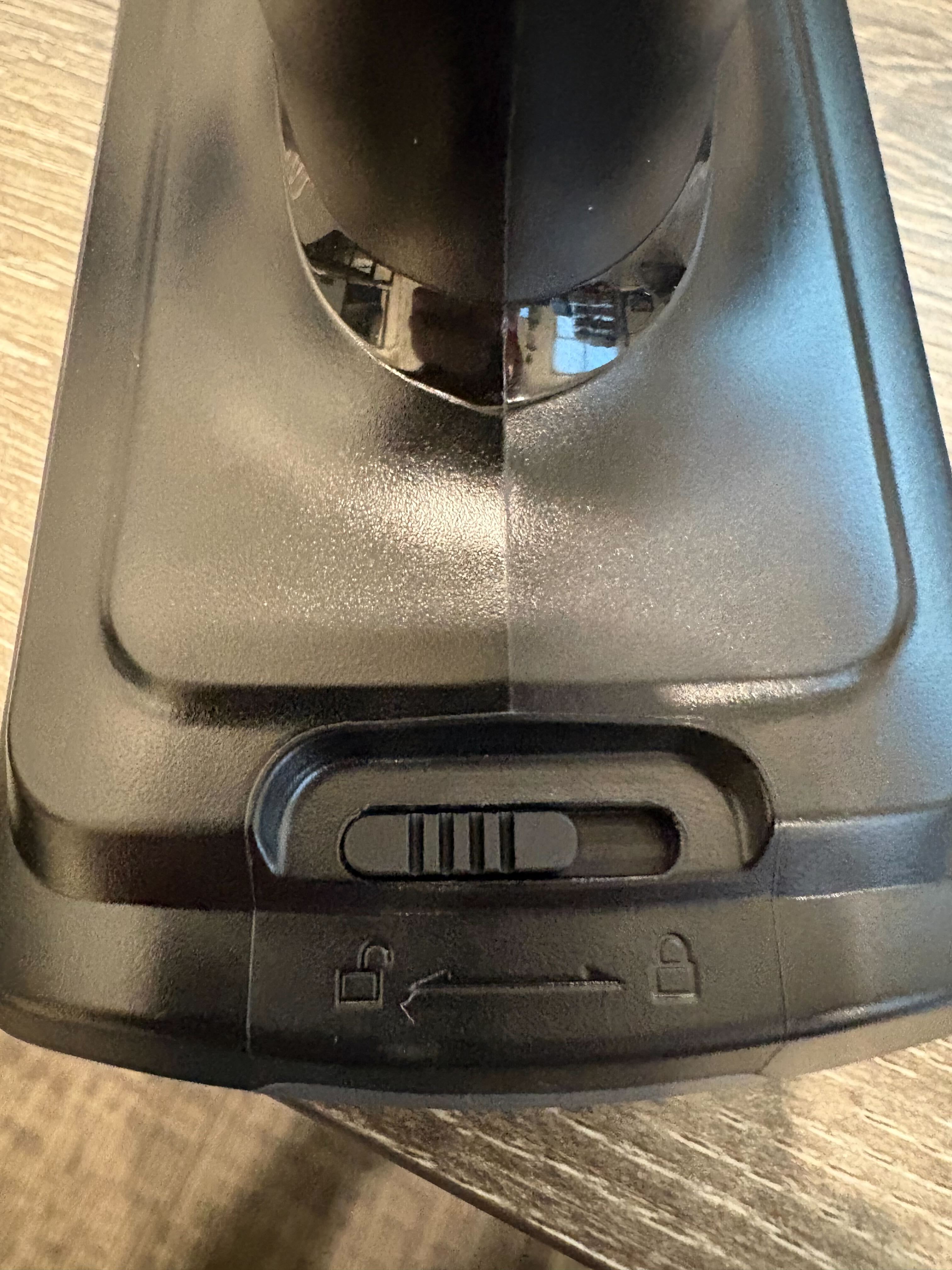
2. Pull the handle off of the reader. It might take some force.
3. Install the battery inside the red rubber band. Ensure that the arrows on the battery are facing towards the top of the reader.
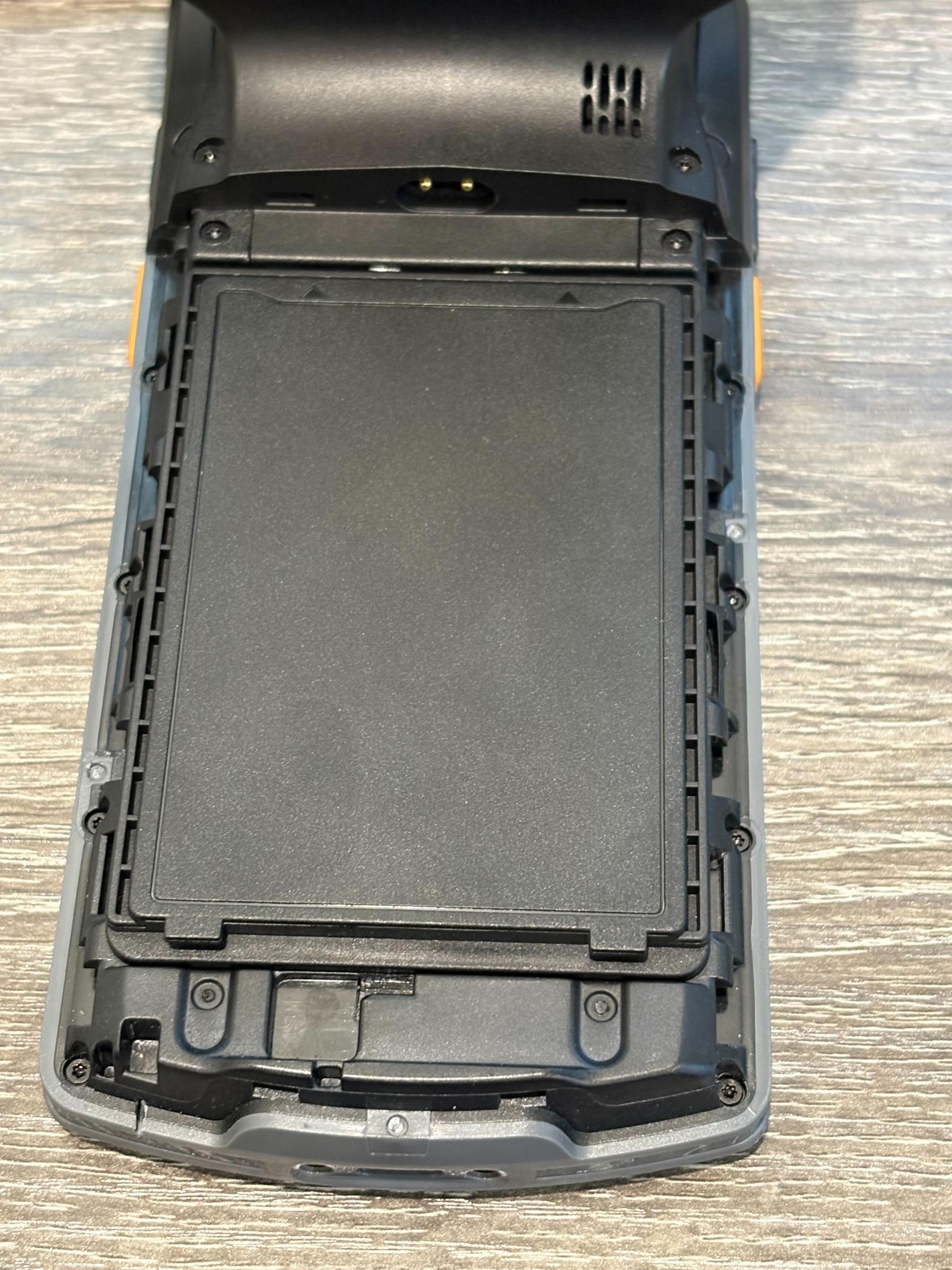
4. Put the handle back on the reader and lock it
5. Hold the power button on the top of the phone until it buzzes
The Simple RFID app should be preinstalled and ready to use on the home screen.
You will need to connect to your WiFi network in the settings on the reader.