Please ensure that the power is connected to a wall AC power source. If the power on the tablet is low Windows will halt processes which includes services (including the Simple RFID Print Client) which will make the printer offline.
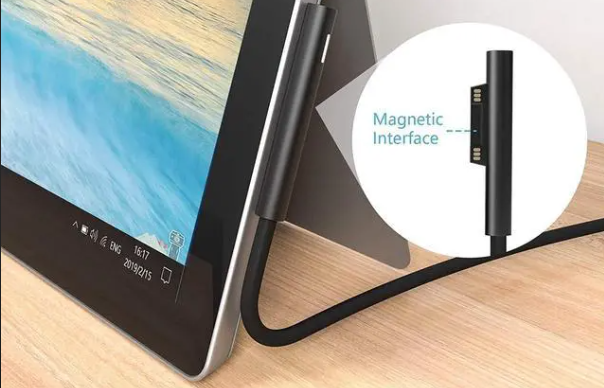
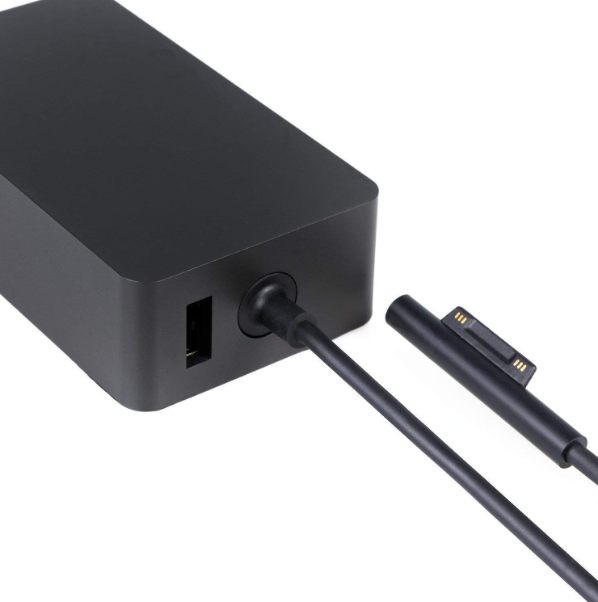The charger uses a magnet to connect.
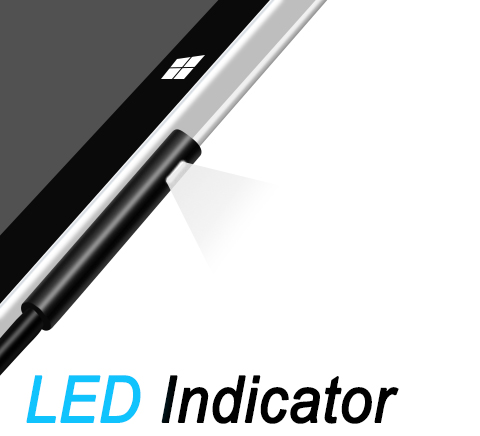
****An LED indicator on the side of the charger will light up when connected.****
[](https://kb.simplerfid.com/uploads/images/gallery/2026-02/Ls8image.png) ****The Surface tablets have just 1 USB port which is used to connect the printer, therefore the USB cannot be used to power the tablet.****