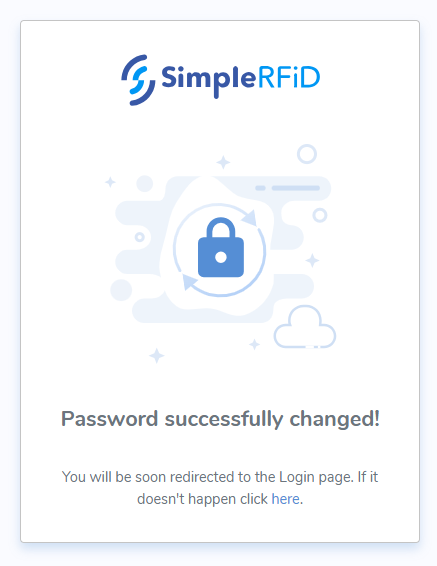
Resetting Password
Instructions for how to reset your password.
From the login screen click 'Forgot password?'
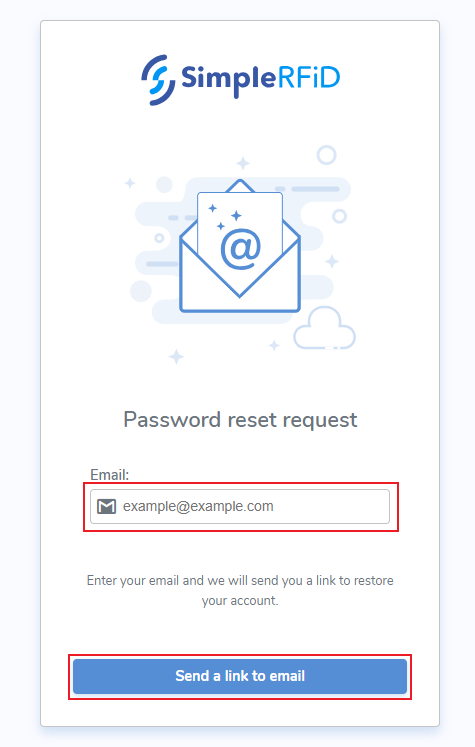
Password Reset
- Enter the associated email address
- Click Send a link to email
Reset Notification
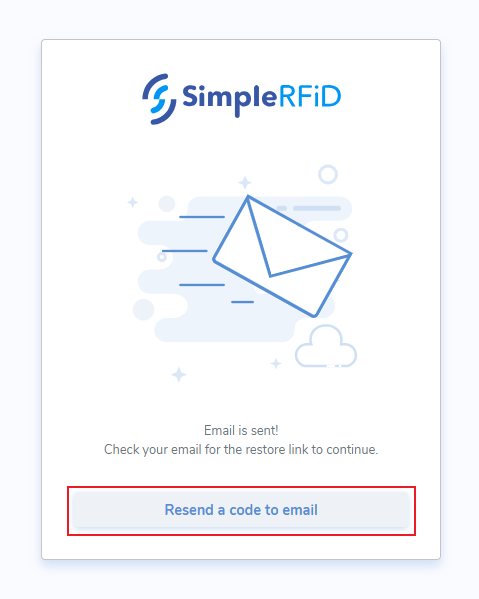
Once sent, a notification will appear advising that the email has been sent.
The pop-up also contains a link to 'Resend the code to email'
Reset Email
An email will then be sent to the associated email with a button to reset your password
- Click 'Reset Password'

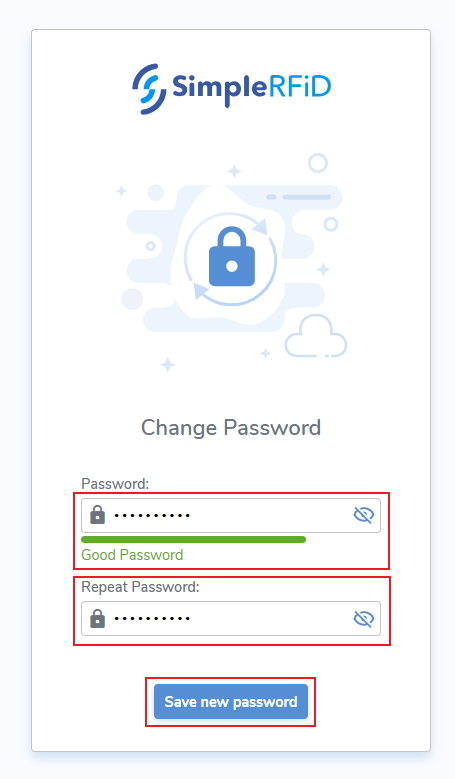
Change Password screen
- Enter password
- Repeat password
- Click 'Save new password'
Confirmation Notification
A pop-up message will confirm that your password was changed successfully