Creating Purchase Orders enables labels to be printed for ordered items, then scanned to confirm all items are received complete.
--- ##### ****Create Purchase Orders**** Orders can be created ****manually****, one at a time, or [in bulk via spreadsheet upload](https://kb.simplerfid.com/books/web-portal/page/create-multiple-orders-using-spreadsheet-upload). --- ##### ****Create a Purchase Order manually**** To view only ****Purchase Orders****, click the ****Purchase**** tab. - Click the \[+\] button [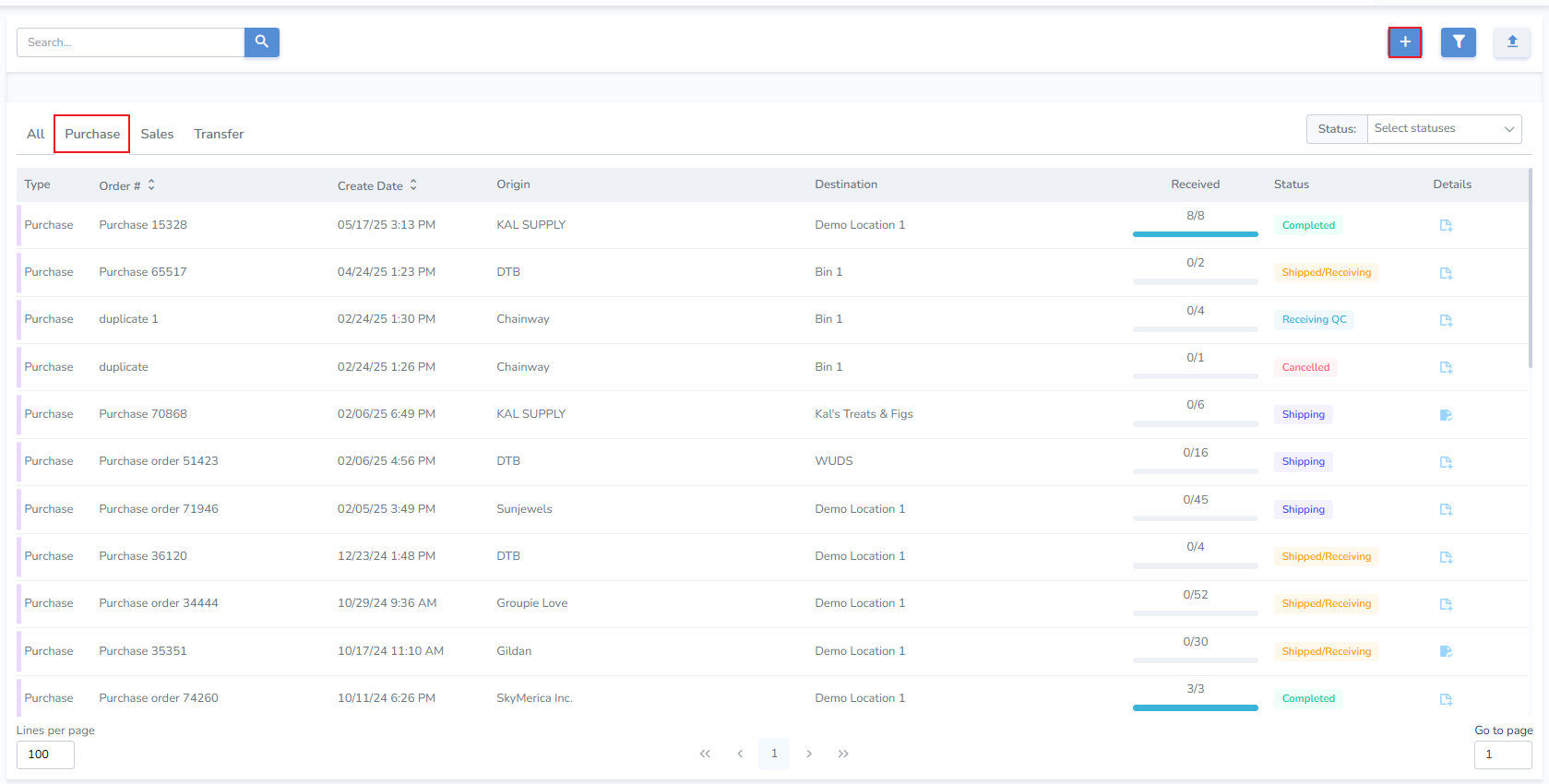](https://kb.simplerfid.com/uploads/images/gallery/2025-06/N0Eimage.png) - From the Pop-up select ****Purchase**** [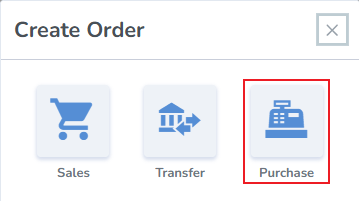](https://kb.simplerfid.com/uploads/images/gallery/2025-06/vZXimage.png) --- ##### ****Create Purchase page**** - Order Number - the system generates an order number, or enter your own - Origin - select the location of the Supplier which fulfilled the order. - Destination - select the location where the order will be received (your Distribution Center (DC) or Store location) - Add Products & Quantities - search and add products manually, or upload them via spreadsheet uploadIf the desired Supplier is not present, create them from the Locations tab.
[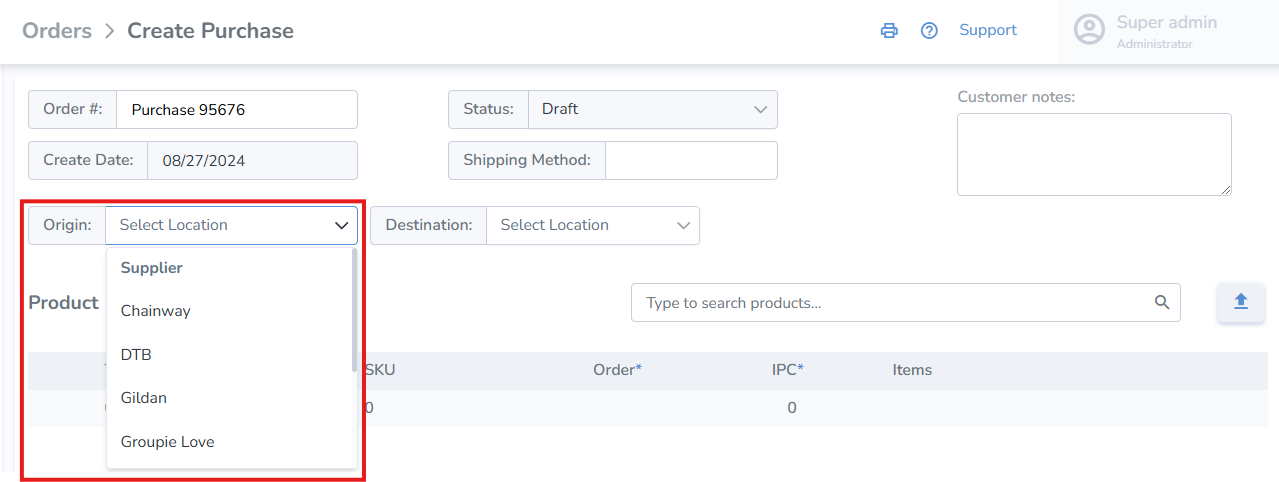](https://kb.simplerfid.com/uploads/images/gallery/2025-09/Z3himage.png) - ****Click**** Save - Once the Purchase order is updated to ****Shipping status****, [labels can be printed for the order](https://kb.simplerfid.com/books/web-portal/page/generating-print-jobs-from-an-order) - The Purchase Order can also be verified for accuracy using [mobile Receive](https://kb.simplerfid.com/books/mobile-app/page/ship-receive-transfers#bkmrk-receive-transfer) - Once the order has been verified on Ship or Receive, a corresponding progress bar will display the completeness of the order [](https://kb.simplerfid.com/uploads/images/gallery/2025-09/g1Kimage.png)