Print Actions: Postpone & Resume, Cancel, Reprint
Postpone & Resume
Perhaps you want to save your print job and print it later. To do this, instead of clicking "Print" from the Print Controller, click "Postpone."

This will create a saved Print Job which will appear on the Print History

On the main Printing page, you can see the Printing Status of each job in the listed history.
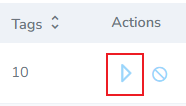
Start
- To start a print job, click the start button under the 'Actions' column
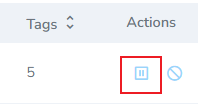
Pause
- To pause a print job, click the
Cancel
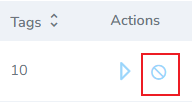
- To cancel the job, click the strike-through circle icon
Reprint
- To reprint a print job, click the "reprint" icon
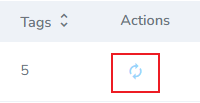
Clicking reprint will create a new job with the same details
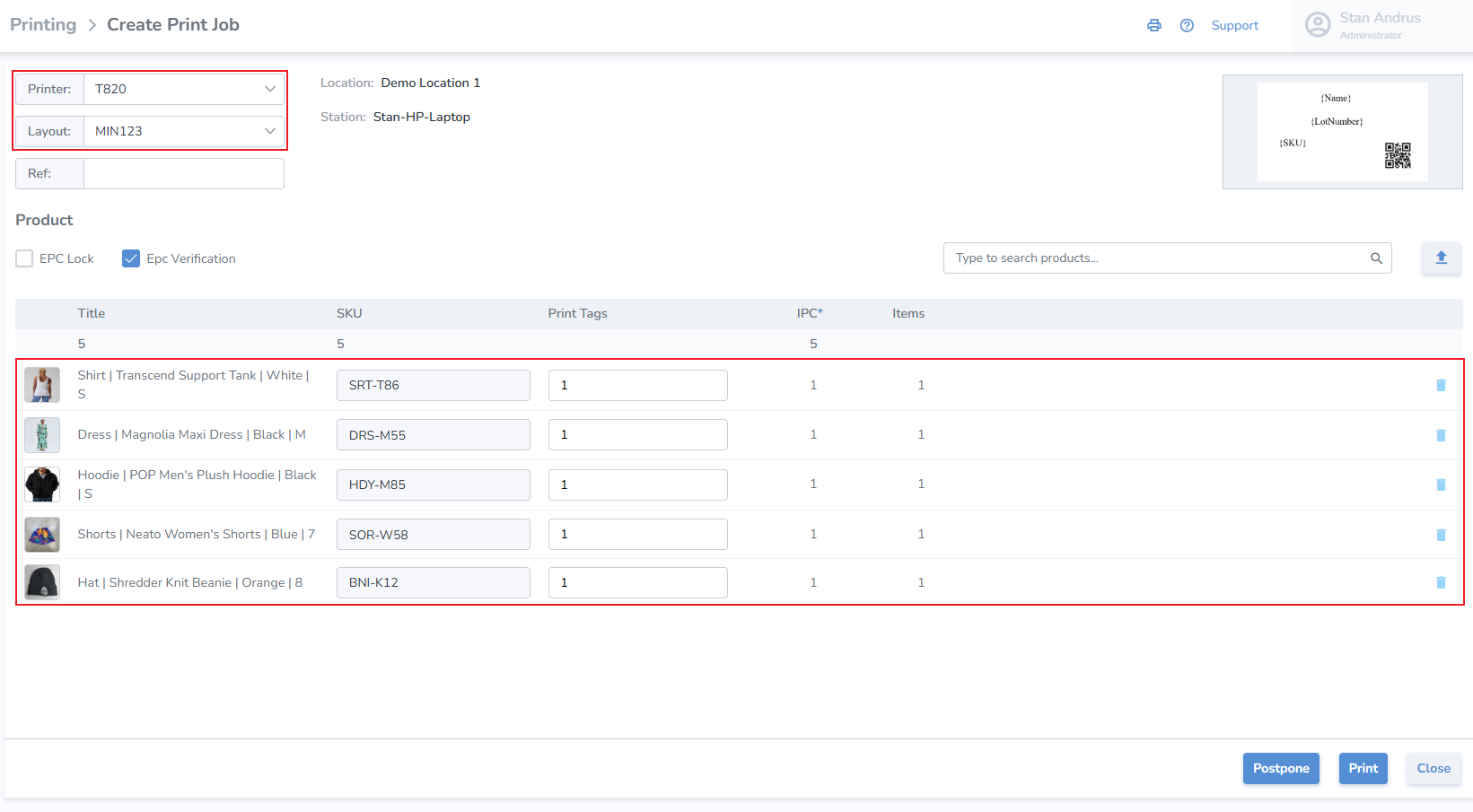
- Click Postpone to save the job in postponed status
- Click Print to initiate the print job immediately
- Click Close to exit without saving