# Log In
Instructions on logging into the web portal
- To access the portal login scree, enter [portal.simplerfid.com](https://portal.simplerfid.com/) into a web browser
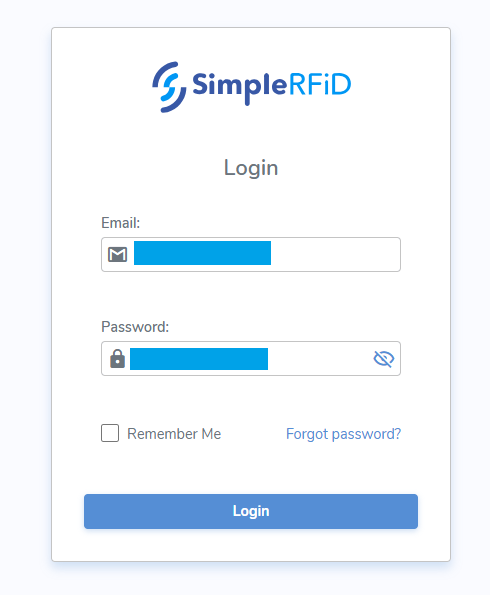
##### ****Login Screen****
- Enter your email and password into the login fields.
[](https://kb.simplerfid.com/uploads/images/gallery/2025-05/R6wimage.png)
- If you want to stay logged in on this device, check the "Remember me" box.
- Finally, click "Login" to enter the portal.
- If you have forgotten your password click the 'Forgot password?' link
If you don't remember your password, click "Forgot Password", then enter your email address and click "Send a link to email". You should then receive an email with a link to reset your password.
If your account hasn't yet been created, contact your manager or support@simplerfid.com