Locations
This article covers the different types of locations that can be created, and how to create them.
Location Types
There are three types of locations which can be created in Simple RFID.
- 'DC' or Distribution Center (Warehouse)
- Store (Retail Space)
- Supplier (any external vendor)
Create a Location
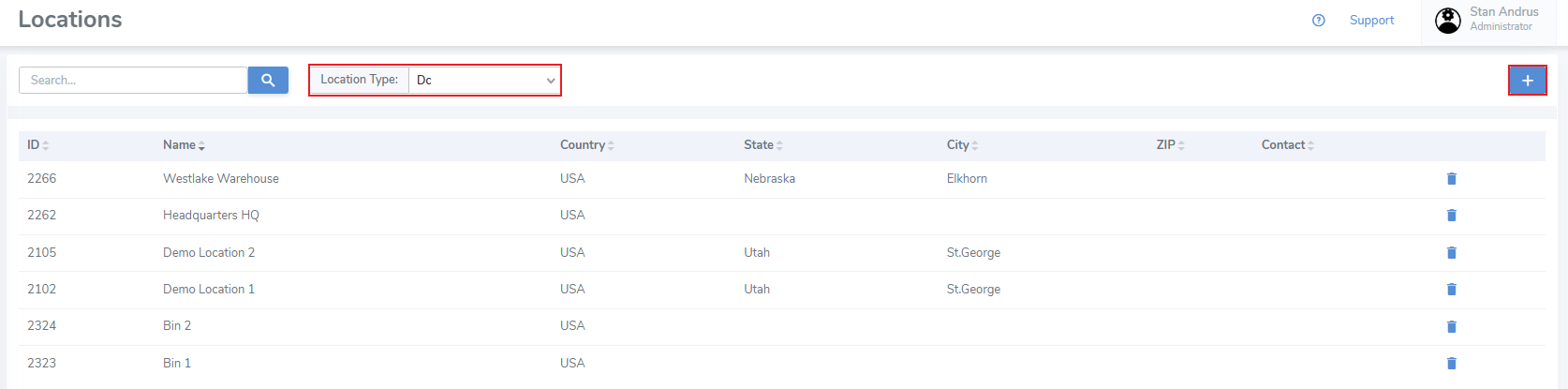
- Set the location type to the entity you wish to create
- Click the "+" button located in the upper right corner
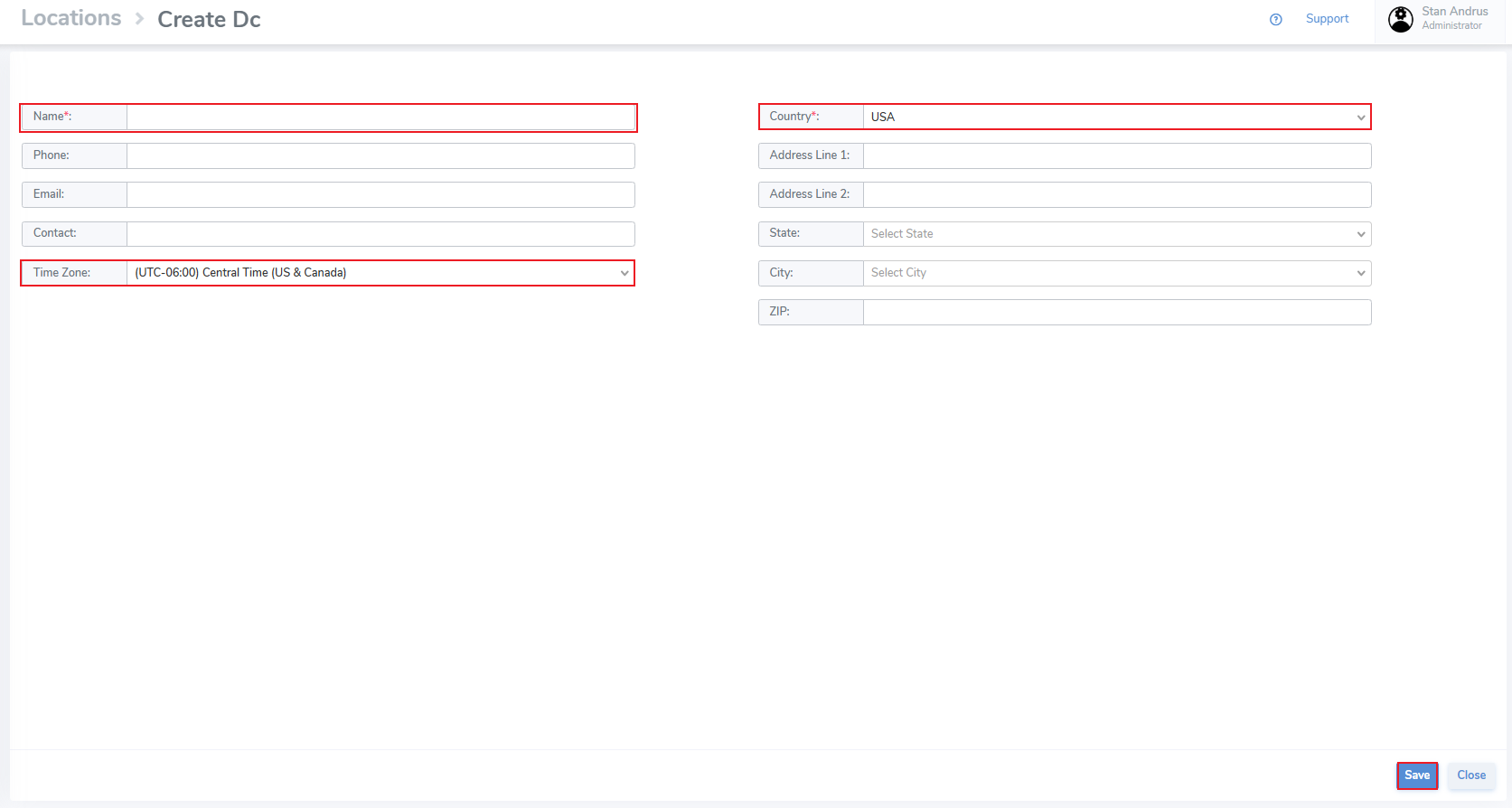
Enter information for the location including:
- Name
- Phone
- Contact
- Time Zone
- Country
- Address (including City, State & Zip Code)
It's important that your addresses are up-to-date. This address is used to ship supplies.
- Finally click "Save" to save the results
A current bug requires that the page be reloaded to display the new location. Switch the filter to a different location type and return back to what you created and it will appear.