# Location Framework
The Location Framework provides the ability to create properties that can be assigned to tags via a drop-down menu. Although this is called "Location" Framework, these properties can include anything you wish to associate with your items such as:
- Sublocations - Create rows, bins, isles, etc.
- Flags - Set items to status such as alterations, embroidery, layaway, etc.
- Process - Assembly, Packaging, QA, etc.
##### ****List tab****
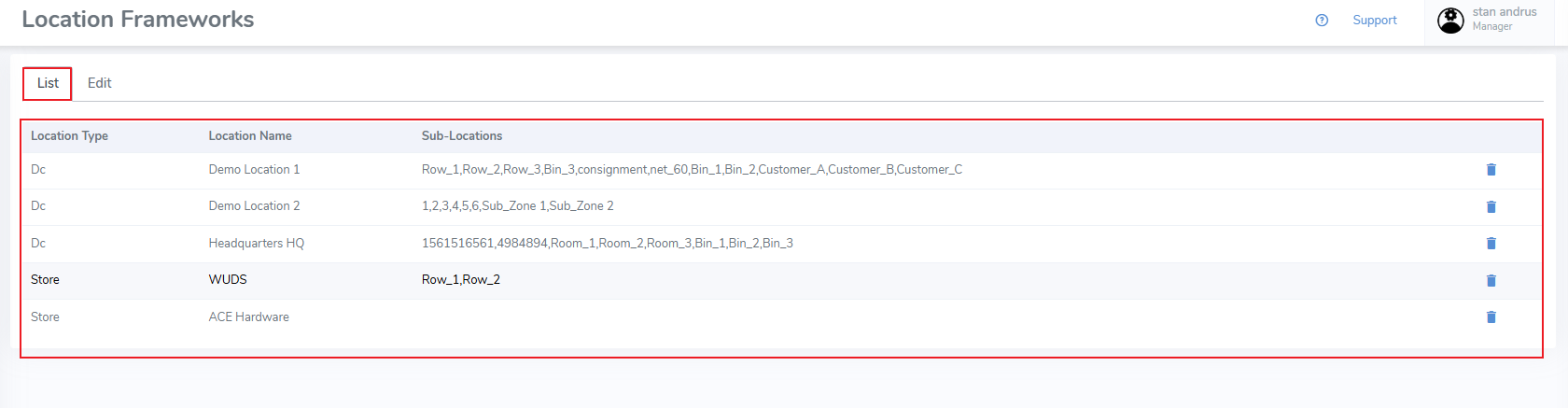
The Location Frameworks list tab displays all created frameworks.
[](https://kb.simplerfid.com/uploads/images/gallery/2025-05/ECTimage.png)
##### ****Edit tab****
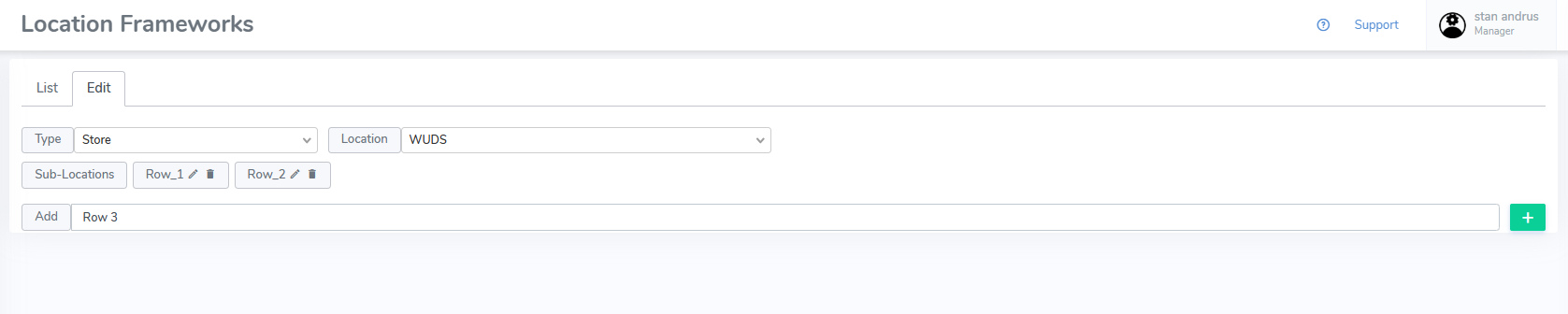
The Edit tab allows for creation of new frameworks and editing of existing frameworks
[](https://kb.simplerfid.com/uploads/images/gallery/2025-05/pRkimage.png)
##### ****Create a Framework****
From the Edit tab:
- Type & Location - Select the type & location you wish to apply the framework to
- Add - From the add section, enter the values separated by a comma
- Click the "+" button to add them
##### ****Edit a Framework****
From the List tab:
- Select the desired framework
From the Edit tab:
- Click the pencil icon to edit an existing value
- Click the Trash Can icon to delete the value
- Or use the Add row to add a new property
These frameworks appear on the web portal Inventory tab [Tag level](https://kb.simplerfid.com/books/web-portal/page/inventory-tag-level-properties) views, and can be edited there.
These frameworks can be set from the mobile device [Write Tags](https://kb.simplerfid.com/books/mobile-app/page/write-tags) page when using Single Tag Encoding