# Support Tool Installation - Windows

<p class="callout info">Note: You'll need Administrator permissions to complete this installation.</p>

<span style="white-space: pre-wrap;">First, </span>[download the support tool](https://github.com/simplerfid/support-tool-releases/releases/download/v2.4.6/SupportToolSetup_2.4.6.msi).

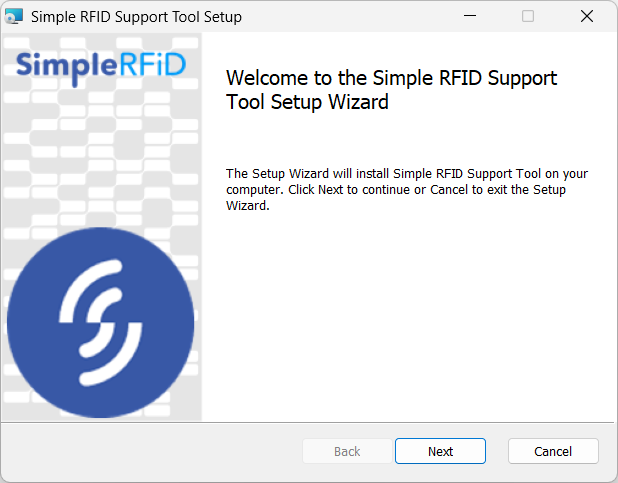
Once downloaded double click to open the installer, then click Next.
![Screenshot 2025-06-26 170742.png](https://kb.simplerfid.com/uploads/images/gallery/2025-06/scaled-1680-/screenshot-2025-06-26-170742.png)

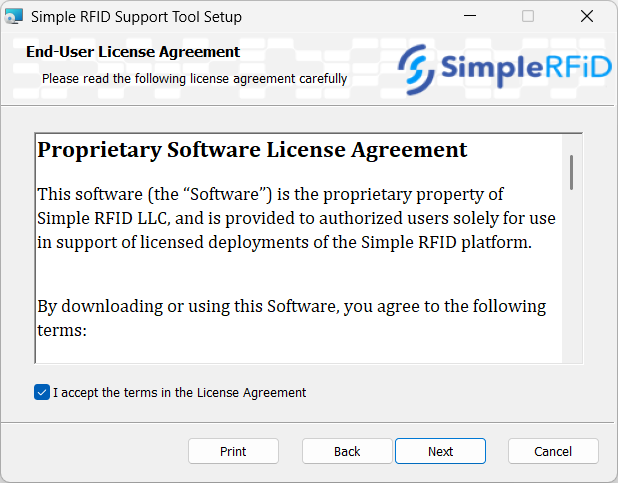
Accept the terms in the Licensing Agreement, then click Next.
![Screenshot 2025-06-26 170755.png](https://kb.simplerfid.com/uploads/images/gallery/2025-06/scaled-1680-/screenshot-2025-06-26-170755.png)

Choose the install location, then click Next.

![Screenshot 2025-06-26 170801.png](https://kb.simplerfid.com/uploads/images/gallery/2025-06/scaled-1680-/screenshot-2025-06-26-170801.png)

Click Install

![Screenshot 2025-06-26 170805.png](https://kb.simplerfid.com/uploads/images/gallery/2025-06/scaled-1680-/screenshot-2025-06-26-170805.png)

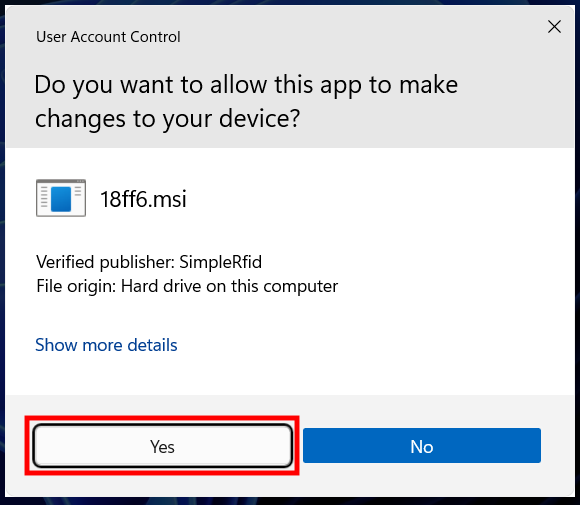
<span style="white-space: pre-wrap;">Click </span>****Yes****<span style="white-space: pre-wrap;"> to allow the app to make changes to your device.</span>

![image.png](https://kb.simplerfid.com/uploads/images/gallery/2025-10/scaled-1680-/image.png)

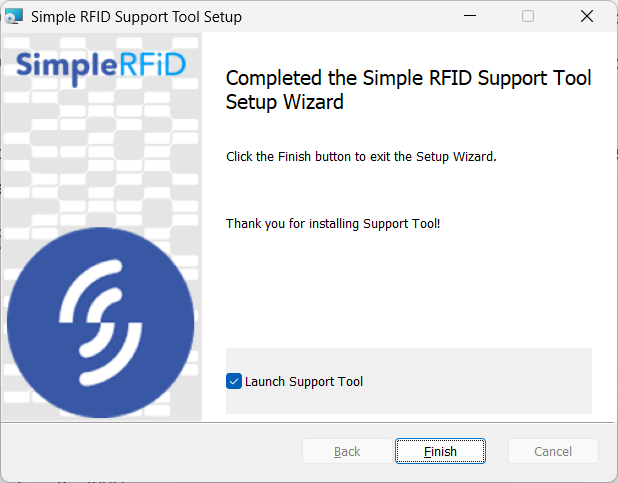
The program will then install, and once completed click Finish.
![Screenshot 2025-06-26 171002.png](https://kb.simplerfid.com/uploads/images/gallery/2025-08/scaled-1680-/screenshot-2025-06-26-171002.png)

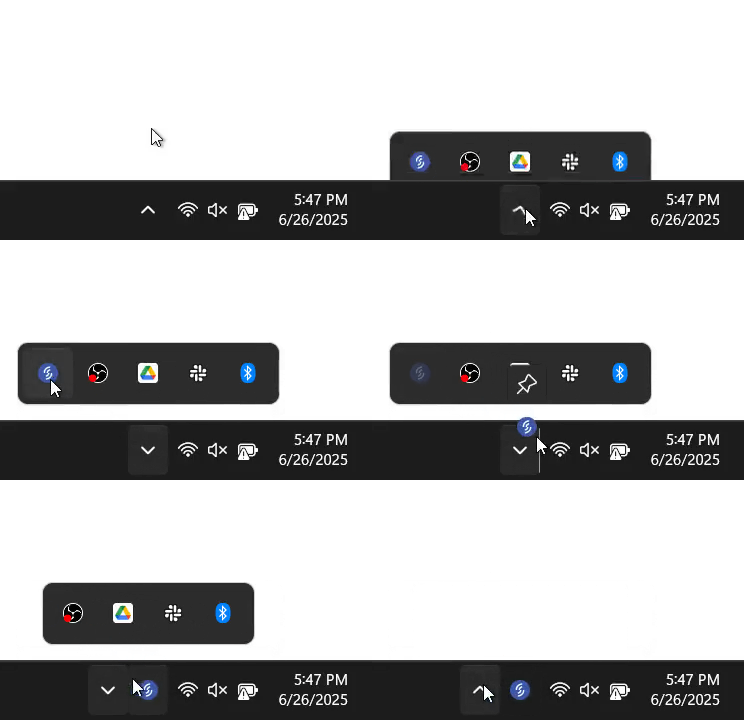
Once installed an icon will appear in your system tray in the bottom right corner of the screen (by the clock). We advise that you drag this icon down so that it appears in the task bar for easier access.

[![frame.gif](https://kb.simplerfid.com/uploads/images/gallery/2025-08/frame.gif)](https://kb.simplerfid.com/uploads/images/gallery/2025-08/frame.gif)