Note: You'll need Administrator permissions to complete this installation.
First, [download the support tool](https://github.com/simplerfid/mac-support-tool-releases/releases/latest/download/SupportTool.pkg). Open the downloaded .pkg file to launch the installer: [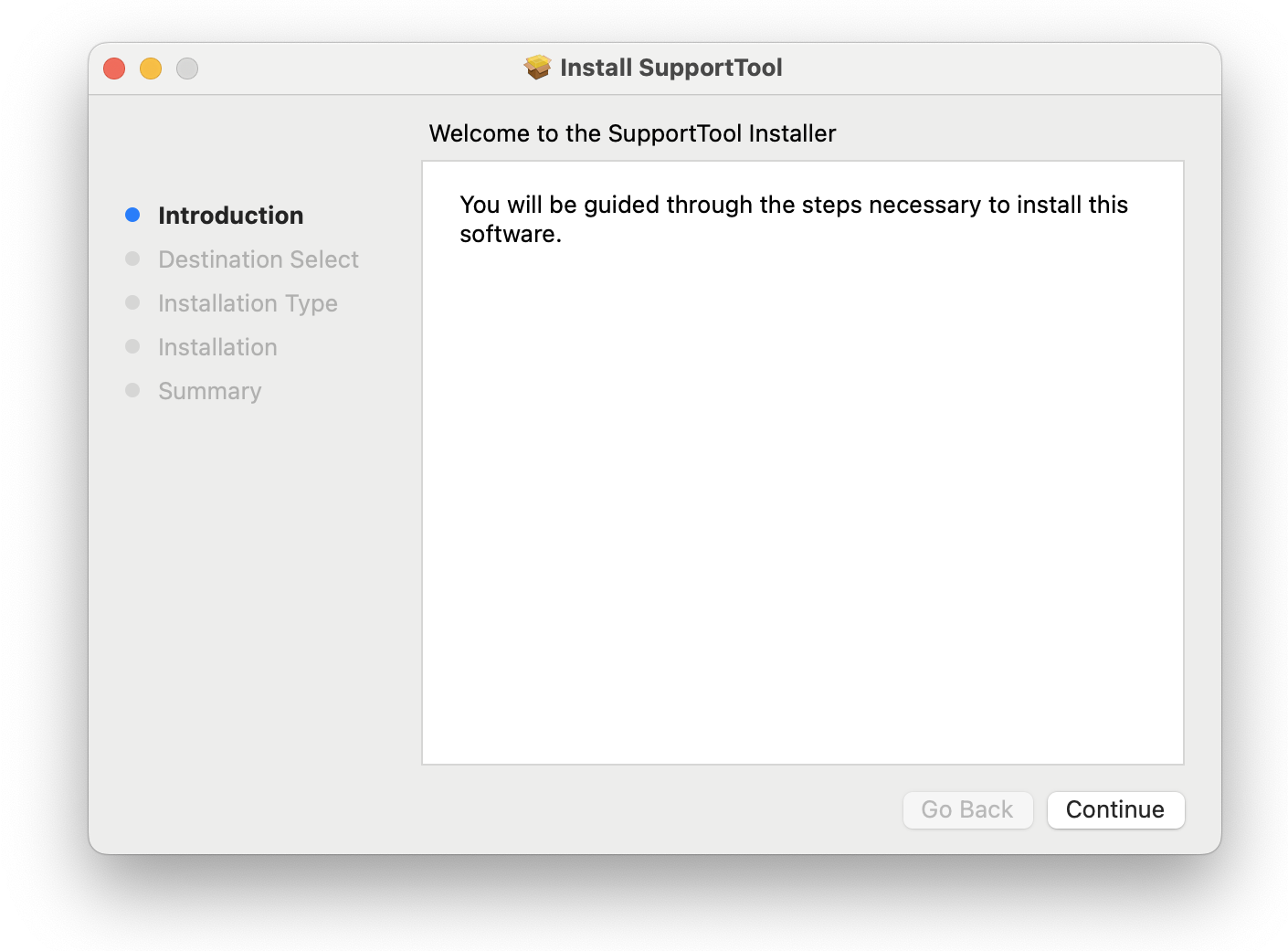](https://kb.simplerfid.com/uploads/images/gallery/2025-11/recimage.png) Next, press ****Continue**** then ****Install****. You'll be asked to provide your administrator password. [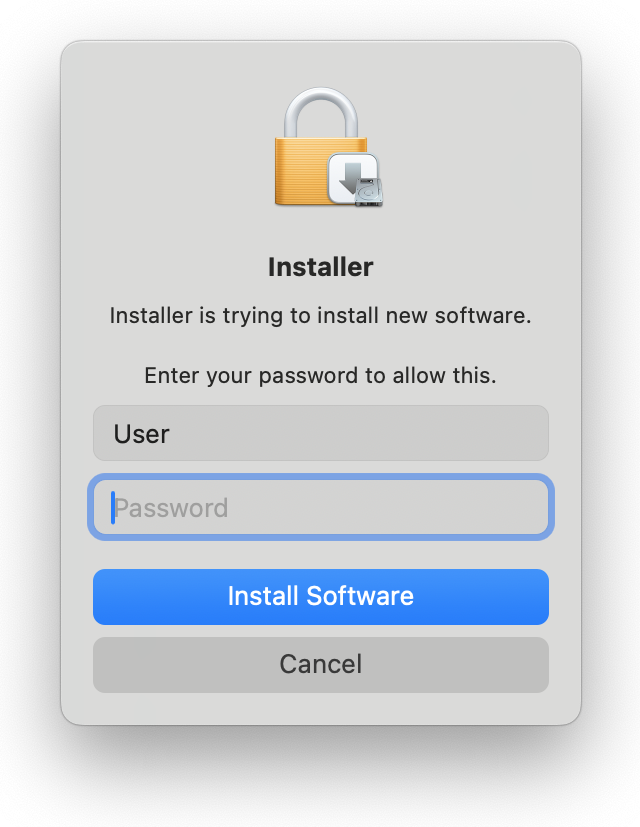](https://kb.simplerfid.com/uploads/images/gallery/2025-11/LLUimage.png) When the installation completes, you'll see a success message: [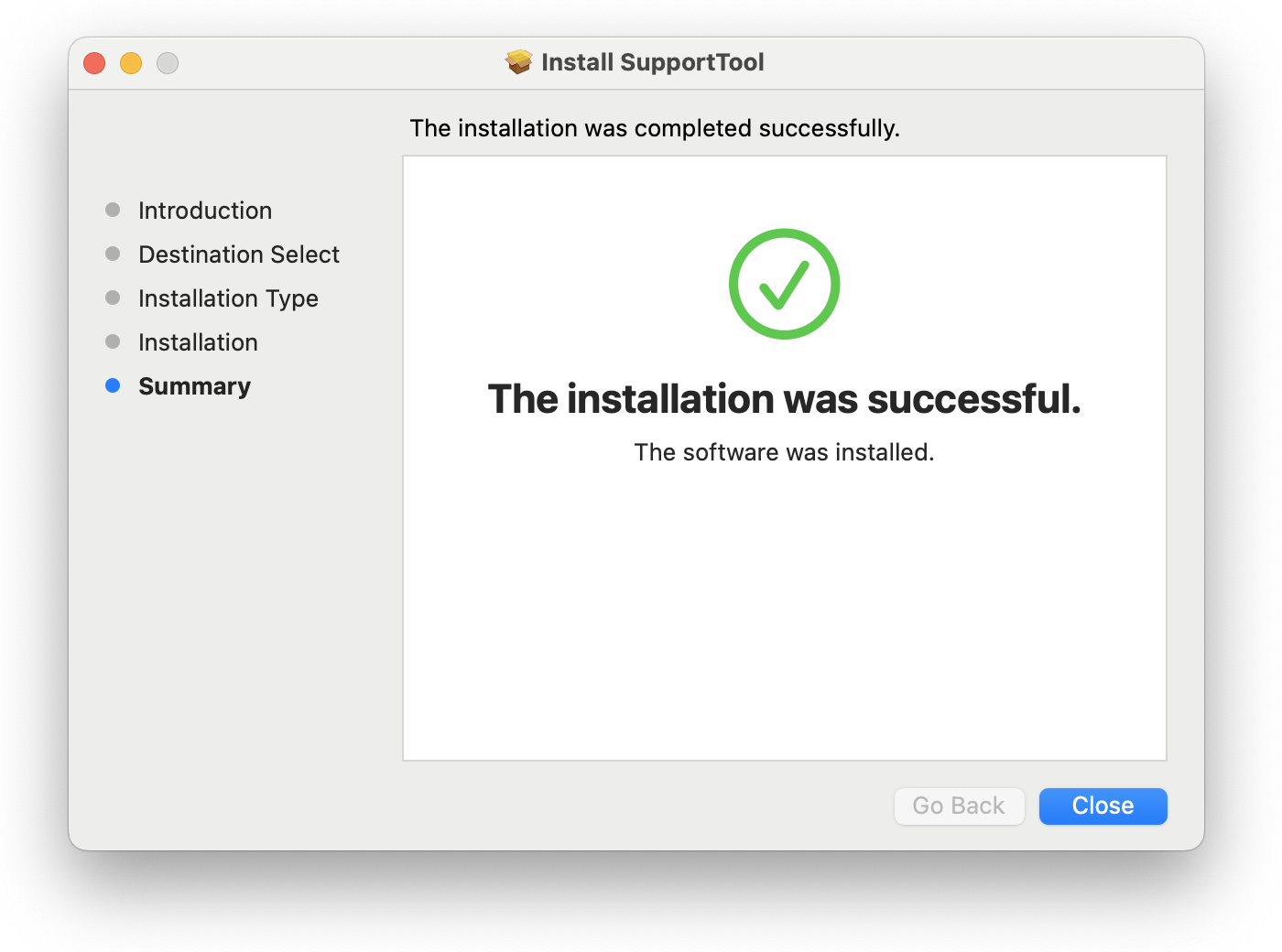](https://kb.simplerfid.com/uploads/images/gallery/2025-11/Pywimage.png) Now you'll see the Support Tool running at the right side of your menu bar, at the top of your screen: [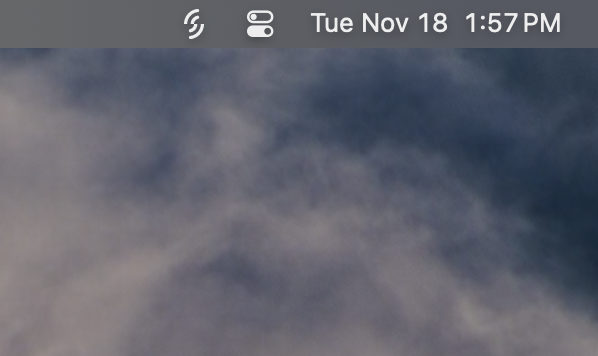](https://kb.simplerfid.com/uploads/images/gallery/2025-11/screenshot-2025-11-18-at-1-57-30-pm.png)