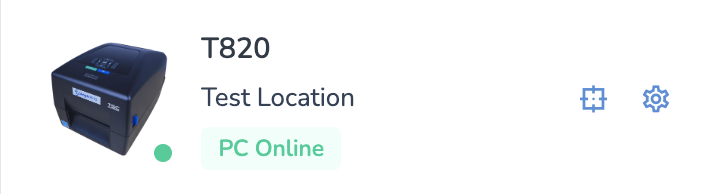
Installation instructions can be found here: [Support Tool: Installation](https://kb.simplerfid.com/books/support-tool/page/support-tool-installation-mac)
--- ##### ****Restarting the Printer using the Refresh Tool**** With the Support Tool installed, anytime you find your print client offline (indicated by "PC Offline"): [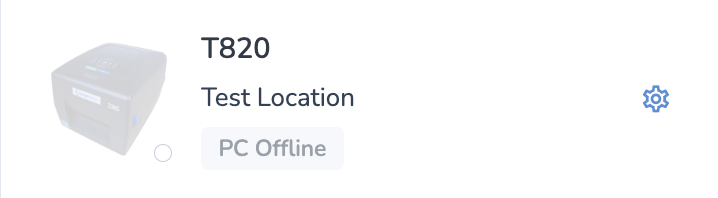](https://kb.simplerfid.com/uploads/images/gallery/2025-10/4VTimage.png) Simply click on the Support Tool icon in your menu bar, then click Refresh Print Client. [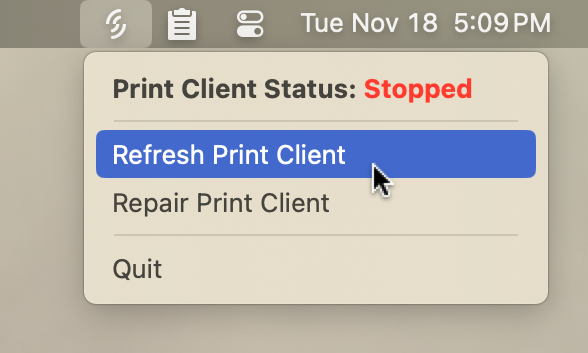](https://kb.simplerfid.com/uploads/images/gallery/2025-11/8eTimage.png) You'll see a progress window which will notify you when the refresh is complete: [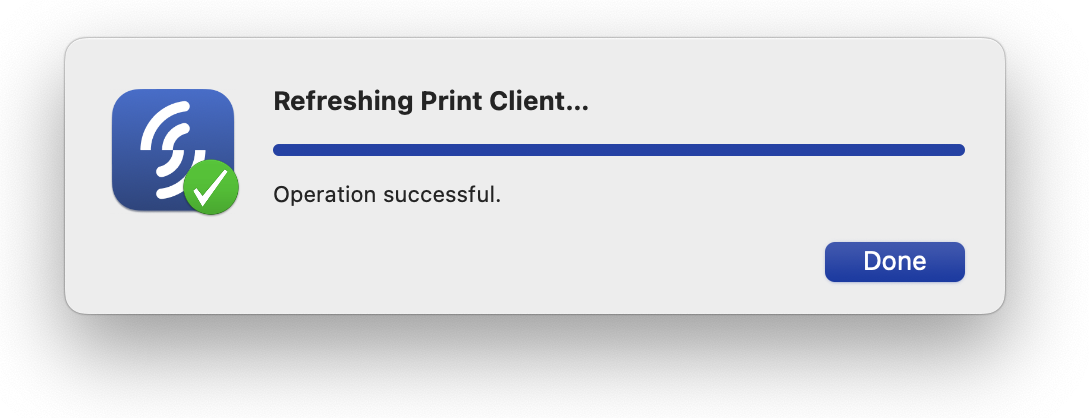](https://kb.simplerfid.com/uploads/images/gallery/2025-11/xWpimage.png) Press ****Done**** to close this window, then wait up to 30 seconds and your printer should reconnect.