# Web Portal: Resolve & Sync: Update Partner Counts via Sync
### Update Partner Inventory
If you are auditing data from a spreadsheet or non-integrated source, follow [these instructions](https://kb.simplerfid.com/books/software-web-portal/page/web-portal-resolve-sync-update-partner-counts-manually).
- If you manually created your audit the name of this tab will be ****Ready for Correction****.
- If you are auditing data from an integrated source the page will be called ****Ready to Sync****.
#### ****Ready to Sync****
For integration users the page is called ****Ready to Sync****.
[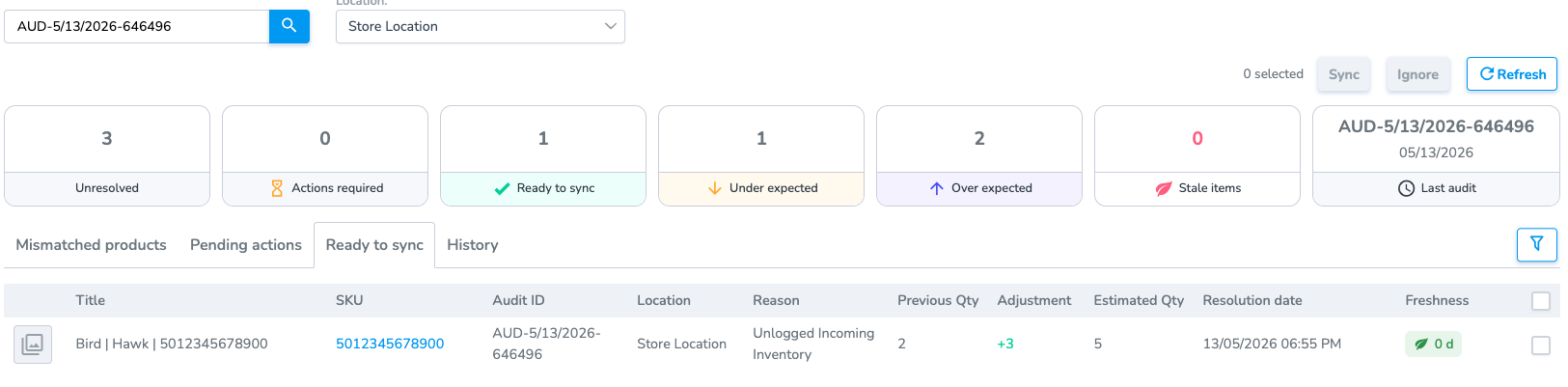](https://kb.simplerfid.com/uploads/images/gallery/2026-05/th6image.png)
##### ****Ignore****
Use the ignore button to remove items from the Ready to Sync list without making a change to the partner quantity.
####