Update Min/Max Values via Spreadsheet
Instructions on how to update min/max values for products via spreadsheet.
To set min-max values via spreadsheet, navigate to the calculate reorder page and click on the "Get Template" button to download the template excel sheet.

Next, fill in the required fields. Save the spreadsheet.
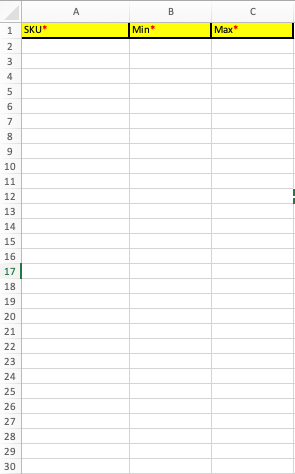
Click on the "Upload Min Max Settings" button.

Select the location type (DC, Store, or Supplier), and select the specific location you wish to update.
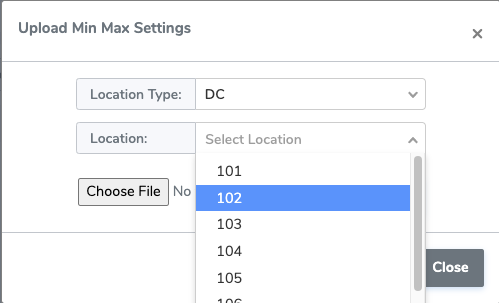
Upload the saved template and click OK to apply changes.
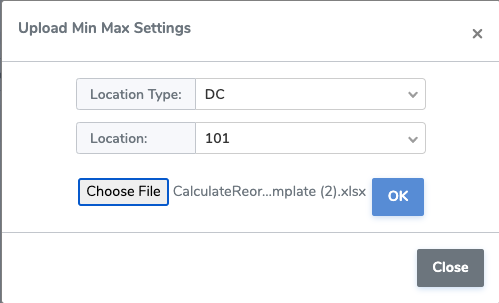
Note that this method only updates the specified SKUs at one location.