Troubleshooting USB Connection
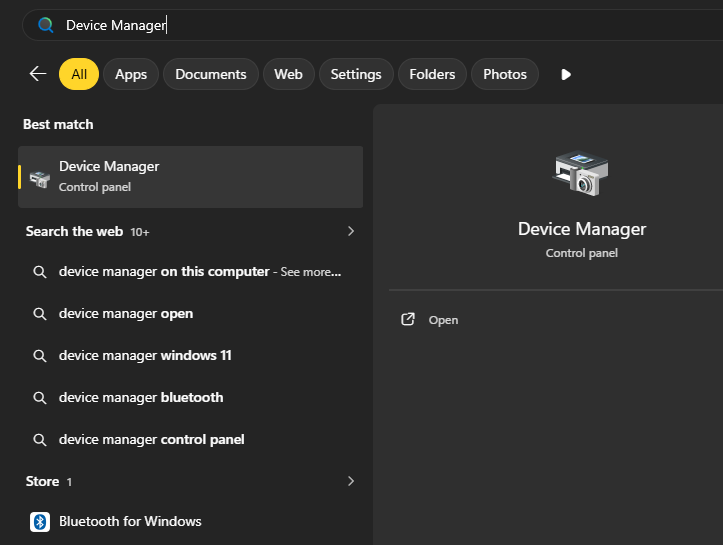
In the Windows Search bar, type Device Manager and open it.
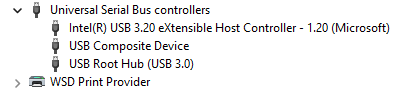
Expand the Universal Serial Bus controllers section in the Device Manager window.

Right-click the device with the warning icon, which is USB Root Hub (USB 3.0), and click Disable device.
Wait a couple of seconds for the same device to appear with the "down arrow" icon, then right-click it and select Enable Device.

a couple of seconds for the same device to appear with the "down arrow" icon, then right-click
Now, the USB Root Hub (USB 3.0) should appear with the regular icon and work properly.