Zebra ZD621R: Reset to Factory Defaults
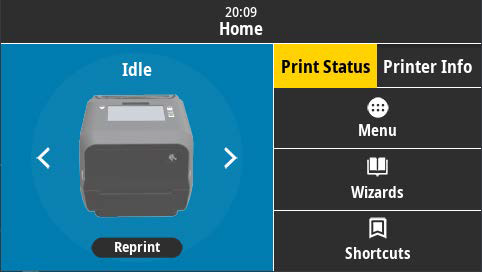
After starting the printer, use the touchscreen to click "Menu"
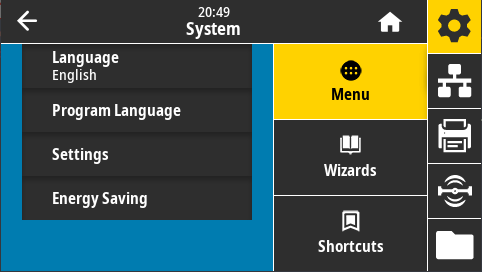
On the left side of the screen, click "Settings"
Scroll down and click "Restore Defaults"
Click on "Restore Printer" and accept the prompt
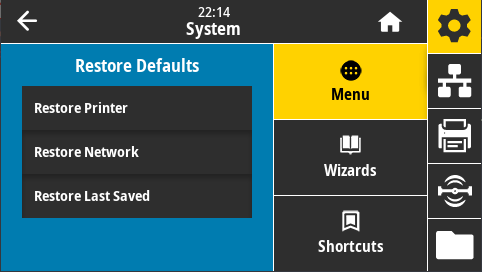
This will reset the printer to factory defaults.