# ZD500R: Alignment

#### Adjusting the vertical print position on your labels

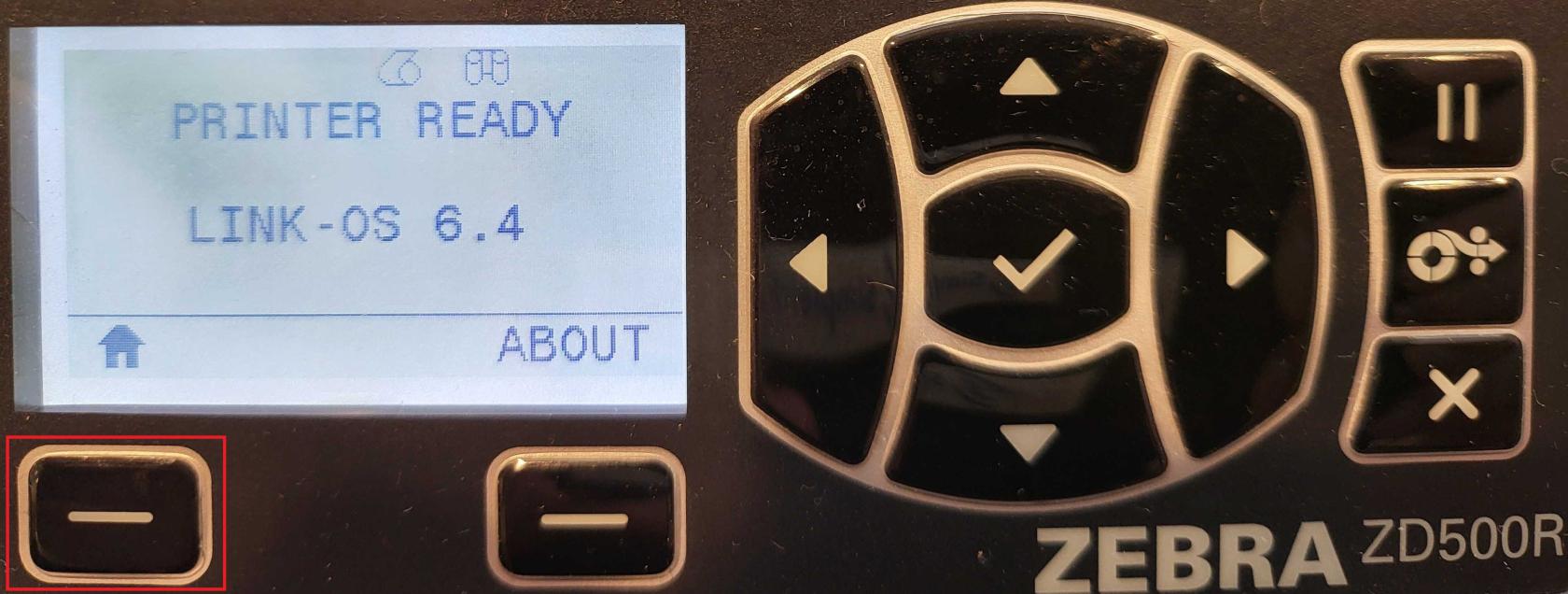
<span style="white-space: pre-wrap;">From the main screen, press the </span>****Home****<span style="white-space: pre-wrap;"> button (house icon).</span>

[![1.jpg](https://kb.simplerfid.com/uploads/images/gallery/2025-06/scaled-1680-/1.jpg)](https://kb.simplerfid.com/uploads/images/gallery/2025-06/1.jpg)

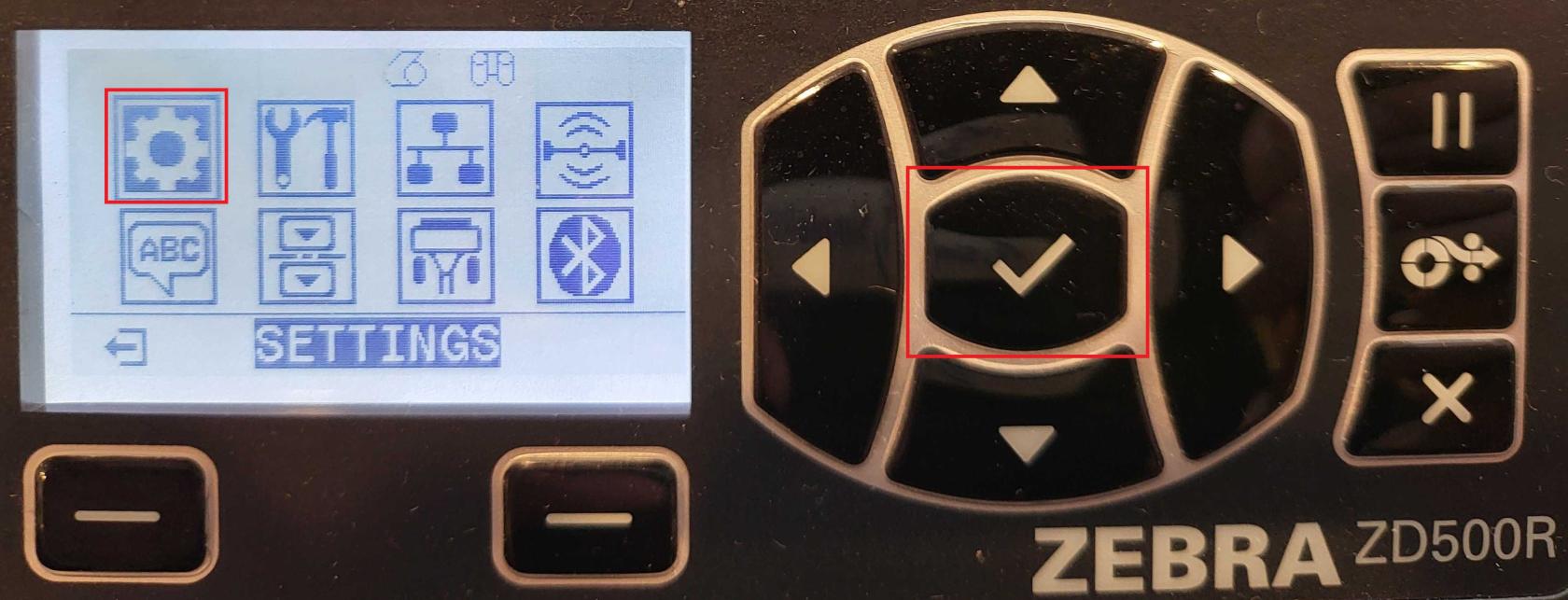
<span style="white-space: pre-wrap;">Select </span>****Settings****<span style="white-space: pre-wrap;"> (gear icon).</span>

[![2.jpg](https://kb.simplerfid.com/uploads/images/gallery/2025-06/scaled-1680-/2.jpg)](https://kb.simplerfid.com/uploads/images/gallery/2025-06/2.jpg)

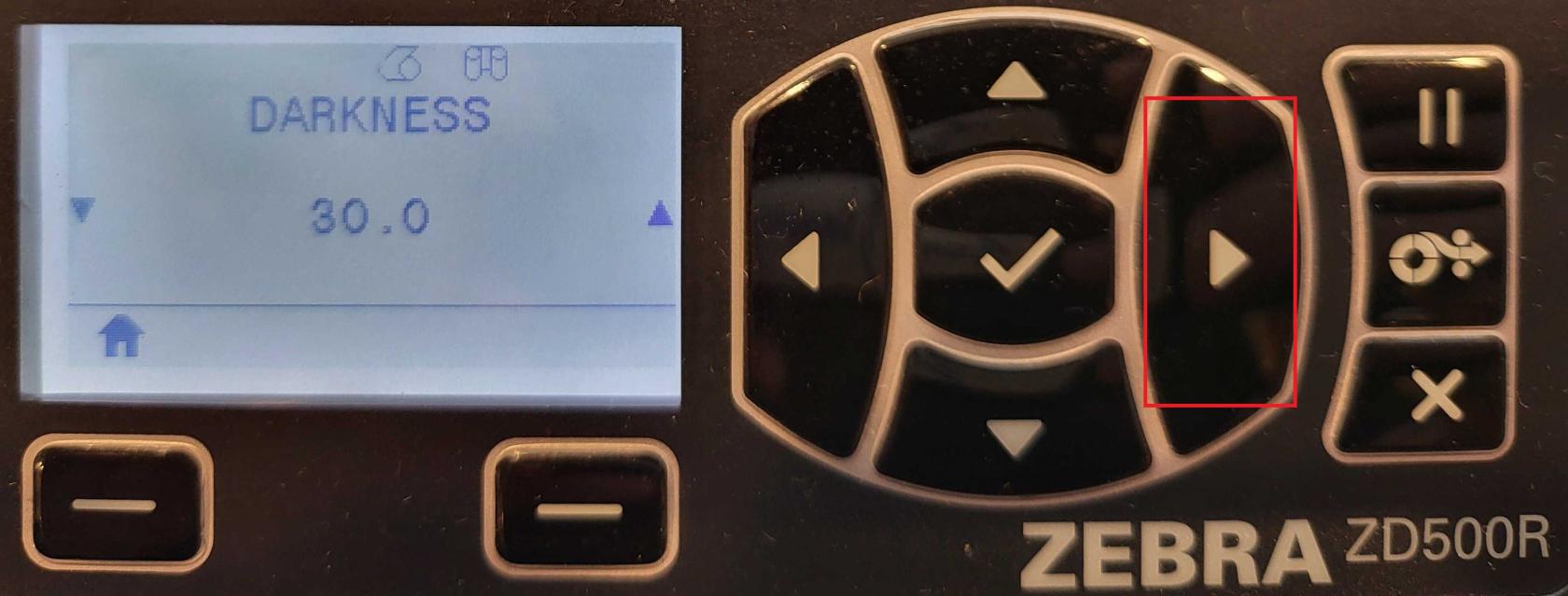
<span style="white-space: pre-wrap;">Use the </span>****right arrow****<span style="white-space: pre-wrap;"> on the navigation buttons until you reach </span>****LABEL TOP****.

[![3.jpg](https://kb.simplerfid.com/uploads/images/gallery/2025-06/scaled-1680-/6Lu3.jpg)](https://kb.simplerfid.com/uploads/images/gallery/2025-06/6Lu3.jpg)

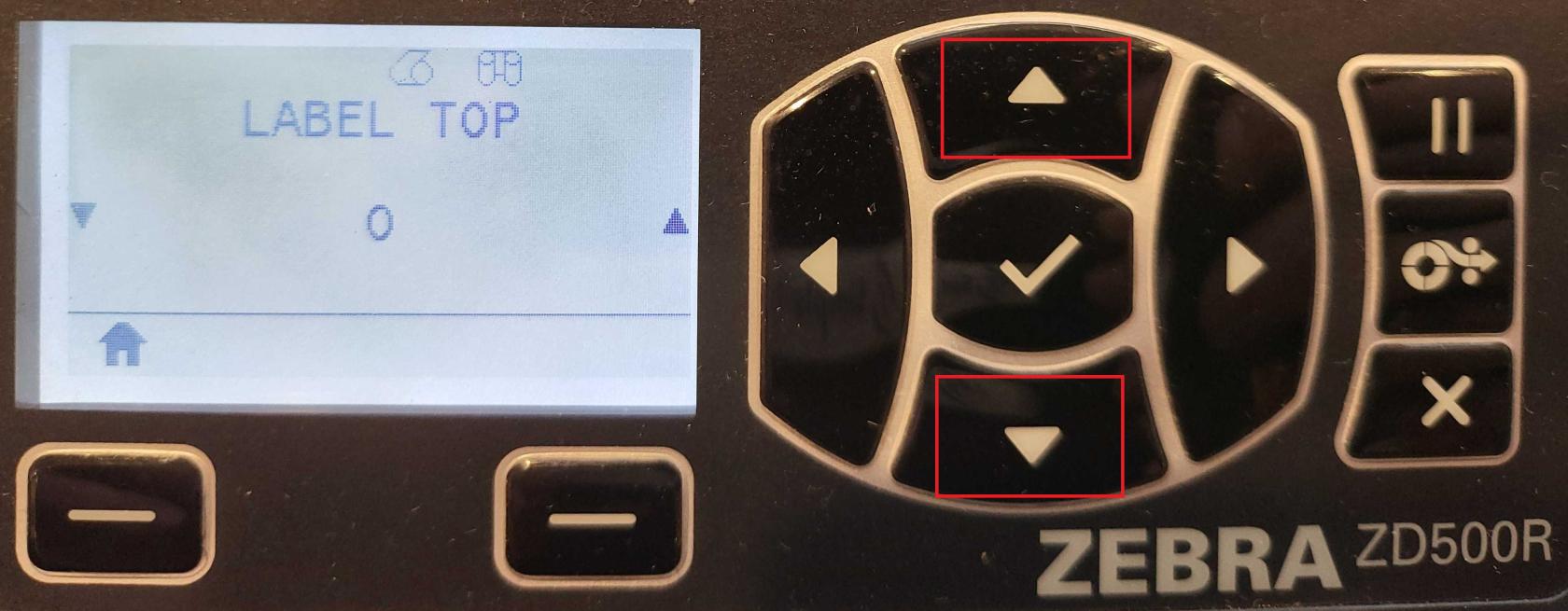
<span style="white-space: pre-wrap;">Use the </span>****up/down arrows****<span style="white-space: pre-wrap;"> to adjust the value:</span>

[![4.jpg](https://kb.simplerfid.com/uploads/images/gallery/2025-06/scaled-1680-/4.jpg)](https://kb.simplerfid.com/uploads/images/gallery/2025-06/4.jpg)

- <span style="white-space: pre-wrap;">Negative values move the print </span>****toward the top****<span style="white-space: pre-wrap;"> of the label.</span>
- <span style="white-space: pre-wrap;">Positive values move it </span>****away from the top****.
- <span style="white-space: pre-wrap;">Accepted range: </span>****–120 to 120****.

<p class="callout success"><span style="white-space: pre-wrap;">When you're done, press the </span>****Home****<span style="white-space: pre-wrap;"> button again. Your changes will be automatically saved.</span></p>