ZD500R: Alignment
Adjusting the vertical print position on your labels
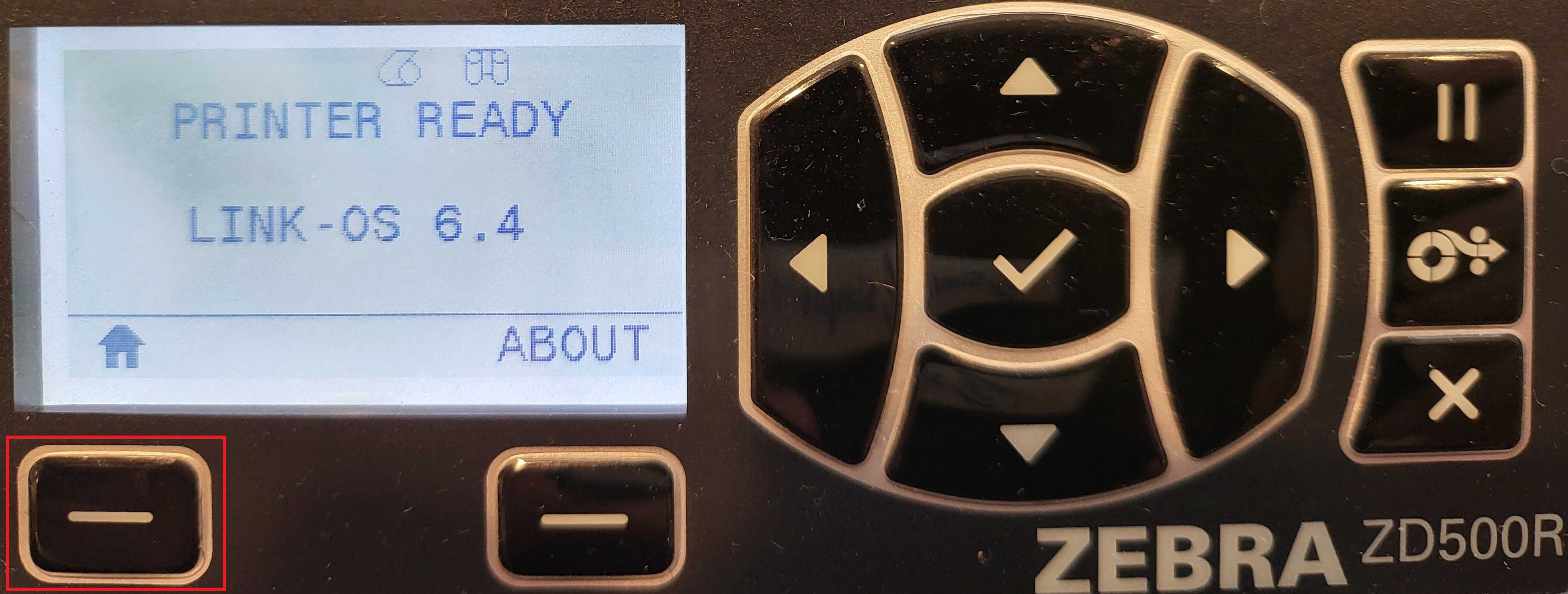
From the main screen, press the Home button (house icon).
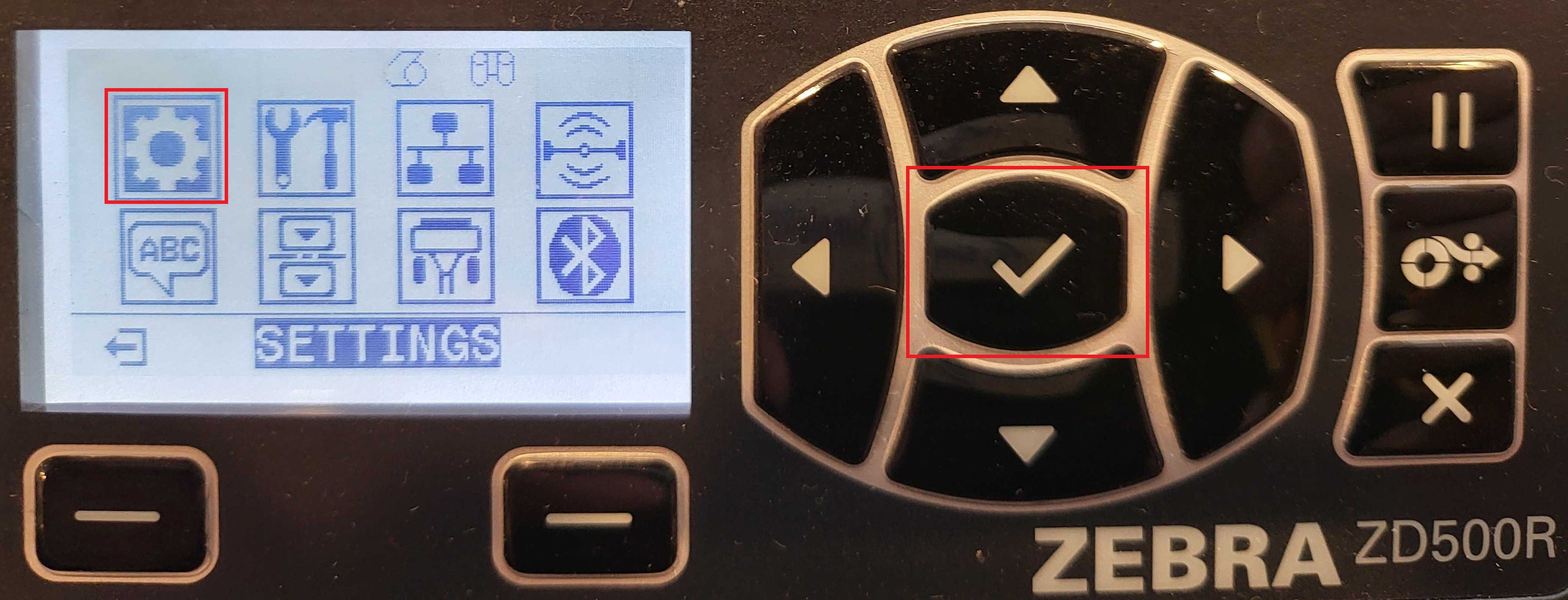
Select Settings (gear icon).
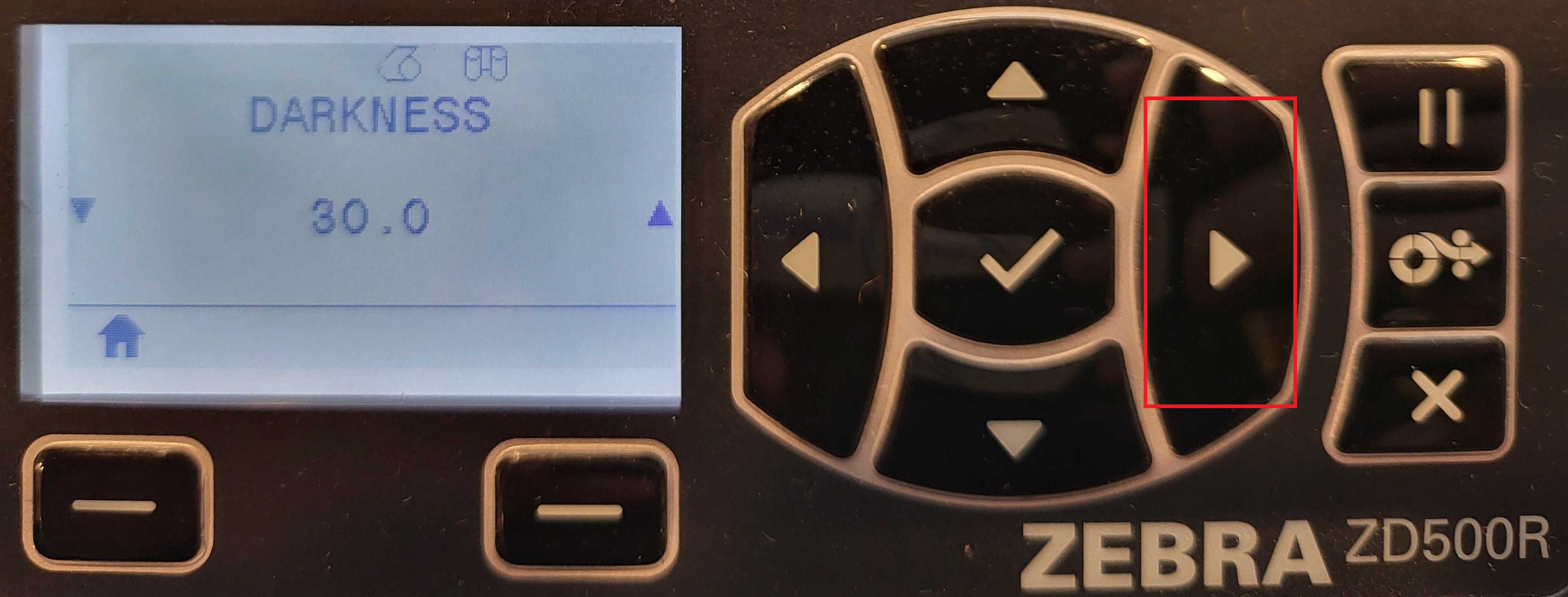
Use the right arrow on the navigation buttons until you reach LABEL TOP.
Use the up/down arrows to adjust the value:
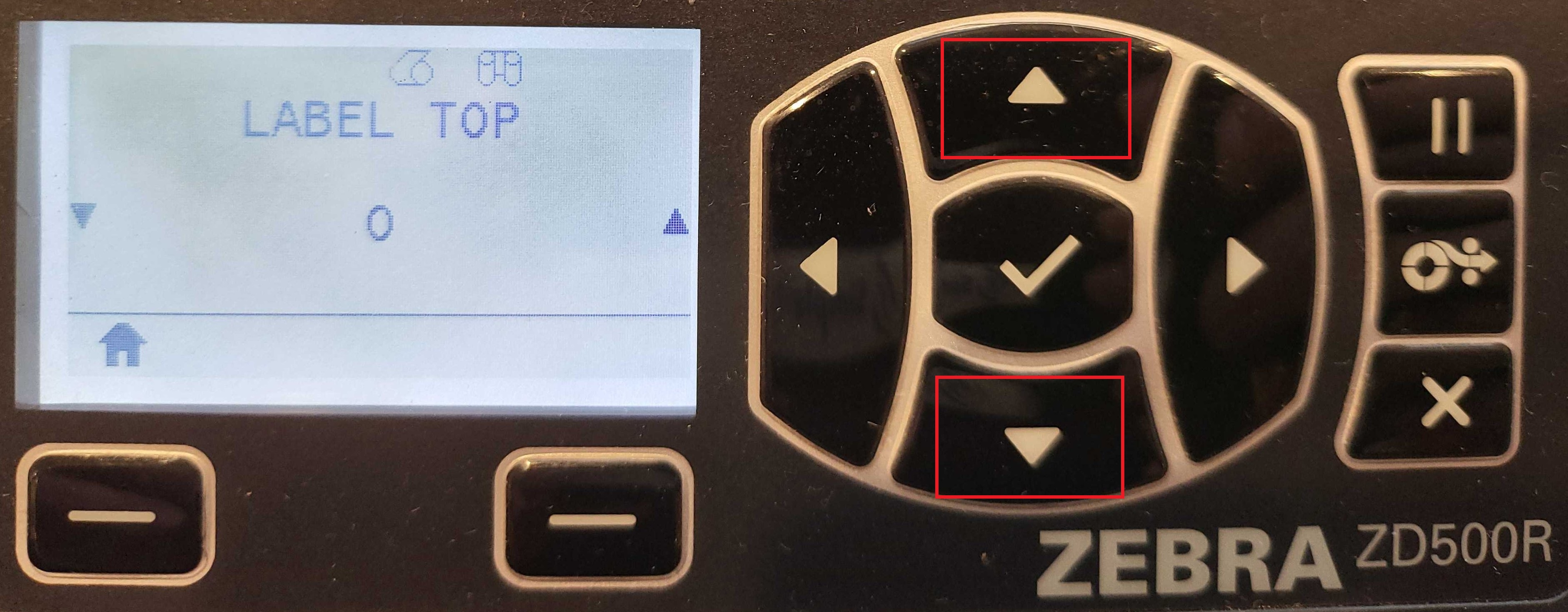
- Negative values move the print toward the top of the label.
- Positive values move it away from the top.
- Accepted range: –120 to 120.
When you're done, press the Home button again. Your changes will be automatically saved.