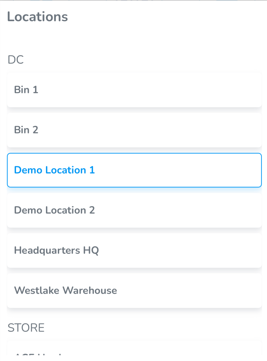
Select Location
How to select a location
Note: A user may be granted access to a specific location(s), or have access to all locations
Select Location
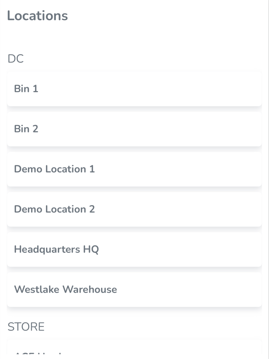
Upon first logging in, you will be prompted to select a location
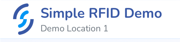
Once the location is selected it will appear at the top of the screen
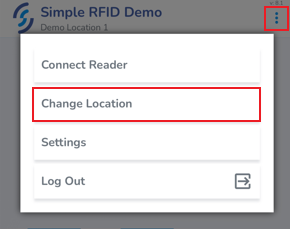
To change location, click on the ellipsis in the top right corner of the screen, then click Change location
If you don't see the Change Location option, it may not be available from the screen you're viewing. Press the Back button (or Simple RFID logo) to go back to the dashboard, then try again.
The currently selected location will be highlighted. Tap another location to switch.