Log In & Log Out
How to log in and log out
Launch the app on your Android or iOS device

Log in
This opens the login screen. Enter your username & password.
Note: This will be the same username & password you use to log into the web portal
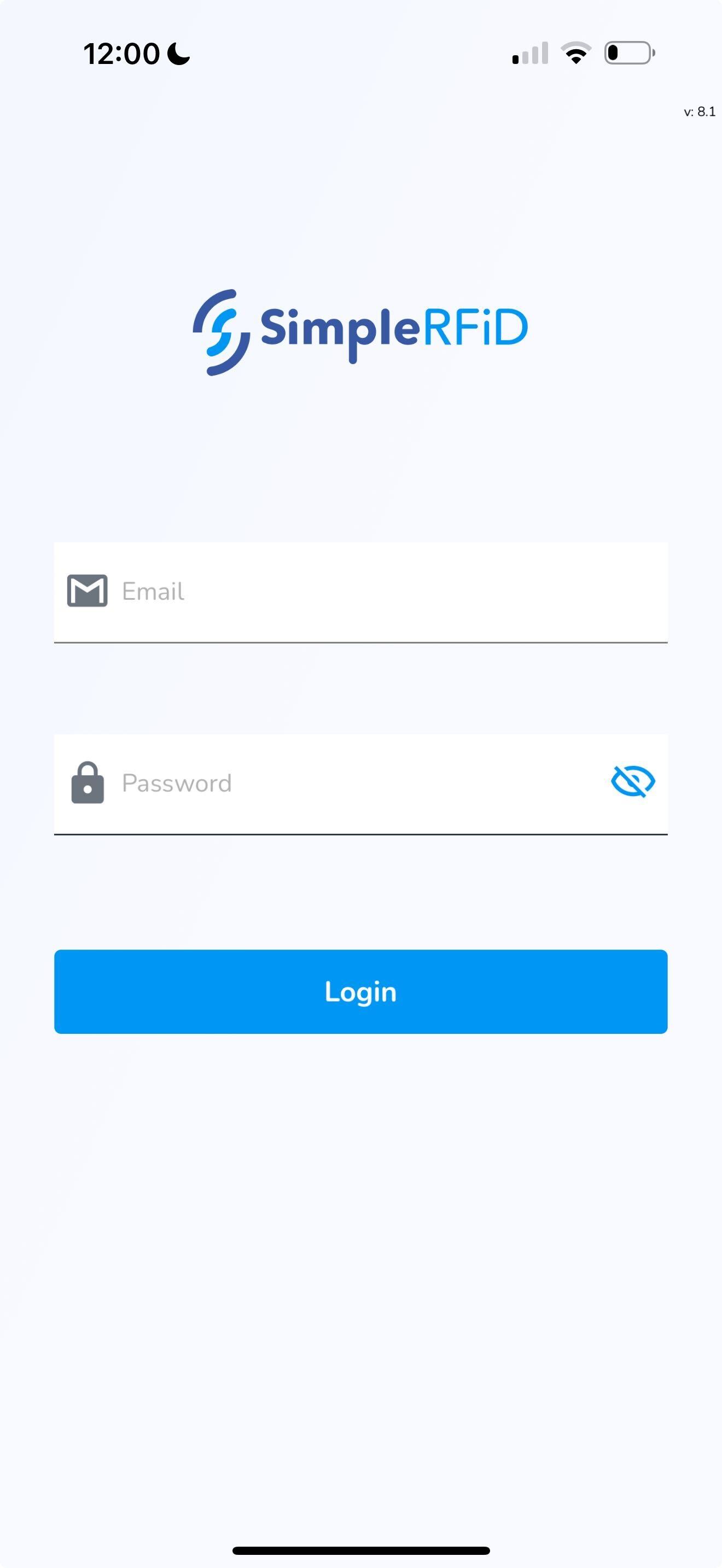
Click Login
This will open the Home screen
Log out
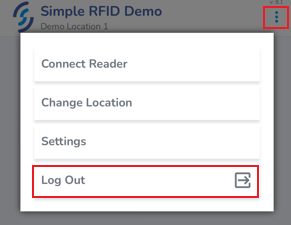
To log out click on the ellipsis in the top right corner of the screen
Click Log Out