# Inventory

View inventory including verified &amp; absent

<span style="white-space: pre-wrap;">Click the </span>****Inventory****<span style="white-space: pre-wrap;"> tab on the Home screen</span>

[![image.png](https://kb.simplerfid.com/uploads/images/gallery/2025-05/scaled-1680-/xjZimage.png)](https://kb.simplerfid.com/uploads/images/gallery/2025-05/xjZimage.png)

<p class="callout danger"><span style="white-space: pre-wrap;">Do you have items in your Verified inventory that are no longer present? Perform an </span>[Audit](https://kb.simplerfid.com/books/auditing/page/audit-shopify)<span style="white-space: pre-wrap;"> to remove these items</span></p>

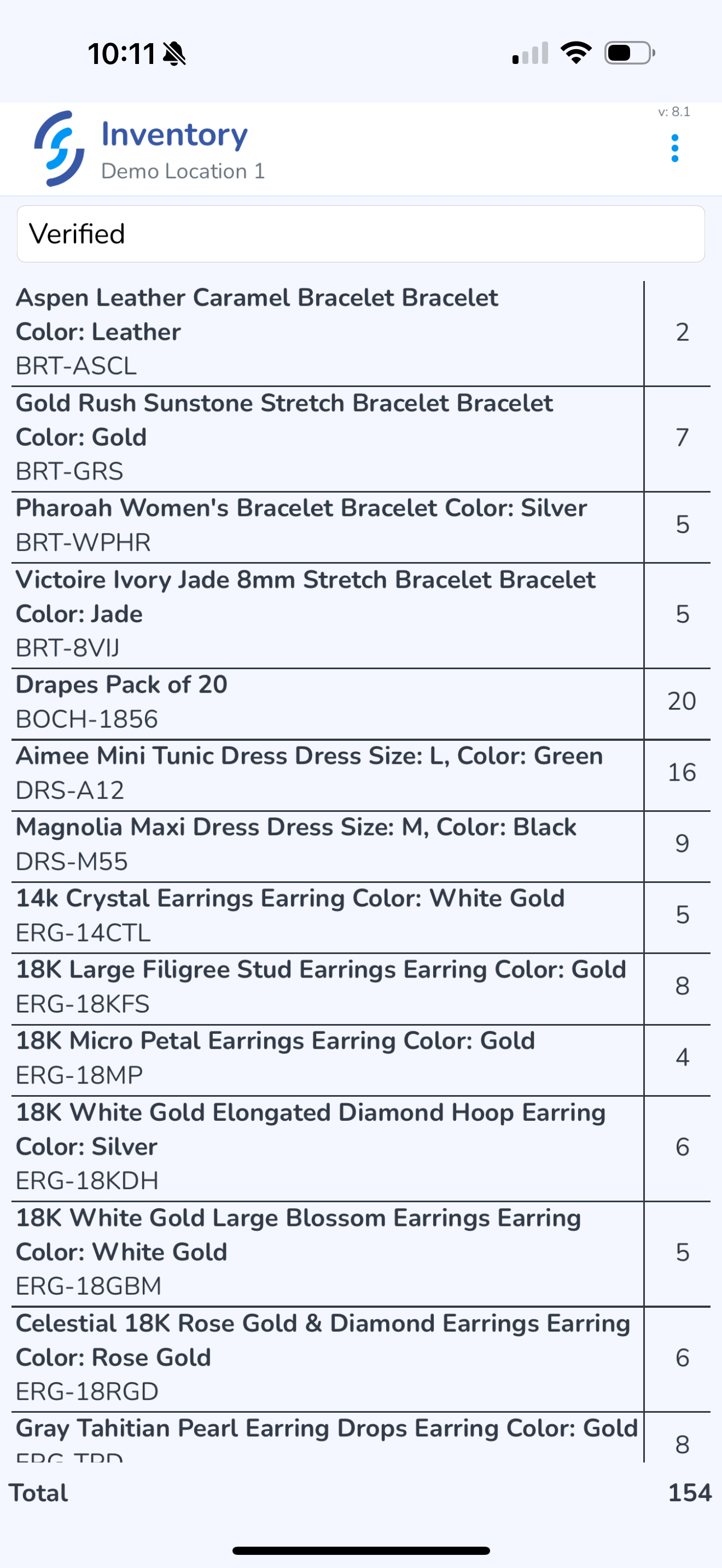
##### ****Verified**** status

<span style="white-space: pre-wrap;">Default status is </span>****Verified****. Verified status are items that have been scanned and added into inventory since the last audit.

[![IMG_0440.PNG](https://kb.simplerfid.com/uploads/images/gallery/2025-05/scaled-1680-/img-0440.PNG)](https://kb.simplerfid.com/uploads/images/gallery/2025-05/scaled-1680-/img-0440.PNG)
##### ****Status**** selector

Click on the Status to view the selector

[![image.png](https://kb.simplerfid.com/uploads/images/gallery/2025-05/scaled-1680-/gUximage.png)](https://kb.simplerfid.com/uploads/images/gallery/2025-05/gUximage.png)

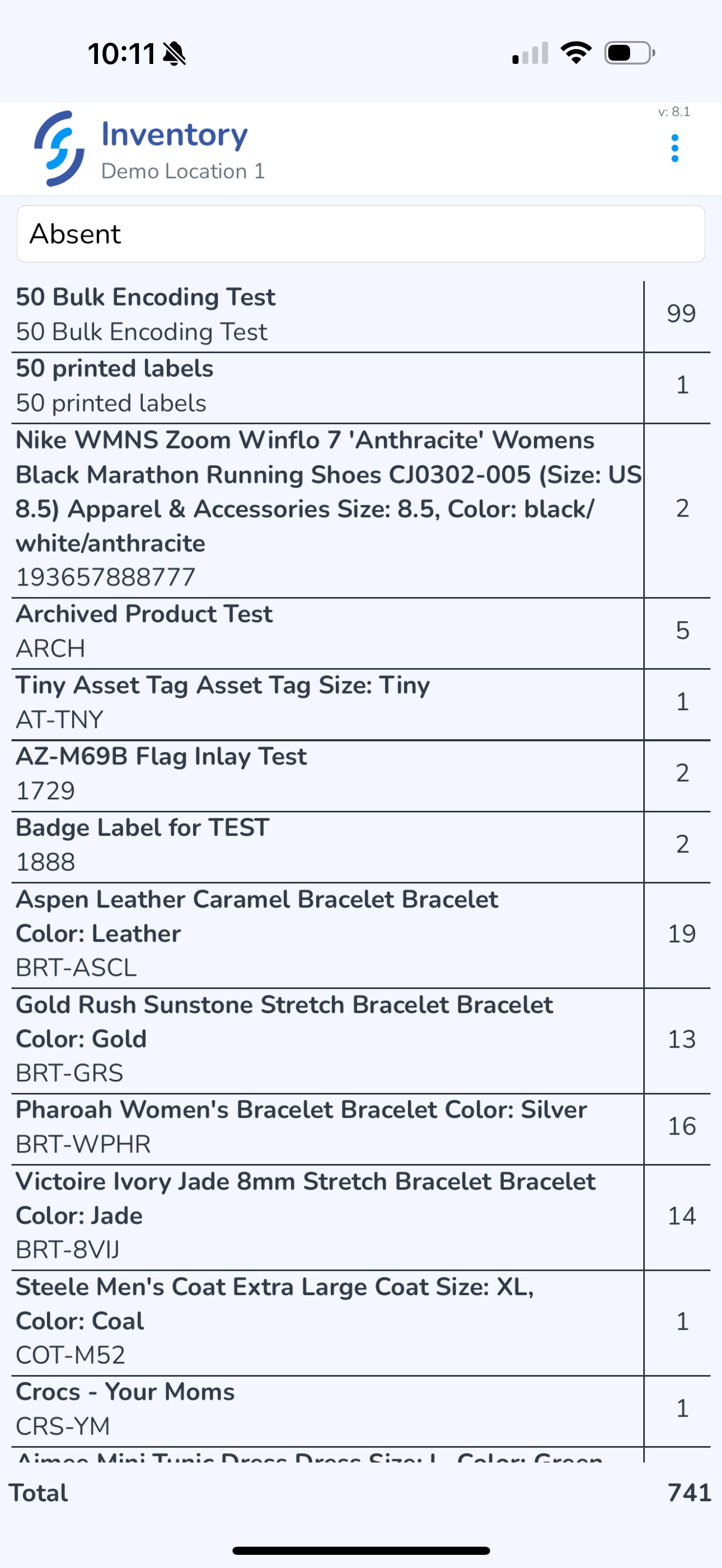
##### ****Absent****<span style="white-space: pre-wrap;"> status</span>

Absent items are items which were not scanned since the last audit.

[![IMG_0442.PNG](https://kb.simplerfid.com/uploads/images/gallery/2025-05/scaled-1680-/img-0442.PNG)](https://kb.simplerfid.com/uploads/images/gallery/2025-05/scaled-1680-/img-0442.PNG)