Inventory
View inventory including verified & absent
Click the Inventory tab on the Home screen

Do you have items in your Verified inventory that are no longer present? Perform an Audit to remove these items
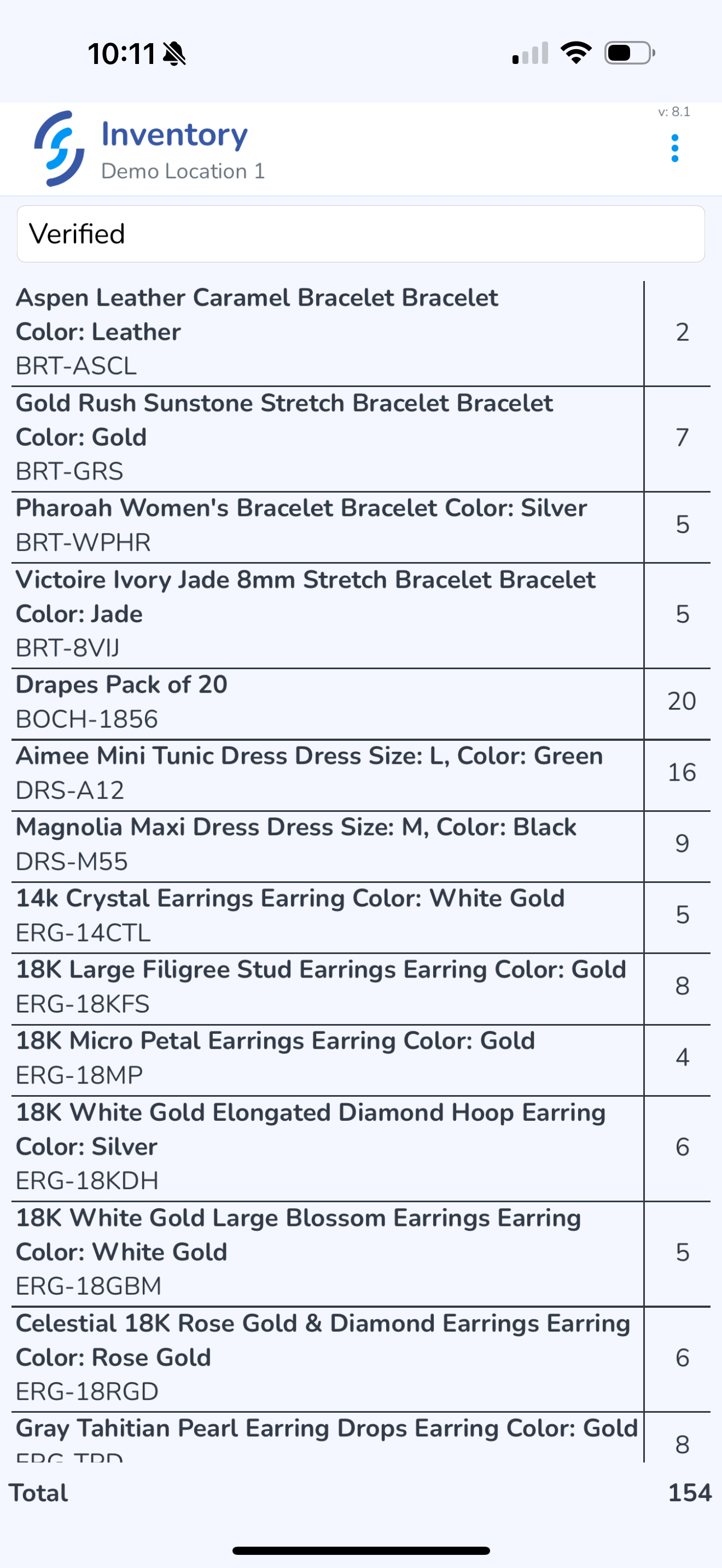
Verified status
Default status is Verified. Verified status are items that have been scanned and added into inventory since the last audit.
Status selector
Click on the Status to view the selector

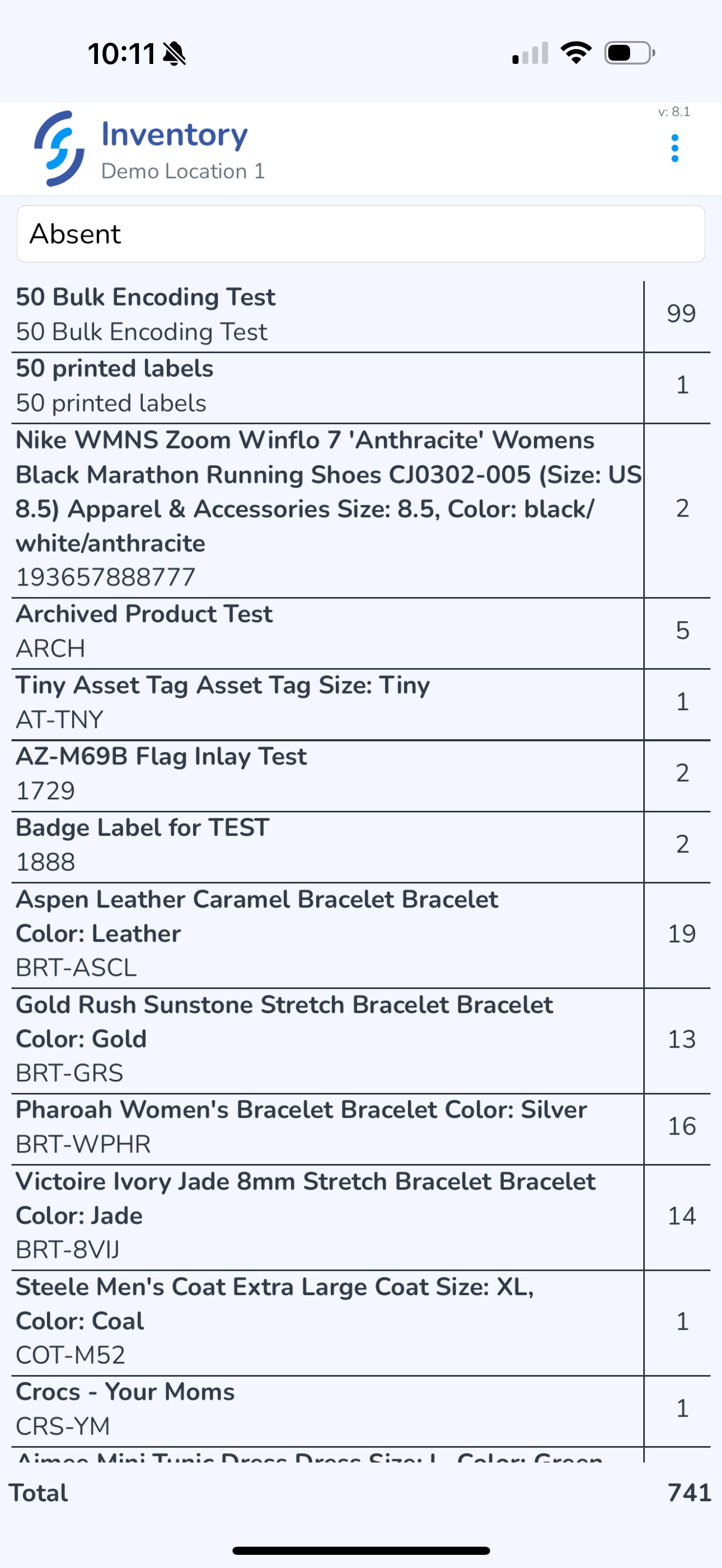
Absent status
Absent items are items which were not scanned since the last audit.