This feature is hidden by default, however it can be enabled from the [Application Settings](https://kb.simplerfid.com/books/mobile-app/page/application-settings) page. Once enabled, the ****Archive**** button will appear on the home screen
Remove items from inventory using the Archive scan. In addition to the Archive scan, [Sales Order](https://kb.simplerfid.com/books/mobile-app/page/verify-accuracy-of-sales-orders) verification Archives tags. Archived items no longer appear in Active Statuses, however they can be [Restored](https://kb.simplerfid.com/books/mobile-app/page/scan-summary-statuses).
[](https://kb.simplerfid.com/uploads/images/gallery/2025-05/wXEimage.png) - [Pair Bluetooth](https://kb.simplerfid.com/books/mobile-app/page/pair-bluetooth) 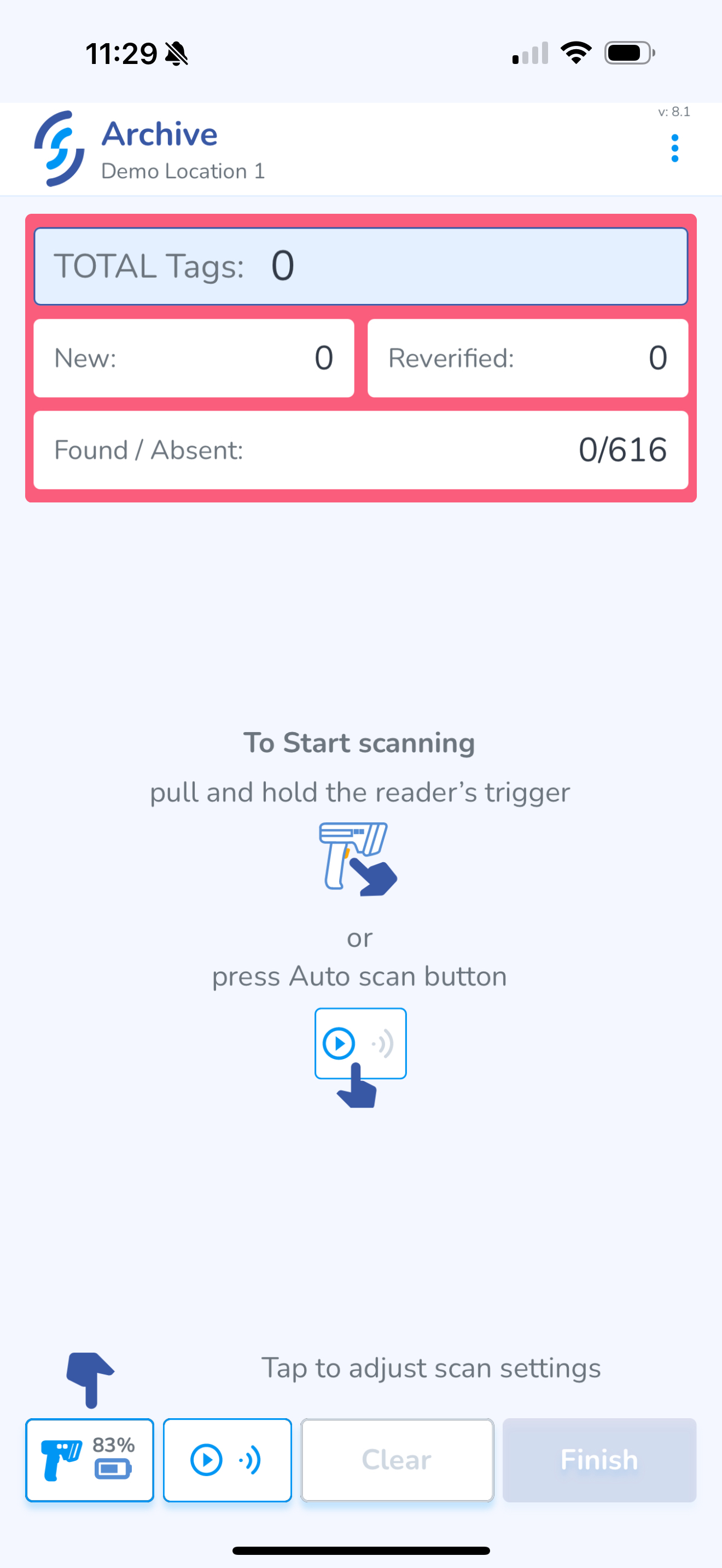- Scan the item(s) you wish to Archive [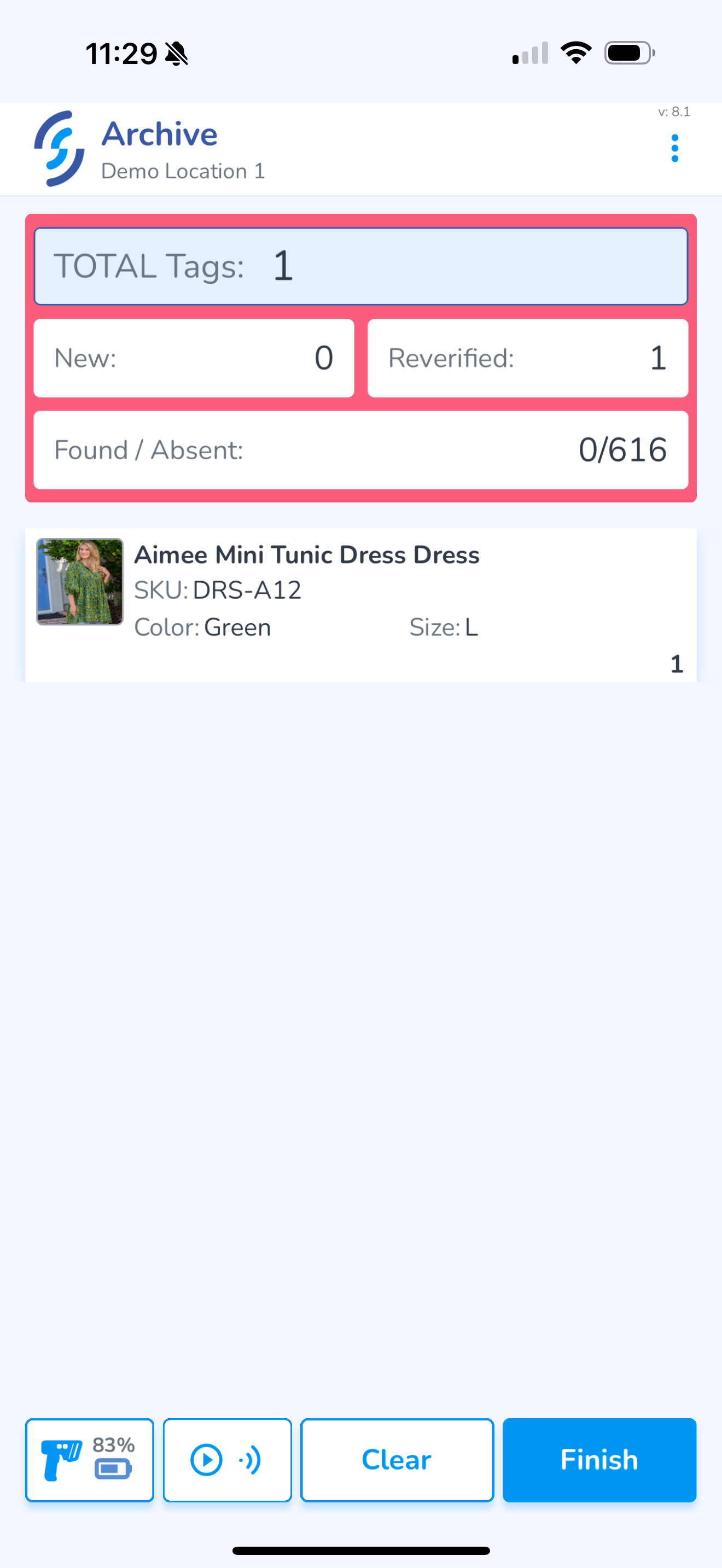](https://kb.simplerfid.com/uploads/images/gallery/2025-05/scaled-1680-/img-0444.PNG) - Click ****Finish**** Review the summary and confirm what is being uploaded [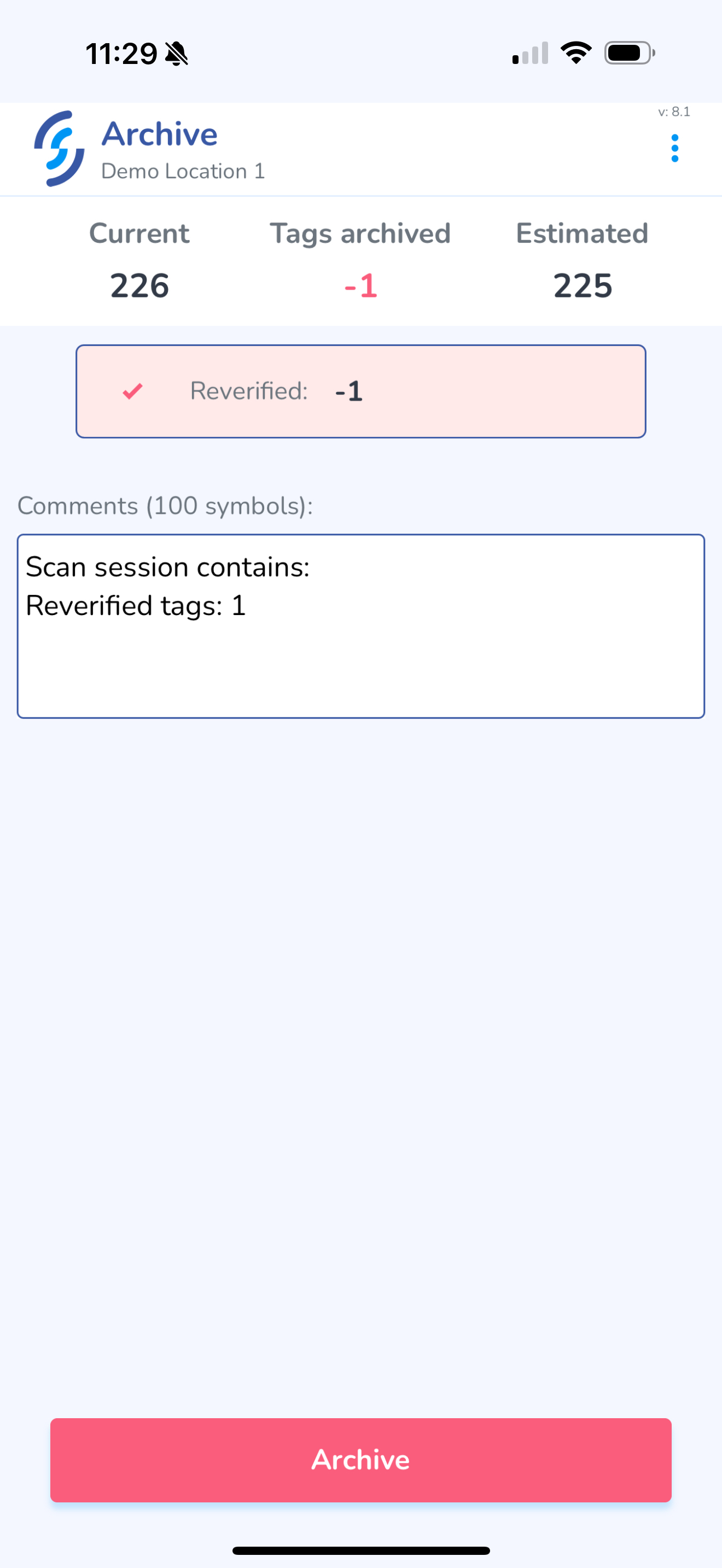](https://kb.simplerfid.com/uploads/images/gallery/2025-05/scaled-1680-/img-0445.PNG) - Click ****Archive**** [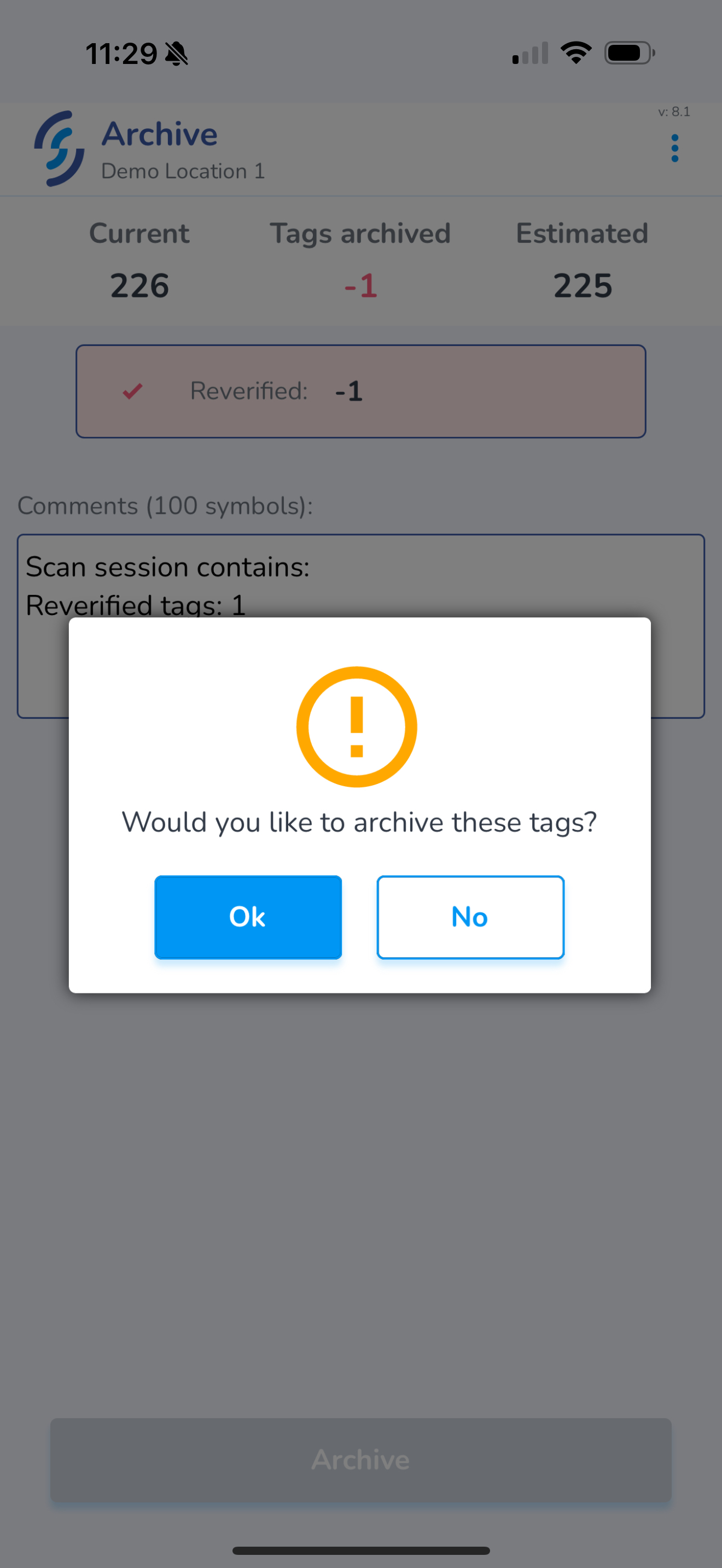](https://kb.simplerfid.com/uploads/images/gallery/2025-05/scaled-1680-/img-0446.PNG) - Click ****Ok**** to the prompt This open the navigation prompt to: - ****Start new scan session**** or - ****Go to Dashboard**** screen [](https://kb.simplerfid.com/uploads/images/gallery/2025-05/scaled-1680-/img-0447.PNG)