Zebra: ZD621R: Calibrate from Printer's Interface
ATTENTION: We suggest first performing the calibration from the website. If the calibration fails, then follow these steps.
Step 1: Media Calibration
First, make sure media is properly loaded, the printer cover is closed, and printer power is ON.
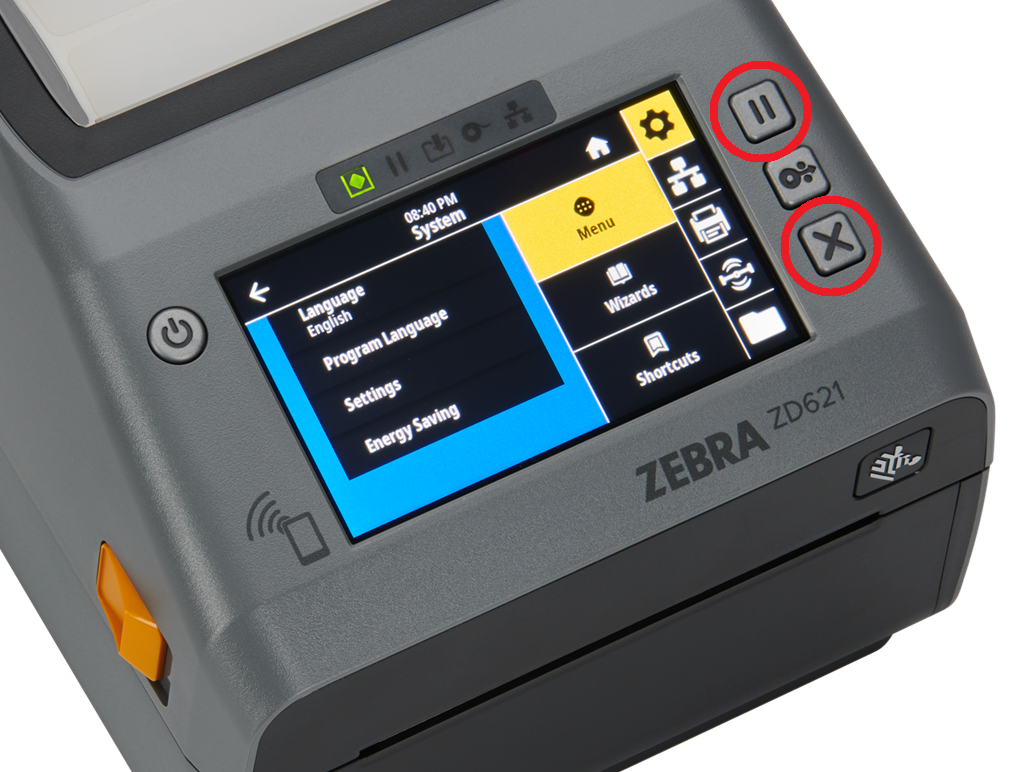
To perform a Media Calibration, press and hold PAUSE + CANCEL buttons for two seconds.
Step 2: RFID Calibration
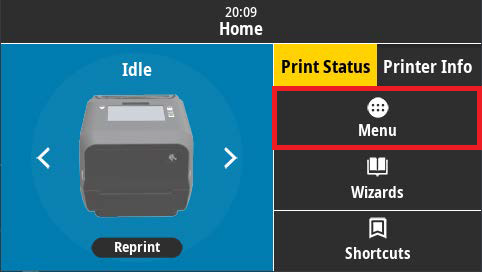
From the printer's Home screen, press the Menu button:
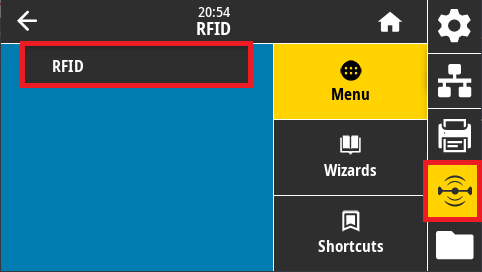
Next, tap the RFID icon on the right side of the screen, then tap the RFID menu option:
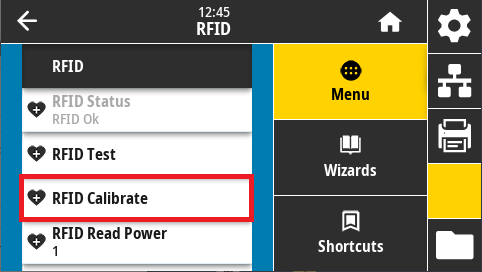
Tap RFID Calibrate:
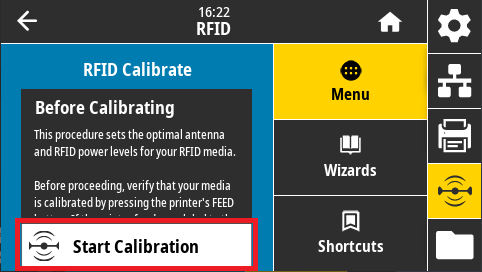
Last, tap Start Calibration to perform the RFID calibration: