# Fixed Reader Issues
Troubleshooting fixed reader issues
# Restart Fixed Reader Client
Install Print Client
## Restarting the Fixed Reader Client on the host PC can usually resolve issues related to fixed reader connectivity.
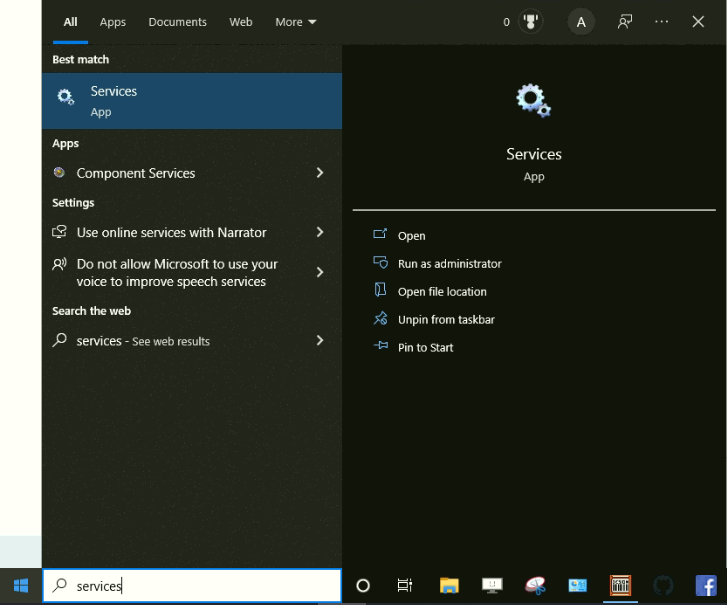
- From the HOST PC, type into the Windows start menu "Services."
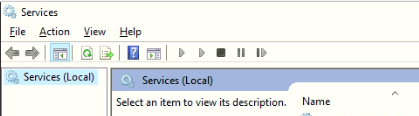
- Then from the HOST PC Services page
- Scroll down until you locate "SimpleRFID Fixed Reader Client" (The list is alphabetized)
- Click "SimpleRFID Fixed Reader Client"
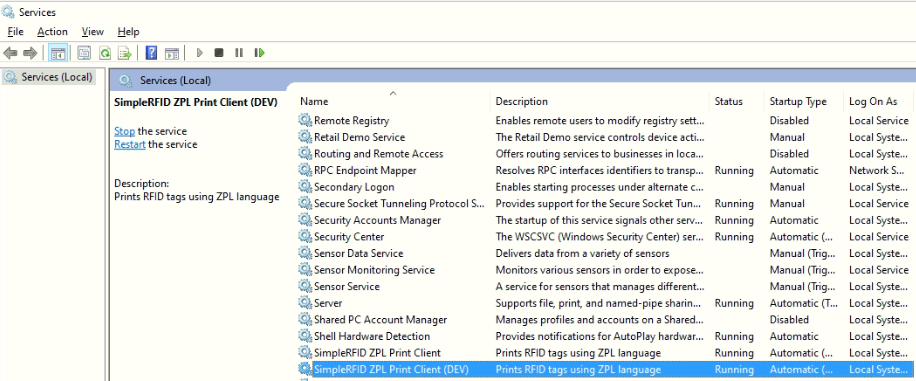
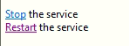
- On the left, click "Restart."
After a few minutes, you should see your fixed reader back online. If the device is still offline, confirm that the host PC is connected to the internet, and contact .