Audit Legacy Mode
Legacy Audit mode can be enabled or disabled from the customer profile menu using the switch button at all times.
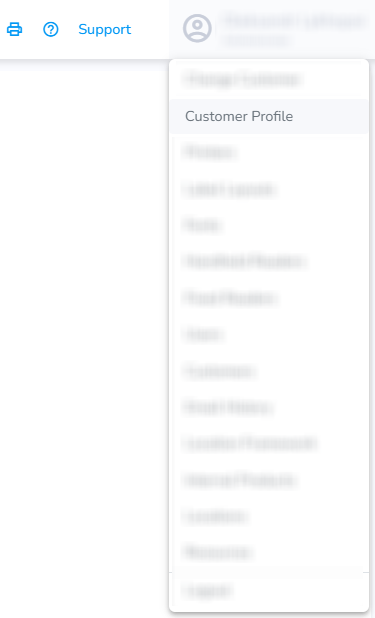
On the SimpleRFID web portal, click your account name and select Customer Profile.
On the Customer Profile page, you can switch to use the Legacy Audit mode
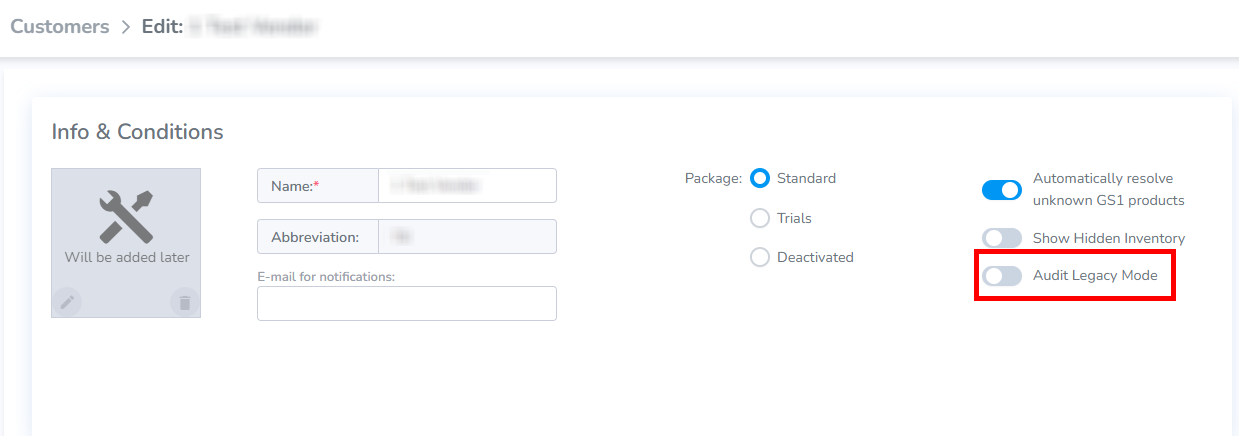
Doing so will change the Audit process! Both modes have their own set of actions required for a successful Audit.
The instructions for the Legacy Audit Mode can be found here: Shopify: Compare & Sync and Audit & Compare Shopify.
The instructions for the New Audit flow can be found here: Audit & Compare and Audit - Shopify